AI face swap technology has evolved from quirky social media filters into a sophisticated tool used in filmmaking, marketing, gaming, and everyday content creation. What once required professional VFX studios can now be done on a smartphone or laptop. Today’s best AI face swap apps rely on deep learning, facial mapping, and neural rendering to create stunningly realistic video edits in minutes.
TLDR: AI face swap apps now deliver highly realistic video edits with minimal effort. The best tools combine accurate facial tracking, natural skin blending, and smooth motion rendering. Whether you’re a social media creator, filmmaker, or just experimenting for fun, there are powerful solutions available for every skill level. Below, we explore the 7 best AI face swap apps and compare their features to help you choose the right one.
What Makes a Great AI Face Swap App?
Before diving into the top picks, it’s important to understand what separates an average face swap tool from a truly great one. The best apps focus on:
- Realistic facial tracking – Accurate detection of facial angles, lighting, and expressions.
- Seamless blending – Natural skin tones and edge blending without visible artifacts.
- Motion consistency – Smooth tracking during fast movement.
- Video compatibility – Support for high-resolution and longer-duration videos.
- Ease of use – Intuitive interface even for beginners.
1. Reface
Best for: Quick, fun, and high-quality social media swaps
Reface is one of the most popular AI face swap apps on mobile devices. Known for viral short clips and GIF swaps, it offers surprisingly realistic results for a casual app.
- Pros:
- Extremely easy to use
- High-quality celebrity and movie templates
- Fast processing
- Cons:
- Limited long-form video options
- Watermarks on free version
If you’re looking to create attention-grabbing TikTok or Instagram content quickly, Reface is a fantastic starting point.
2. DeepFaceLab
Best for: Advanced users and professional editors
DeepFaceLab is one of the most powerful open-source face swap tools available. It requires technical knowledge but offers unmatched control over training models and improving realism.
- Pros:
- High customization
- Professional-grade results
- Strong community support
- Cons:
- Steep learning curve
- Requires powerful hardware
Filmmakers and VFX enthusiasts often choose DeepFaceLab for complex, long-duration projects where realism is critical.
3. FaceMagic
Best for: Fun but polished short video swaps
FaceMagic blends simplicity and performance. The app excels in producing smooth facial animations in pre-made clips.
- Fast uploads
- Good facial alignment accuracy
- Regularly updated templates
It’s ideal for creators who want studio-style results without spending hours learning editing software.
4. Zao
Best for: Ultra-fast processing
Zao became famous for its nearly instant celebrity-level face swaps. Upload a selfie, choose a scene, and get dramatic results within seconds.
Its AI is particularly strong at:
- Lighting adjustment
- Expression mapping
- Basic lip synchronization
While customization is limited, its speed remains impressive.
5. FaceSwap (Open Source)
Best for: Privacy-focused desktop users
FaceSwap is a community-built alternative to DeepFaceLab. It allows offline processing, giving users full data control.
Image not found in postmeta
- Pros:
- No cloud dependency
- Full manual control
- Multiple training algorithms
- Cons:
- Requires technical setup
- Time-consuming rendering
This option is best for users who prioritize security and custom model training.
6. Akool
Best for: Business and marketing content
Akool focuses on commercial-grade AI video editing. It goes beyond simple face swapping and includes advanced personalization and brand adaptation tools.
- Enterprise-level output quality
- Strong compliance features
- Batch processing capabilities
Brands and agencies often use Akool for scalable video campaigns where realistic digital representation is crucial.
7. Snapchat Face Swap (Video Mode)
Best for: Casual and instant swaps
Snapchat’s built-in face swap filter remains one of the easiest ways to experiment with video swapping. While not designed for cinematic projects, its real-time processing is surprisingly smooth.
- Live preview functionality
- Automatic alignment
- Instant sharing options
It’s perfect for everyday users who want instant results without exporting or rendering.
Comparison Chart: 7 Best AI Face Swap Apps
| App | Best For | Skill Level | Platform | Video Quality |
|---|---|---|---|---|
| Reface | Social media content | Beginner | iOS, Android | High (Short clips) |
| DeepFaceLab | Professional editing | Advanced | Windows | Very High |
| FaceMagic | Quick polished edits | Beginner | iOS, Android | High |
| Zao | Instant celebrity swaps | Beginner | Mobile | High (Template-based) |
| FaceSwap | Offline desktop work | Advanced | Windows, Mac, Linux | Very High |
| Akool | Business marketing | Intermediate | Web | Enterprise Grade |
| Snapchat | Live casual swaps | Beginner | iOS, Android | Moderate |
How AI Face Swapping Actually Works
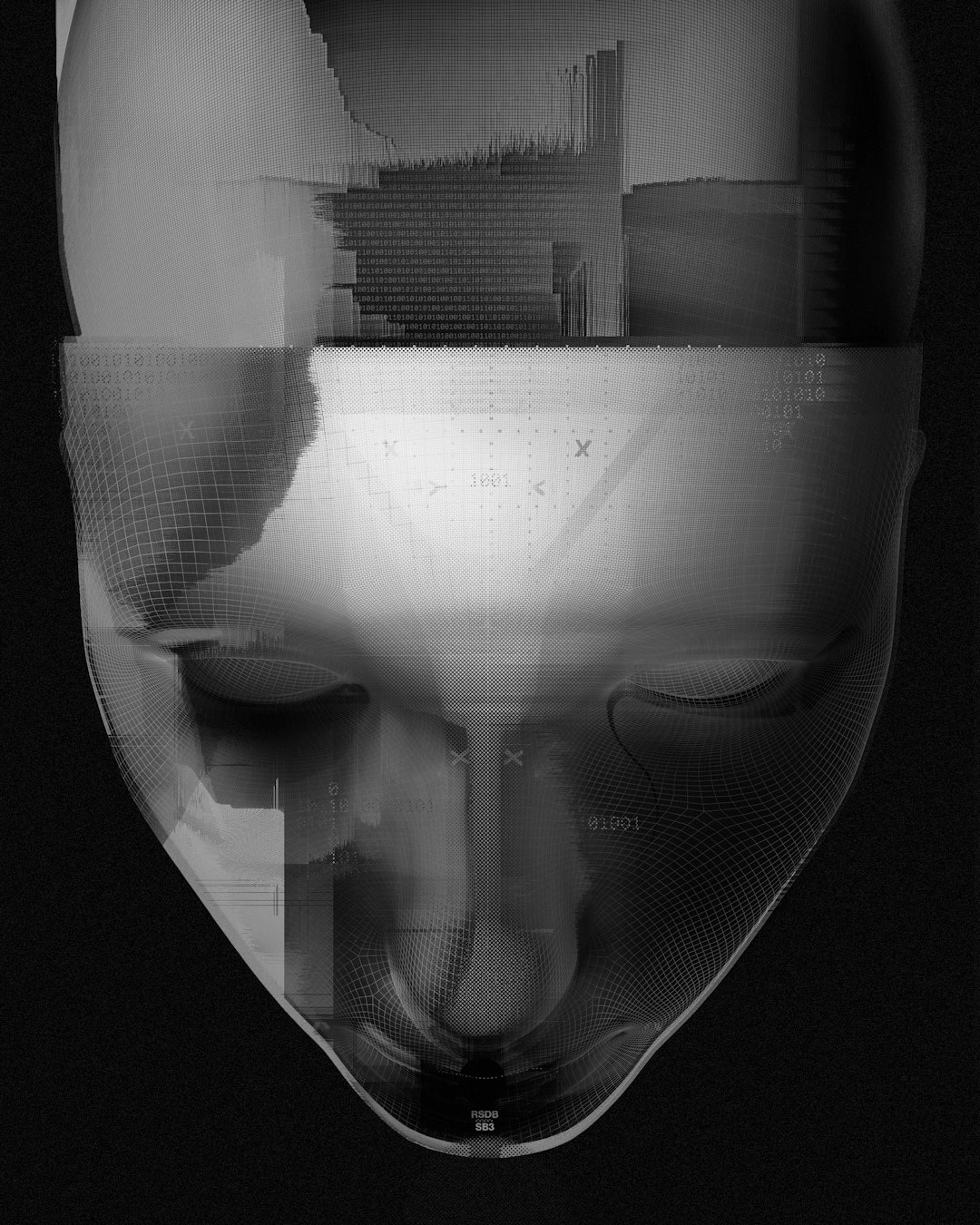
AI face swap apps use deep learning models, often powered by Generative Adversarial Networks (GANs) or diffusion models. These systems are trained on massive datasets of facial expressions, angles, and lighting conditions.
The process typically involves:
- Detecting and mapping facial landmarks.
- Encoding facial identity into data points.
- Blending the target face onto the original video frame-by-frame.
- Adjusting lighting, shadows, and movement for realism.
The realism depends heavily on data training, hardware power, and how well the algorithm understands micro-expressions.
Ethical Considerations
While AI face swapping is exciting, it comes with responsibility. Misuse can lead to misinformation, identity misuse, or privacy violations. Always consider:
- Obtaining proper consent
- Following platform guidelines
- Avoiding misleading or harmful edits
Many leading apps now include safeguards such as watermarking, content moderation, and usage policies to reduce misuse.
Final Thoughts
AI face swap apps are redefining what’s possible in video editing. From playful social media filters to cinematic-grade deepfake production tools, the technology has matured rapidly. Beginners can create engaging clips in seconds, while professionals can produce hyper-realistic transformations with careful training and rendering.
The best choice ultimately depends on your goals. If you want instant fun, try Reface or Snapchat. For advanced realism, explore DeepFaceLab or FaceSwap. Businesses seeking scalability should look into Akool.
As AI continues improving, face swapping will become even more seamless, accessible, and integrated into mainstream video production. The key is using these powerful tools creatively — and responsibly.