We all love surfing the web — reading blogs, watching funny videos, online shopping, and everything in between. But the internet can be a scary place. Advertisers, trackers, and yes, even hackers, might be peeking into your browsing habits. That’s why using a secure browser is so important.
TLDR: Not all browsers are built to protect your privacy. Some collect data, run sloppy security, or let sneaky trackers in. In this article, you’ll find seven safe, user-friendly browsers to help you enjoy the internet without worrying about your privacy. Think of them as bodyguards for your digital life!
1. Brave – The Privacy Powerhouse
Brave is a web browser that puts privacy first. It blocks ads and trackers right out of the box. That means pages load faster, and your data stays with you.
Brave also has something called Shields. It’s like armor that protects you from harmful sites. There’s even a way to browse anonymously using Tor inside Brave for extra security.
Pros:
- Blocks ads and trackers automatically
- Faster loading speeds
- Built-in Tor browsing mode
Best for: People who want speed and safety without complicated settings.
2. Firefox – Old School Meets High Tech
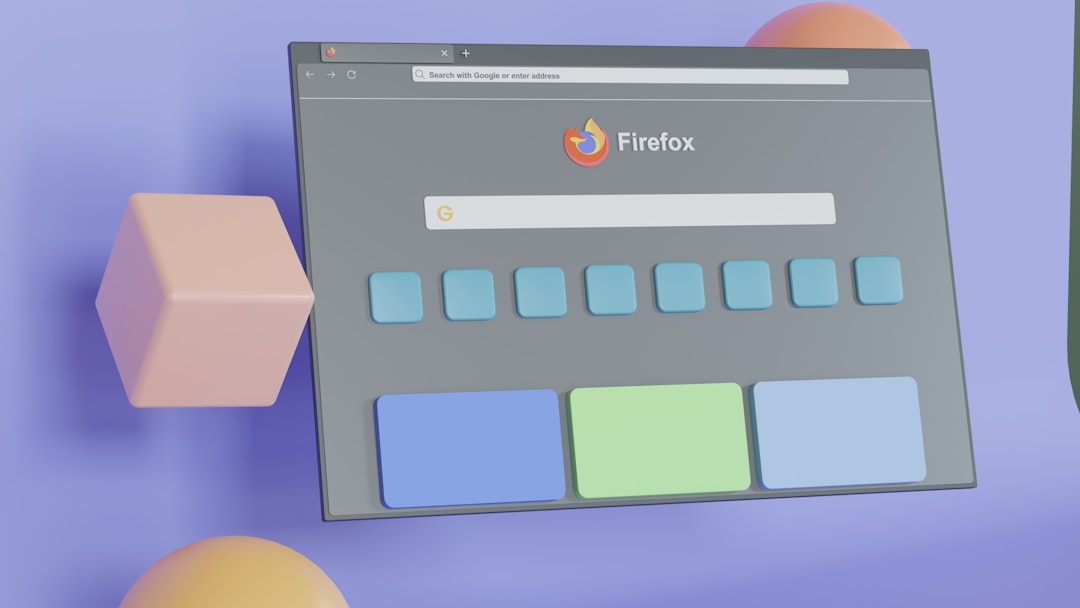
Firefox has been around a long time. But it’s not stuck in the past. It’s one of the most trusted browsers when it comes to privacy.
Built by Mozilla, a non-profit organization, Firefox isn’t trying to make money from your data. It comes with Enhanced Tracking Protection and lets you customize privacy settings.
Pros:
- Open-source and transparent
- Lots of privacy-focused add-ons
- Cross-platform availability
Best for: People who want reliability, flexibility, and control over how safe they are online.
3. Tor Browser – The Anonymity Expert
Want to be a digital ninja? The Tor Browser is your tool. It routes your traffic through several servers before it reaches the internet. That makes it incredibly hard to trace you.
You can even access the infamous .onion websites — the hidden side of the internet. But be aware, it’s not the fastest browser out there.
Pros:
- Extreme anonymity and privacy
- Blocks scripts and trackers
- Access to the deep web
Best for: Journalists, activists, or users serious about staying anonymous online.
4. DuckDuckGo Browser – Simple and Private
DuckDuckGo is known for its private search engine. Now there’s a browser too! It blocks trackers, forces sites to use encrypted connections (HTTPS), and doesn’t keep your browsing history.
It even gives every website a privacy grade from A to F. It’s like having a privacy teacher on staff.
Pros:
- User-friendly with clean design
- No personal data collected
- Privacy ratings for websites
Best for: People who want a private browser that’s easy to use and understand.
5. Ungoogled Chromium – Google-Free Chrome
Love Chrome but don’t love Google’s data policies? Meet Ungoogled Chromium. It looks and works like Chrome but without Google’s code that tracks your actions.
It doesn’t come with auto-update or install extensions by default, so it’s great for people who want total control.
Pros:
- No connection to Google servers
- All the speed of Chrome without the spying
- Highly customizable
Best for: Tech-savvy users who like Chrome’s features but not its privacy issues.
6. Epic Privacy Browser – Just the Essentials
Epic is another browser built with privacy in mind. But unlike others, it cuts out a lot of extra features to reduce your “attack surface” — the parts of a system hackers can attack.
It always runs in private browsing mode. That means cookies, history, and cache get wiped clean after every session.
Pros:
- Always private
- Built-in VPN proxy
- No ads, no autofill, no suggestions
Best for: People who want a clean, fully private browser without the fluff.
7. LibreWolf – Firefox but Wilder
LibreWolf is based on Firefox but with stricter privacy settings baked in. It removes telemetry (data collection), disables auto-updates, and blocks known spyware domains.
It also comes with uBlock Origin pre-installed to block ads and trackers.
Pros:
- All of Firefox’s powers with better privacy
- No data sent to Mozilla
- Safe right out of the box
Best for: Firefox lovers who want an even safer experience.
Why Your Browser Matters
Your browser is like the doorway to the internet. If it’s weak, it’s easy for intruders to sneak in. That’s why using a secure one matters so much.
Things to look for in a secure browser:
- Built-in ad and tracker blocking
- Regular security updates
- Minimal data collection
- Open-source code (so experts can check it)
The good news? Most secure browsers today don’t need tech skills to use. They’re simple, fast, and free.
Extra Privacy Tips
Switching browsers is a great start. But if you want to go full ninja mode, here are a few extra things you can do:
- Use a VPN to mask your location
- Install a reputable ad blocker
- Clear your cookies often
- Don’t save passwords in the browser — use a password manager
The Final Click
Privacy doesn’t have to be complicated. By ditching data-hungry browsers and picking one of these seven alternatives, you’re taking control of your online life.
So test out a few! See which one feels right. Whether you want extreme privacy or just a break from annoying ads, there’s a browser with your name on it. Have fun and browse safe!