Picking the right web browser isn’t just about looks anymore. It’s about speed, privacy, and making your life easier. Whether you’re working, streaming, or scrolling, the browser you use can shape your whole internet experience.
TL;DR
Not all browsers are created equal. Some are lightning fast, others are privacy ninjas, and a few are productivity powerhouses. This list covers 8 top browsers that balance speed, security, and performance. If you need a better browsing experience, this guide is for you.
1. Google Chrome – The People’s Choice
Fast? Yes. Familiar? Definitely. Resource hog? Kinda.
Google Chrome is the most popular browser around. It’s sleek, reliable, and super fast.
- Speed: It’s one of the fastest out there, no question.
- Security: Google keeps things updated frequently.
- Productivity: Thousands of extensions make multitasking easier.
But let’s be honest—Chrome loves your RAM. It’s hungry. If you have a lot of tabs open, your computer might slow down.
2. Mozilla Firefox – The Privacy Protector
If privacy matters to you, meet your new best friend.
Firefox might not be as flashy as Chrome, but it’s got heart—and security perks.
- Speed: Pretty fast, especially since recent updates.
- Security: Strong anti-tracking and private browsing.
- Productivity: Handy features like “Containers” for separating work and personal life.
It’s open-source too, meaning anyone can look at the code. That’s transparency you can trust.
3. Microsoft Edge – The Sleeper Hit
Edge has changed. It’s no longer the Internet Explorer you remember.
Today’s Edge is built on Chromium (just like Chrome), but it’s leaner and a little smarter.
- Speed: Starts fast and stays fast.
- Security: Strong, with SmartScreen to block shady sites.
- Productivity: Comes with vertical tabs, a reading mode, and even basic PDF tools.
Did we mention there’s a built-in screenshot tool? Handy!
4. Brave – The Ad Blocker with Muscle
Want fewer ads and better load times? Brave delivers.
It blocks ads and trackers right out of the box, which makes your pages load super quickly.
- Speed: Excellent. It blocks the stuff that slows you down.
- Security: No trackers, no nonsense.
- Productivity: Built-in crypto wallet and private browsing with Tor.
Brave even rewards you for viewing optional ads. Yep, you can actually earn cryptocurrency while browsing.
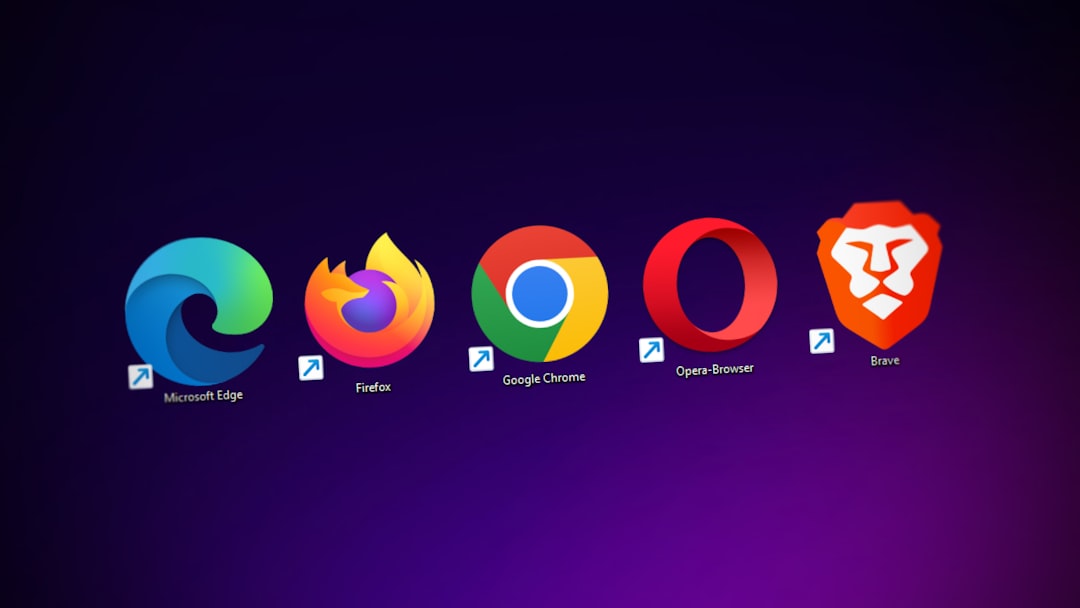
5. Opera – The Multitasker’s Dream
Opera’s like a Swiss Army knife for your browser needs.
Need WhatsApp, Messenger, and work tabs all in one place? Opera has you covered.
- Speed: Fast and light on resources.
- Security: Built-in VPN and ad blocker for safer browsing.
- Productivity: Sidebar messengers, video pop-out, and a battery saver feature!
Opera is packed with features, but somehow still feels light. It’s a gem more people should try.
6. Vivaldi – The Control Freak’s Favorite
Customize nearly everything. Seriously, everything.
Vivaldi is built by former Opera developers who thought, “Let’s give users ALL the power.”
- Speed: Fast enough and runs well, even with heavy customization.
- Security: Private by design and blocks trackers.
- Productivity: Tab stacking, note taking, even built-in email and calendar!
It’s like the LEGO set of browsers. Build it how you like it and make the internet yours.
7. Safari – The Apple Ace
If you’re using a Mac, stick with Safari.
Safari is optimized for Apple devices, which means it’s wicked fast and power-efficient.
- Speed: Very fast on Apple hardware.
- Security: Intelligent Tracking Prevention is top notch.
- Productivity: Seamless with macOS and iOS features like Handoff and iCloud Tabs.
The downside? Limited extensions compared to others. But for Mac lovers, it’s a beautiful and smart default.
8. Arc – The New Kid With Cool Tricks
This one’s for people who want something totally different.
Arc shakes up what a browser can be. It organizes tabs in sidebar spaces and lets you split screens.
- Speed: Built on Chromium, so it’s speedy and stable.
- Security: Chromium security with extra polish.
- Productivity: UI made for deep focus, custom pages for to-do lists, and even color themes for moods.
Arc is still new and Mac-only for now, but it’s growing fast. If you love design and unique tools, it’s worth a try.

Final Thoughts
Speed, security, and productivity don’t have to be a trade-off. Each of these browsers offers a unique balance of all three. The best one for you? That depends on what you value most.
- Need speed and simplicity? Try Chrome or Safari.
- Want privacy above all else? Go with Firefox or Brave.
- Love cool tools? Check out Vivaldi or Arc.
- Looking for a little of everything? Edge and Opera are great choices.
The internet is your playground. Choose the right browser to make the most of it!