
Proton and Proton GE are two closely related tools that play a major role in Linux gaming, especially for players who rely on Steam. While both are compatibility layers designed to make Windows games run on Linux, they differ in philosophy, update cycles, included patches, and target audiences. Understanding these differences helps gamers decide which version best fits their needs.
TL;DR: Proton is Valve’s official compatibility tool integrated into Steam, designed for stability and broad usability. Proton GE (GloriousEggroll) is a community-driven fork that includes additional experimental fixes and patches not yet available in official Proton. Proton is ideal for most users seeking stability, while Proton GE is better suited for gamers who need cutting-edge fixes for specific titles. Both aim to improve Windows game compatibility on Linux but serve slightly different purposes.
What Is Proton?
Proton is a compatibility layer developed by Valve, built on top of Wine, and designed specifically to allow Windows games to run on Linux through Steam. Released in 2018, Proton significantly transformed the viability of Linux as a gaming platform.
Instead of requiring users to manually configure Wine for each Windows game, Proton integrates directly into the Steam client. With a simple toggle, players can run compatible Windows titles as if they were native Linux games.
Image not found in postmetaKey features of Proton include:
- Integration within the Steam client
- Automatic configuration for supported games
- Built-in support for DirectX translation via DXVK and VKD3D-Proton
- Regular official updates from Valve
- Focus on stability and broad compatibility
Valve tests many games and labels them as “Steam Deck Verified” or “Playable,” giving users confidence that the official Proton version will work reliably.
What Is Proton GE?
Proton GE (GloriousEggroll) is a custom version of Proton created and maintained by a community developer known as GloriousEggroll. It is essentially a fork of the official Proton project but includes additional patches, newer updates, and experimental fixes not yet merged into Valve’s official release.
Proton GE is not shipped with Steam by default. Users must download and install it manually through tools such as ProtonUp-Qt or by placing files in the compatibility tools directory.
Key features of Proton GE include:
- Early implementation of upstream Wine patches
- Additional media codec support
- Game-specific fixes not yet available in official Proton
- More frequent updates
- Support for certain anti-cheat or launcher workarounds
Because it incorporates experimental features, Proton GE may resolve issues that persist in official Proton versions—but it may also introduce instability in some cases.
Core Differences Between Proton and Proton GE
Although they share the same foundation, Proton and Proton GE diverge in important ways.
1. Development and Maintenance
- Proton: Developed and maintained by Valve with structured release cycles.
- Proton GE: Maintained by a community developer, often updated more rapidly.
Valve prioritizes reliability and wide compatibility before pushing updates. Proton GE favors speed and responsiveness to user reports.
2. Stability vs Experimentation
Official Proton is generally more stable because updates undergo broader internal testing. Proton GE incorporates experimental patches sooner, which can:
- Fix newly released games quickly
- Solve video playback or audio problems
- Add controller support improvements
- Introduce occasional regressions
In short, Proton ≈ stability. Proton GE ≈ cutting edge.
3. Game Compatibility Approach
Valve focuses on improving compatibility for titles with high player counts or Steam Deck relevance. Proton GE sometimes addresses niche or specific game issues that may not yet be on Valve’s immediate roadmap.

4. Media Codec Support
One of the practical differences involves media codecs. Some Windows games rely on proprietary video codecs for cutscenes. Official Proton avoids including certain codecs due to redistribution restrictions.
Proton GE often includes additional media support, which can resolve:
- Missing or blank cutscenes
- Intro videos not playing
- Crashes related to video playback
5. Installation Process
Installation simplicity is another clear distinction:
- Proton: Built directly into Steam. Select and enable.
- Proton GE: Requires download and manual or third-party tool installation.
This makes Proton more beginner-friendly.
Comparison Chart
| Feature | Proton (Official) | Proton GE |
|---|---|---|
| Developer | Valve | GloriousEggroll (Community) |
| Included with Steam | Yes | No |
| Update Frequency | Structured, periodic | Frequent, rapid |
| Stability Focus | High | Moderate to High |
| Experimental Fixes | Limited | Extensive |
| Extra Media Codecs | Limited | Often Included |
| Best For | General users | Advanced users and troubleshooting |
When Should Someone Use Proton?
Official Proton is ideal for:
- New Linux gamers
- Steam Deck users
- Players who want plug-and-play simplicity
- Games already marked as Verified or Playable
For most users, official Proton will be sufficient 90% of the time. It provides a balanced, curated experience with minimal configuration.
When Should Someone Use Proton GE?
Proton GE is helpful when:
- A game fails to launch with official Proton
- Cutscenes are broken or missing
- There are audio issues
- A newly released game needs a fast compatibility fix
- A specific patch noted on forums references Proton GE
Many experienced Linux gamers keep Proton GE installed as a backup option for troubleshooting.
Performance Differences
In most cases, performance between Proton and Proton GE is similar because they share core technologies such as:
- DXVK (DirectX to Vulkan translation)
- VKD3D-Proton (DirectX 12 support)
- Wine compatibility layers
However, Proton GE sometimes includes newer versions of these components, which may:
- Improve performance in certain games
- Reduce stuttering
- Introduce new bugs
Performance gains are typically game-specific rather than universal.
How They Fit Into the Linux Gaming Ecosystem
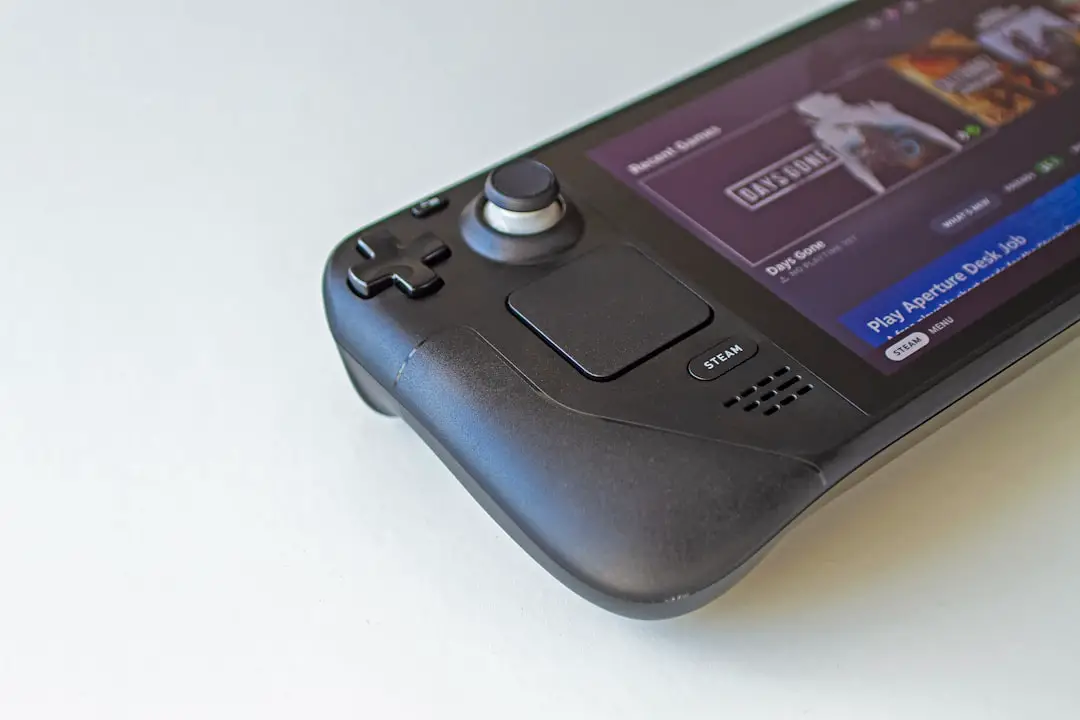
Both Proton and Proton GE play a major role in the broader Linux gaming movement. With Steam Deck driving adoption, Proton has become a cornerstone of Linux viability as a consumer gaming platform.
Proton GE complements this ecosystem by acting as a testing ground. Features and fixes often appear in Proton GE before making their way into official Proton releases.
This dynamic creates a healthy cycle:
- Community identifies problems.
- Proton GE implements potential fixes.
- Successful improvements may later merge into official Proton.
The result is faster overall progress for Linux gaming.
Security and Risk Considerations
While Proton GE is widely trusted in the Linux gaming community, users should understand that it is not officially supported by Valve. Installing community tools always introduces a small degree of risk.
However, when downloaded from reputable sources and maintained by trusted developers, Proton GE is generally considered safe. Users uncomfortable with manual installations may prefer sticking with official Proton.
Is One “Better” Than the Other?
There is no simple winner. Instead:
- Proton prioritizes consistency and broad support.
- Proton GE prioritizes speed and flexibility.
The two coexist rather than compete directly. Most users benefit from having access to both options.
Conclusion
Proton and Proton GE share the same mission: making Windows games run smoothly on Linux. The difference lies in how they pursue that goal. Official Proton offers a polished, stable, and beginner-friendly experience integrated directly into Steam. Proton GE, on the other hand, provides cutting-edge improvements, rapid fixes, and expanded compatibility for users willing to experiment.
For most gamers, starting with official Proton makes sense. If problems arise, Proton GE becomes a powerful backup solution. Together, they have helped transform Linux from a niche gaming platform into a serious contender in the PC gaming world.
FAQ: Proton vs Proton GE
1. Is Proton GE safe to use?
Yes, when downloaded from reputable community sources. It is widely used and trusted within the Linux gaming ecosystem, though it is not officially supported by Valve.
2. Does Proton GE improve performance?
Sometimes. Performance improvements are game-dependent. In many cases, performance is similar to official Proton.
3. Can Proton GE replace official Proton?
It can, but most users keep both installed. Official Proton is more stable for general use.
4. Do Steam Deck users need Proton GE?
Usually not. Steam Deck Verified games run well with official Proton. Proton GE is mainly needed for troubleshooting specific titles.
5. Why do some games work only with Proton GE?
Proton GE may include newer patches or additional codec support that have not yet been integrated into Valve’s official release.
6. Is Proton GE difficult to install?
It requires manual installation or a helper tool, but it is relatively straightforward for users familiar with basic Linux file operations.