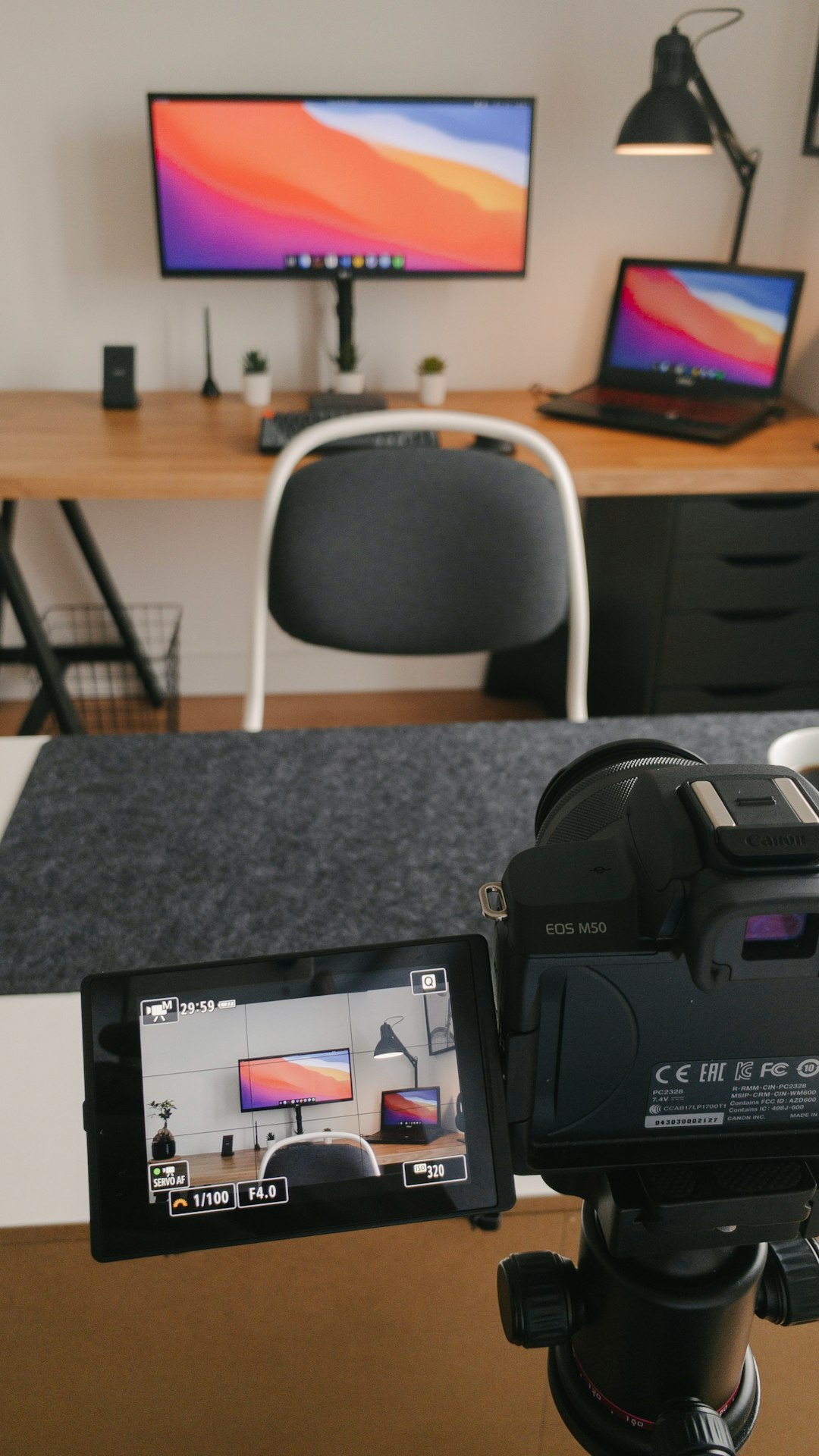
Creating polished, professional videos no longer requires an entire production crew. With the rise of smartphone filming, remote presentations, and social media content, teleprompter apps have become an essential tool for content creators, coaches, marketers, and business professionals. While BIGVU is one of the most recognized names in this space, it is far from the only option available. In fact, several other teleprompter apps offer powerful features that can help users record confident, seamless videos without memorizing scripts.
TLDR: Teleprompter apps make it easier to record professional-looking videos by allowing users to read scripts while maintaining eye contact with the camera. While BIGVU is popular, alternatives like PromptSmart Pro, Teleprompter Premium, Parrot Teleprompter, Nano Teleprompter, and Elegant Teleprompter provide competitive features for creators at various levels. The best choice depends on budget, device compatibility, and specific needs such as voice tracking or script management. Below is a detailed look at five strong alternatives and how they compare.
Why Teleprompter Apps Matter for Modern Video Creation
Video content has become a dominant communication tool across industries. From YouTube tutorials and LinkedIn thought leadership posts to online courses and business presentations, high-quality delivery is critical.
Teleprompter apps help users:
- Maintain eye contact with the camera
- Reduce retakes caused by forgotten lines
- Improve confidence during recording
- Deliver complex information clearly and accurately
- Streamline editing by reducing mistakes
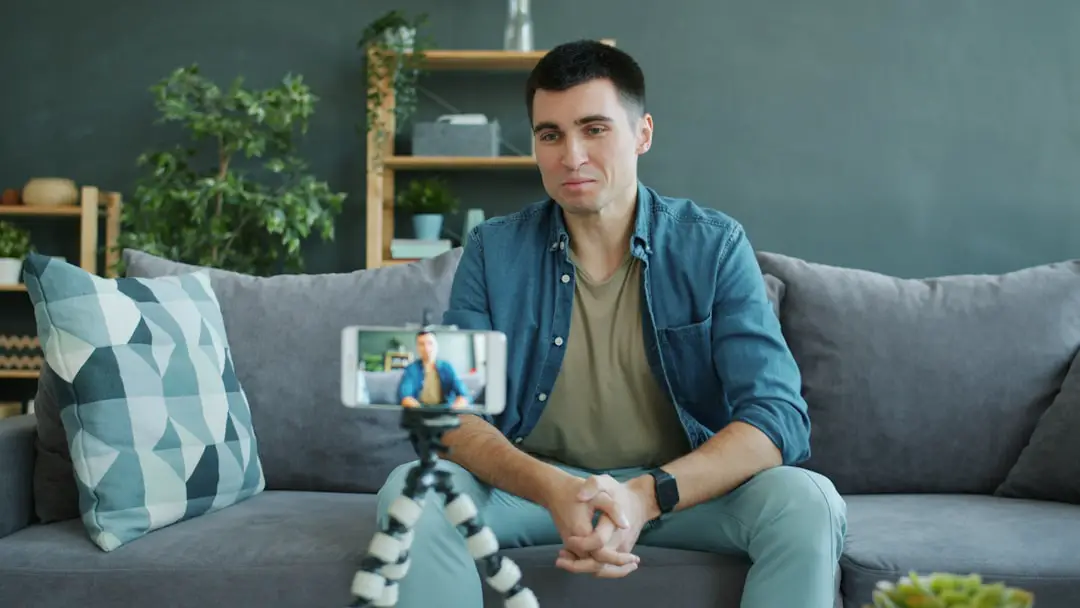
While BIGVU combines teleprompter functionality with video editing and captioning tools, some creators prefer simpler apps focused only on script reading. Others seek advanced features like voice-controlled scrolling or compatibility with professional teleprompter hardware.
Below are five teleprompter apps that offer compelling alternatives.
1. PromptSmart Pro
Best for: Professionals who want voice-tracking accuracy.
PromptSmart Pro stands out because of its voice recognition technology. Instead of setting a manual scrolling speed, the app listens as the user speaks and automatically scrolls the script in real time.
Key Features:
- Voice-activated autoscroll
- Script import from cloud services
- Remote control capability
- Compatibility with external teleprompter rigs
- Adjustable font size, color, and speed
This feature is particularly useful for speakers who vary their pace or pause naturally. The script follows the speaker’s rhythm, reducing stress during recording or live presentations.
Potential drawback: It is typically priced higher than basic teleprompter apps.
2. Teleprompter Premium
Best for: Mobile-first video creators and social media influencers.
Teleprompter Premium is designed for users who record directly from their smartphones. It combines script scrolling with front-camera recording, making it a practical tool for vloggers and online educators.
Key Features:
- In-app video recording
- Customizable text size and background
- Multiple script management
- Countdown timer
- Support for landscape and portrait modes
Its interface is clean and intuitive, making it beginner-friendly. Users can quickly paste scripts, adjust scroll speed, and begin recording in minutes.

Potential drawback: Fewer advanced editing tools compared to all-in-one platforms.
3. Parrot Teleprompter
Best for: Cross-device compatibility and hardware integration.
Parrot Teleprompter supports Android, iOS, Windows, and Mac, which makes it attractive for teams using mixed devices. It also integrates well with physical teleprompter mirrors and stands.
Key Features:
- Cloud syncing
- Remote control via smartwatch
- Script mirroring for physical teleprompters
- Multiple language support
- Rich text editing
This app is ideal for semi-professional studios or corporate video departments that require flexible device usage.
Potential drawback: Interface may feel more technical for beginners.
4. Nano Teleprompter
Best for: Budget-conscious Android users.
Nano Teleprompter is a lightweight Android app that overlays scrolling text on top of other camera apps. This makes it especially useful for users who prefer recording with their device’s native camera or third-party video apps.
Key Features:
- Floating widget overlay
- Customizable transparency
- Adjustable speed control
- Bluetooth remote compatibility
Because it runs as an overlay, users can maintain high-resolution camera settings while still reading their script.
Potential drawback: Only available on Android.
5. Elegant Teleprompter
Best for: Simplicity and clean design.
Elegant Teleprompter focuses on ease of use. It strips away extra features in favor of smooth performance and readable script presentation.
Key Features:
- Minimalist interface
- Offline functionality
- Basic script formatting
- Speed and font adjustments
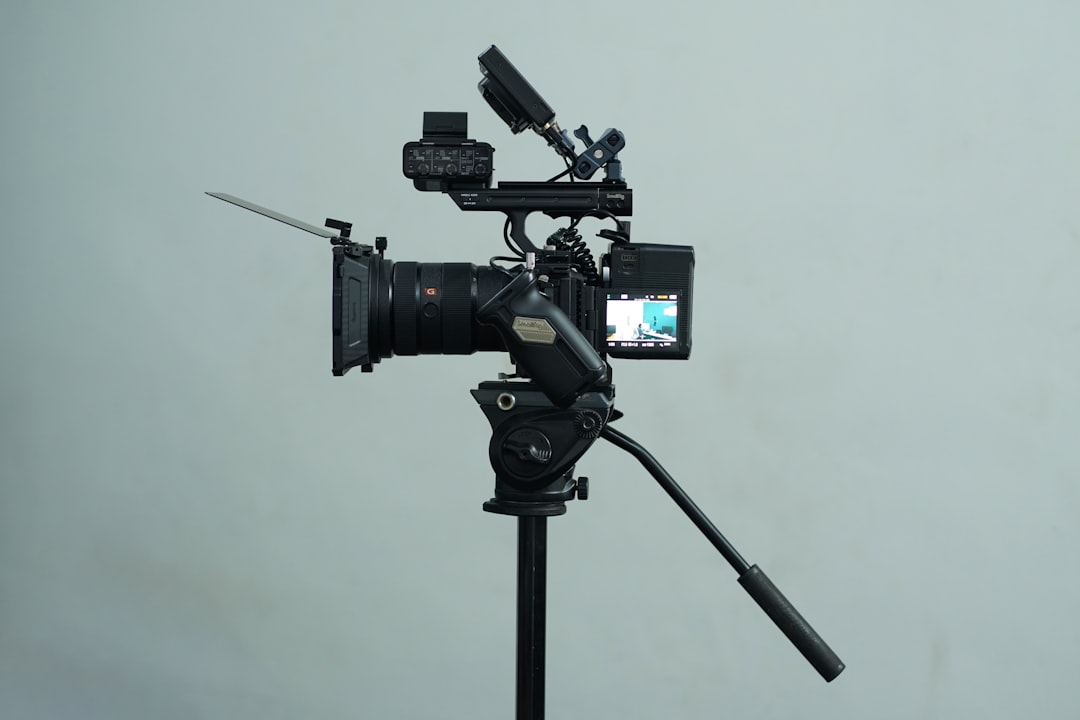
For students, public speakers, and casual content creators, this straightforward approach can be a major advantage.
Potential drawback: Limited advanced integrations or AI tools.
Comparison Chart
| App | Best For | Voice Tracking | In-App Recording | Cross-Platform | Price Level |
|---|---|---|---|---|---|
| PromptSmart Pro | Professional presentations | Yes | Limited | iOS | High |
| Teleprompter Premium | Mobile content creators | No | Yes | iOS & Android | Medium |
| Parrot Teleprompter | Studio & team use | No | Varies | iOS, Android, Windows, Mac | Medium |
| Nano Teleprompter | Android overlay use | No | Overlay only | Android | Low |
| Elegant Teleprompter | Simplicity | No | No | Android | Low |
How to Choose the Right Teleprompter App
Selecting the best alternative depends on individual needs. Users should consider the following factors:
- Device compatibility: Does it work on your smartphone, tablet, or desktop?
- Recording style: Do you need built-in video capture or just script scrolling?
- Budget: Are you looking for a one-time purchase or subscription?
- Advanced features: Do you require voice tracking or remote controls?
- Editing capabilities: Will you edit in-app or use external software?
For example, someone hosting live webinars may benefit from voice tracking, while a TikTok creator may simply need a clear, easy-to-read scroller that integrates with their phone’s camera.
Final Thoughts
High-quality video communication is no longer optional in today’s digital environment. Whether producing educational content, marketing materials, or personal branding videos, teleprompter apps help speakers stay smooth, confident, and professional.
While BIGVU remains a strong option, alternatives like PromptSmart Pro, Teleprompter Premium, Parrot Teleprompter, Nano Teleprompter, and Elegant Teleprompter each offer unique benefits. The right choice depends less on popularity and more on specific workflow requirements.
With the right app in place, creators can focus on what matters most: delivering clear, compelling messages that resonate with their audience.
Frequently Asked Questions (FAQ)
1. Are teleprompter apps suitable for beginners?
Yes. Many teleprompter apps are designed with simple interfaces that allow beginners to paste in scripts and start recording immediately. Apps like Teleprompter Premium and Elegant Teleprompter are especially beginner-friendly.
2. Do teleprompter apps work with DSLR cameras?
Yes, but typically through external teleprompter hardware. Apps such as Parrot Teleprompter support text mirroring for use with glass teleprompter rigs positioned in front of DSLR cameras.
3. What is voice-tracking in a teleprompter app?
Voice tracking allows the app to automatically scroll the script based on the speaker’s voice. This removes the need to manually configure scrolling speed and reduces mistakes during recording.
4. Are there free teleprompter apps available?
Several apps offer free versions with basic features. However, premium versions often unlock advanced controls, remove watermarks, or provide better customization options.
5. Can teleprompter apps be used for live streaming?
Yes. Many creators use teleprompter apps while live streaming on platforms like YouTube, Zoom, or social media apps. Some apps support overlays or secondary device displays to assist during live broadcasts.
6. Do teleprompter apps make videos look unnatural?
When used properly, teleprompter apps enhance delivery rather than detract from it. Maintaining natural pacing, adding inflection, and practicing beforehand help ensure the final video feels authentic and engaging.