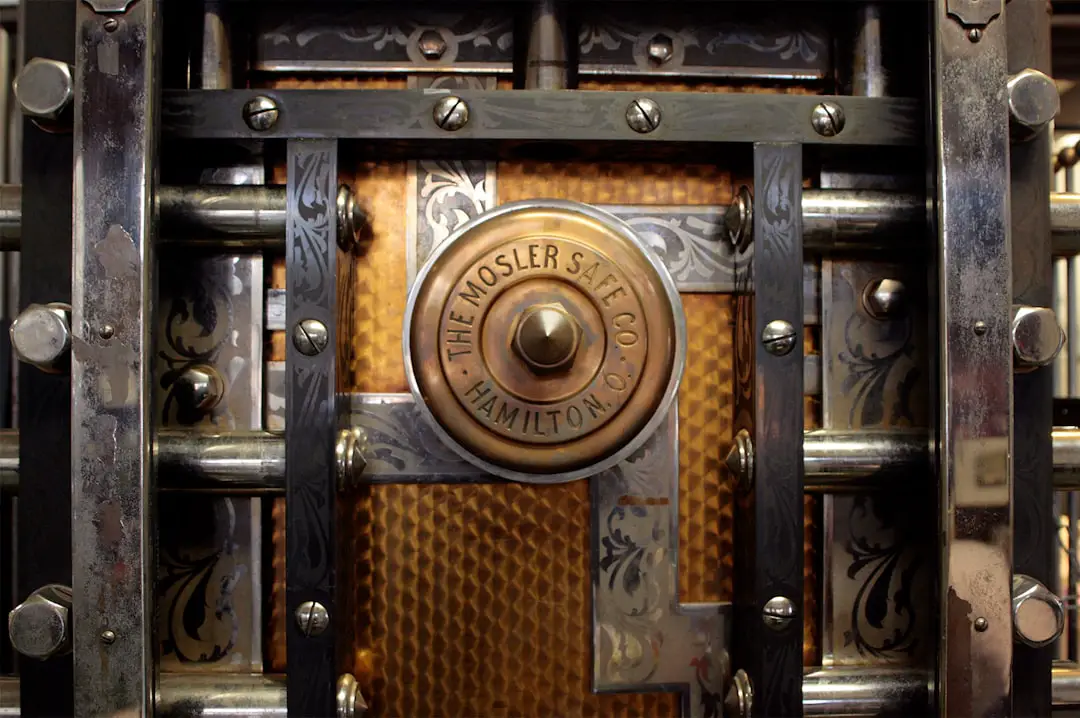
Passwords remain the first line of defense for most online accounts, from banking and healthcare portals to social media and corporate systems. Yet, weak, reused, or poorly stored passwords are still one of the most common causes of data breaches. A reliable password manager significantly reduces this risk by generating strong credentials, encrypting sensitive data, and simplifying secure access across devices.
TL;DR: Password managers help you generate, store, and autofill complex passwords securely. Leading tools like 1Password, Bitwarden, Dashlane, Keeper, and NordPass offer strong encryption, cross-platform access, and additional security features such as breach monitoring and multi-factor authentication. Choosing a reputable password manager reduces the risk of credential theft and improves overall digital hygiene. For most users, the best choice depends on budget, collaboration needs, and desired advanced features.
Below, we examine five trusted password manager tools known for security, reliability, and ease of use. Each offers strong encryption standards and practical features designed to protect both individuals and organizations.
1. 1Password
1Password has established itself as a premium password manager trusted by businesses and security professionals. It combines usability with advanced cryptographic protection, making it suitable for both individuals and teams.
Key Features:
- AES-256 encryption combined with a unique Secret Key for additional security.
- Watchtower monitoring that alerts users to compromised websites and weak passwords.
- Travel Mode to temporarily remove sensitive data from devices when crossing borders.
- Cross-platform support including Windows, macOS, Android, iOS, and browser extensions.
1Password operates on a zero-knowledge architecture, meaning the company cannot access your decrypted data. It is particularly strong for families and businesses thanks to structured vault sharing and administrative controls.
Best for: Users seeking a polished interface and advanced travel and monitoring features.
2. Bitwarden
Bitwarden is widely respected for its transparency and open-source foundation. Its codebase is publicly auditable, which increases trust and allows independent security researchers to review the platform.
Key Features:
- Open-source security model.
- End-to-end AES-256 encryption and salted hashing.
- Free tier with robust functionality, including unlimited passwords.
- Self-hosting option for advanced users and enterprises.
Its affordability makes it attractive to individuals and startups while still offering enterprise-grade features such as secure file sharing and organization management. Bitwarden also supports biometric authentication and hardware security keys.
Best for: Security-conscious users who prefer open-source software and cost-effective plans.
3. Dashlane
Dashlane stands out for its integrated security tools beyond simple password storage. It combines password management with proactive threat detection and VPN services.
Key Features:
- Dark Web Monitoring with alerts if personal information appears in leaked databases.
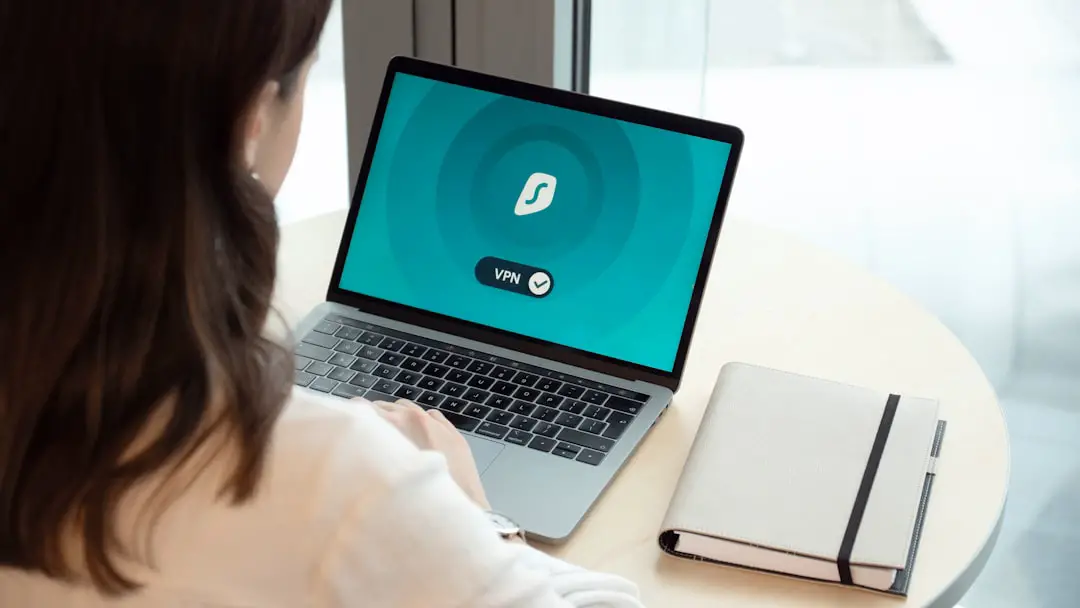
- Built-in VPN for safer browsing on public Wi-Fi.
- Password health scoring system.
- Automatic password changer for supported websites.
Dashlane’s interface is straightforward and suitable for non-technical users, while still meeting high encryption standards. It has transitioned to a web-first platform, ensuring seamless syncing across devices through browser extensions.
Best for: Users who want additional security services bundled with password management.
4. Keeper
Keeper focuses heavily on enterprise-grade security and compliance. It is frequently adopted by organizations requiring strict regulatory standards such as GDPR, HIPAA, or SOC 2 compliance.
Key Features:
- Zero-knowledge encryption architecture.
- Role-based access controls for organizations.
- Secure file storage and encrypted messaging.
- Advanced reporting and auditing tools.
Keeper’s BreachWatch feature continuously scans for compromised credentials, providing actionable security insights. The platform supports biometric logins and integrates smoothly with single sign-on (SSO) systems for enterprises.
Best for: Businesses and teams with advanced compliance and reporting requirements.
5. NordPass
Developed by the team behind Nord Security, NordPass emphasizes simplicity and strong cryptographic standards. It uses XChaCha20 encryption, a modern alternative to traditional AES algorithms.
Key Features:
- XChaCha20 encryption algorithm.
- Password Health and Data Breach Scanner.
- Secure password sharing with trusted contacts.
- Multi-factor authentication support.
NordPass balances ease of use with strong technical protection. It is suitable for individuals transitioning from storing passwords in browsers or spreadsheets to a more secure environment.
Best for: Individuals seeking modern encryption and a simple user interface.
Why Using a Password Manager Is Critical
Password reuse across multiple platforms dramatically increases exposure during a data breach. If attackers obtain one password, they often attempt to reuse it elsewhere. A password manager addresses this risk by:
- Generating unique, complex passwords for each account.
- Encrypting stored credentials in secure vaults.
- Reducing phishing risks through website URL recognition.
- Encouraging safer digital habits.
The security architecture of reputable password managers ensures that even if their servers are compromised, attackers cannot decrypt user vaults without the master password and additional authentication factors.
Key Features to Look For
Before selecting a password manager, consider the following criteria:
- Encryption Standards: AES-256 or XChaCha20 encryption with zero-knowledge architecture.
- Multi-Factor Authentication (MFA): Support for biometrics, authentication apps, or hardware keys.
- Cross-Platform Compatibility: Access across desktops, mobile devices, and browsers.
- Secure Sharing: Ability to safely share credentials with family or colleagues.
- Breach Monitoring: Alerts for compromised websites or leaked credentials.
A secure master password combined with MFA significantly strengthens protection. Never reuse your master password on other platforms, and consider using a long passphrase composed of unrelated words.
Are Password Managers Safe?
This is one of the most common and reasonable questions. Storing all passwords in one place may seem counterintuitive. However, reputable password managers rely on proven cryptographic methods and zero-knowledge systems.
When implemented correctly:
- Your data is encrypted locally before transmission.
- The provider cannot view your unencrypted passwords.
- Attackers cannot easily exploit stored credentials without authentication factors.
No system is entirely immune to risk, but using a trusted password manager is considerably safer than reusing passwords or storing them in plain text.
Final Thoughts
Managing passwords securely is no longer optional; it is essential for protecting digital assets and personal identity. The five tools highlighted here—1Password, Bitwarden, Dashlane, Keeper, and NordPass—represent some of the most secure and reliable solutions available today.
Your choice should reflect your specific needs:
- Choose 1Password for a refined, feature-rich experience.
- Opt for Bitwarden if transparency and value are top priorities.
- Select Dashlane for integrated monitoring and VPN features.
- Adopt Keeper for enterprise-grade controls and compliance.
- Try NordPass for streamlined security with modern encryption.
In an era where data breaches are increasingly common, proactive password management is one of the most effective measures you can take. A well-chosen password manager not only strengthens your defenses but also simplifies your digital life—allowing you to stay secure without sacrificing convenience.