Passwords are no longer enough. Hackers are smarter. Data leaks happen all the time. That is why two-factor authentication (2FA) is now a must. It adds an extra lock to your digital door. Even if someone steals your password, they still cannot get in without your special code.
TLDR: Two-factor authentication apps generate one-time codes to protect your accounts. They are safer than SMS codes and easy to use. Great alternatives to Google Authenticator include Microsoft Authenticator, Authy, Duo Mobile, and Aegis Authenticator. Each app offers unique security features, backups, and device support.
Let’s make this simple. When you log into an account with 2FA enabled, you enter:
- Your password (something you know)
- A temporary code from your phone (something you have)
That temporary code changes every 30 seconds. It is generated by your authentication app. No internet is needed. No waiting for text messages.
Google Authenticator is popular. But it is not your only choice. Some people want cloud backups. Others want better security features. Some just want a nicer design.
Here are four fantastic alternatives.
1. Microsoft Authenticator
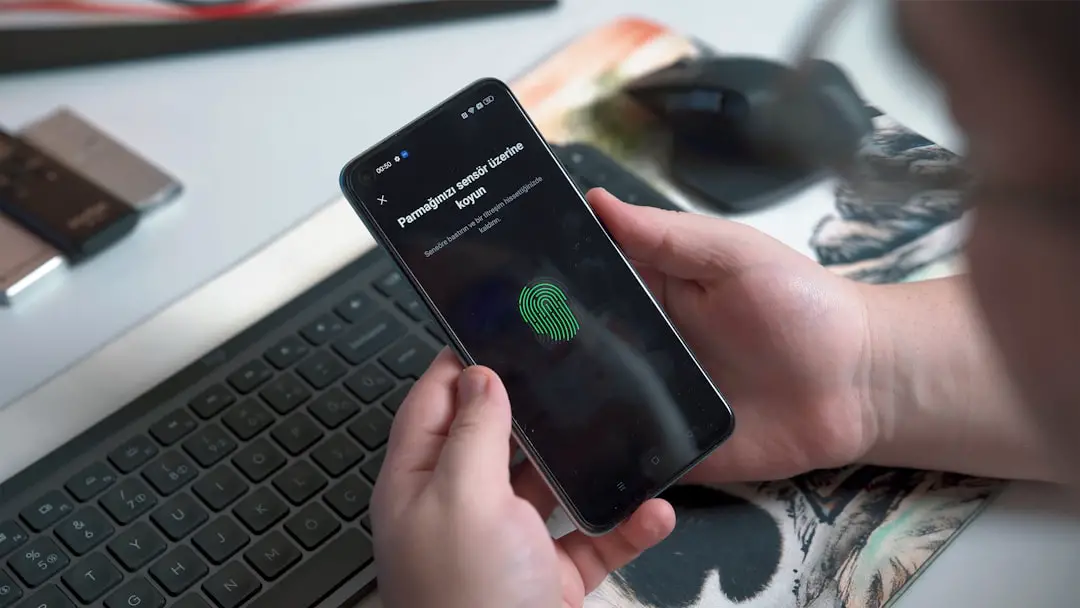
Best for: People who use Microsoft services and want easy backups.
Microsoft Authenticator is powerful. But it is still simple to use. It works on both Android and iOS. And yes, you can use it for non-Microsoft accounts too.
Here is what makes it special:
- Cloud backup for your accounts
- One-tap push approvals for Microsoft logins
- Password autofill support
- Biometric lock (fingerprint or face unlock)
The cloud backup is a big deal. If you lose your phone, you can restore your accounts easily. Google Authenticator did not offer this for years. That caused many headaches.
Another cool feature is push notifications. Instead of typing a six-digit code, you simply tap “Approve.” Quick and painless.
The interface is clean. Setup is easy. Just scan a QR code and you are done.
One small downside? Backup works best if you use a Microsoft account. If you avoid Microsoft services, this may feel limiting.
Still, for many users, this is the perfect mix of convenience and security.
2. Authy

Best for: People who use multiple devices.
Authy is loved for one big reason: multi-device support.
You can install Authy on:
- Your phone
- Your tablet
- Your desktop computer
All your tokens sync securely across devices. That is rare. Most authenticator apps stay on one device only.
Authy also offers:
- Encrypted cloud backups
- PIN protection
- Biometric unlock
- Offline code generation
The encrypted backups give peace of mind. If your phone falls in a lake, your accounts are safe. Just install Authy on a new phone and restore.
The app design is colorful and friendly. You can even add logos to your accounts for easy recognition.
Security is strong. Backups are encrypted. That means even Authy cannot see your secret keys.
What is the downside? You need a phone number to sign up. Some privacy-focused users do not like that.
Still, Authy is often considered one of the most user-friendly 2FA apps available today.
3. Duo Mobile
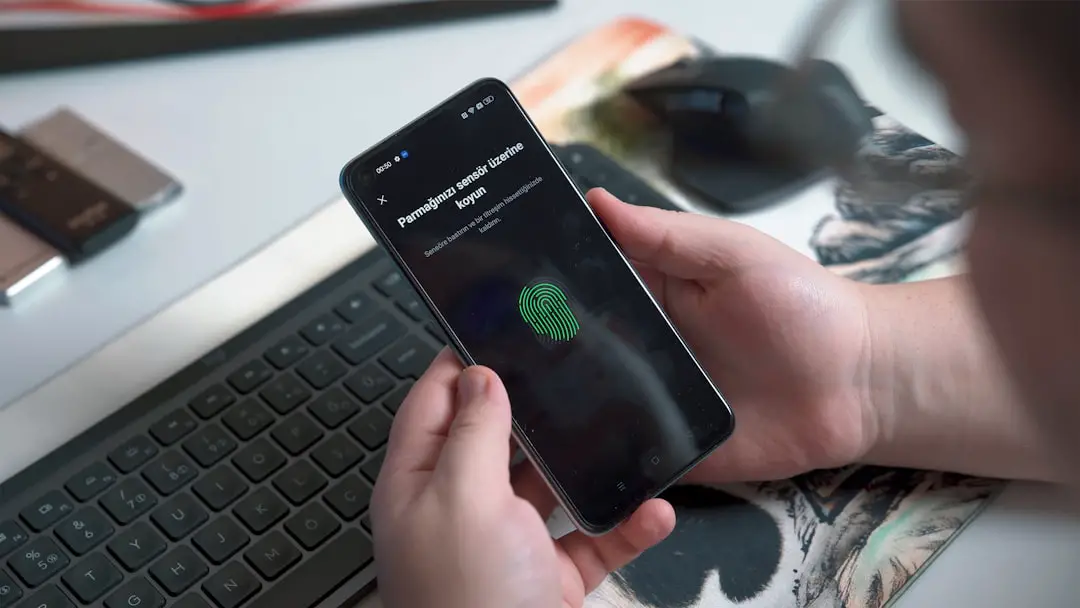
Best for: Extra security and business users.
Duo Mobile is widely used in workplaces. Many companies trust it. Universities love it too.
But it is also great for personal use.
Main features include:
- Push-based authentication
- Secure backup options
- Account recovery tools
- Strong encryption
The push feature stands out. Instead of typing numbers, you get a notification. Tap approve. Done.
Duo also checks device health in business environments. That means companies can verify that your phone meets security standards before allowing access.
The interface feels modern. Clean. Professional.
It supports lots of third-party accounts like:
- Gmail
- Dropbox
- And many more
Any drawbacks? Some advanced features are aimed at businesses. Regular users may not use them fully.
Still, if you want something trusted by security professionals, Duo is a solid pick.
4. Aegis Authenticator
Best for: Privacy lovers and Android users.
Aegis Authenticator is different. It is open-source. That means its code is publicly available. Anyone can inspect it for security flaws.
Transparency builds trust.
Aegis is currently available on Android. And it is packed with features:
- Strong encryption for all stored tokens
- Password or biometric unlock
- Manual and automatic backups
- No ads
- No tracking
You can even organize tokens into groups. That helps if you manage many accounts.
The design is simple but powerful. Not flashy. Just clean and functional.
Backups can be exported and stored wherever you like. You stay in control.
The downside? It is not on iOS. Apple users will need another option.
But for Android users who care about privacy and control, Aegis is hard to beat.
Why Use an Authenticator App Instead of SMS?
Good question.
SMS codes are better than nothing. But they are not perfect.
Here is why authenticator apps win:
- No SIM swap attacks
- No intercepted text messages
- Works without signal
- Faster login process
SIM swap attacks are scary. A hacker tricks your phone carrier into transferring your number to their SIM card. Then they receive your SMS codes.
Authenticator apps stop this threat.
The codes stay on your device. Not in your inbox.
How to Set Up a 2FA App
Do not worry. It is easy.
- Download the authenticator app of your choice.
- Go to your online account security settings.
- Enable two-factor authentication.
- Scan the QR code shown on the screen.
- Enter the six-digit code generated by the app.
That is it. You are protected.
Important tip: Always save your backup recovery codes. Store them somewhere safe. Maybe offline. If you lose access to your app, those codes can save you.
Which One Should You Choose?
Here is a quick guide:
- Use Microsoft Authenticator if you want easy cloud backup and use Microsoft services.
- Choose Authy if you want multi-device access.
- Pick Duo Mobile if you like push approvals and business-grade security.
- Go with Aegis if you are on Android and value open-source privacy.
There is no wrong choice here. All four are safer than relying only on passwords.
Final Thoughts
Online security does not need to be complicated.
You lock your house at night. You lock your car. Your online accounts deserve the same care.
A two-factor authentication app is like adding a deadbolt to your digital life.
It takes five minutes to set up. But it can prevent disaster.
Data breaches happen. Passwords leak. Phishing attacks trick people every day.
But with 2FA enabled, attackers hit a wall.
So pick an app. Install it today. Protect your email. Protect your banking. Protect your social media.
Future you will be very happy you did.