The way we browse the internet is changing faster than ever. Traditional browsers are no longer just portals to websites—they are becoming intelligent assistants that summarize information, automate tasks, and streamline workflows. With artificial intelligence deeply integrated into search and productivity features, modern AI browsers are transforming how we research, write, collaborate, and manage daily tasks online. Whether you’re a student, entrepreneur, marketer, or developer, AI-powered browsers can significantly cut down time spent searching and organizing information.
TLDR: AI browsers combine traditional web navigation with built-in artificial intelligence to deliver faster search results, smarter summaries, and automated workflows. They can summarize pages instantly, organize research, generate content, and even automate repetitive tasks. The best AI browsers in 2026 focus on speed, privacy, personalization, and seamless productivity. Below are ten of the top AI browsers redefining how we work and browse online.
What Makes an AI Browser Different?
Unlike standard browsers, AI browsers integrate machine learning algorithms directly into the browsing experience. This means they can:
- Summarize long web pages instantly
- Answer complex questions without switching tabs
- Organize research automatically
- Generate content within the browser
- Predict user needs and personalize results

The result? Less tab overload, improved focus, and dramatically faster decision-making.
1. Arc Browser
Best for organized workflows and smart tab management.
Arc has rapidly become a favorite among productivity enthusiasts. Its clean interface replaces traditional tabs with a sidebar system that keeps workspaces neatly organized. AI features help summarize pages, refine searches, and declutter sessions automatically.
Key Features:
- AI-powered page summary tool
- Workspace organization
- Built-in note-taking
- Smart search refinement
Arc feels less like a browser and more like a digital productivity studio.
2. Microsoft Edge with Copilot
Best for integrated research and document generation.
Microsoft Edge has transformed into an AI-enhanced productivity hub thanks to Copilot integration. Users can summarize PDFs, analyze webpages, and generate content directly within the browser sidebar.
Standout Benefits:
- AI chat integrated into search
- Document and PDF summarization
- Email and content drafting
- Deep integration with productivity apps
For professionals and students, this browser significantly reduces the need to switch between tools.
3. Opera One with Aria AI
Best for built-in chat assistance and fast searching.
Opera One integrates Aria, a built-in AI assistant that helps users research, write, and brainstorm ideas directly from the sidebar. The browser maintains Opera’s reputation for speed while enhancing it with real-time content generation.
Highlights:
- Native AI chat integration
- Context-aware responses
- Built-in ad blocker
- Lightweight and fast performance
Opera One balances speed with intelligence, making it ideal for quick research sessions.
4. Brave with AI Assistant
Best for privacy-focused AI browsing.
Brave has always prioritized user privacy. Its AI assistant follows the same principle by processing many requests with minimal data tracking. Users can ask questions, get page summaries, and perform smarter searches without sacrificing security.
Why It Stands Out:
- Strong privacy controls
- AI-powered summarization
- Encrypted browsing
- Ad-free default experience
For users concerned about data protection, Brave offers one of the safest AI browsing environments.
5. SigmaOS
Best for structured research and task management.
SigmaOS organizes browsing into task-based workspaces. Instead of juggling random tabs, users create focused environments aligned with specific projects. AI assists in grouping related pages and extracting key insights.

Main Features:
- Task-based tab structure
- Page summarization
- Keyboard-driven navigation
- Seamless cross-device syncing
Researchers and remote teams often find SigmaOS invaluable for complex projects.
6. Sidekick Browser
Best for business productivity and app integration.
Sidekick is built specifically for work environments. It eliminates distractions while integrating deeply with workplace apps like Slack, email platforms, and task managers.
Core Advantages:
- AI-enhanced search across apps
- Unified workspace management
- App sidebar for quick access
- Reduced memory consumption
Sidekick acts as a centralized control hub for professionals juggling multiple web tools daily.
7. Wavebox
Best for managing multiple accounts efficiently.
Wavebox uses AI features to help users manage several accounts without confusion. Marketers, social media managers, and developers benefit from its clean segmentation and app containers.
Key Perks:
- Multiple account management
- Smart notifications
- AI-enhanced productivity tools
- Strong performance stability
Wavebox is especially useful for professionals who handle multiple brands or clients.
8. Google Chrome with AI Enhancements
Best for extension ecosystem and AI integrations.
While Chrome itself is not exclusively an AI browser, its integration with AI tools and extensions gives users powerful capabilities. From AI writing assistants to automated workflows, Chrome’s ecosystem makes customization almost limitless.
Strengths:
- Extensive AI extension library
- Smart search results
- Voice and visual search tools
- Wide compatibility across platforms
Chrome remains one of the most flexible platforms for AI-driven productivity.
9. Firefox with AI Add-ons
Best for open-source AI customization.
Firefox continues to serve privacy-conscious users while supporting numerous AI-based extensions. Its open-source foundation makes it ideal for developers and tech-savvy individuals seeking greater control.
Why Choose Firefox:
- Extensive AI add-ons
- Customizable workflows
- Strong privacy standards
- Lightweight design
For users who value transparency and flexibility, Firefox remains a solid choice.
10. Perplexity AI Browser
Best for direct answer-based searching.
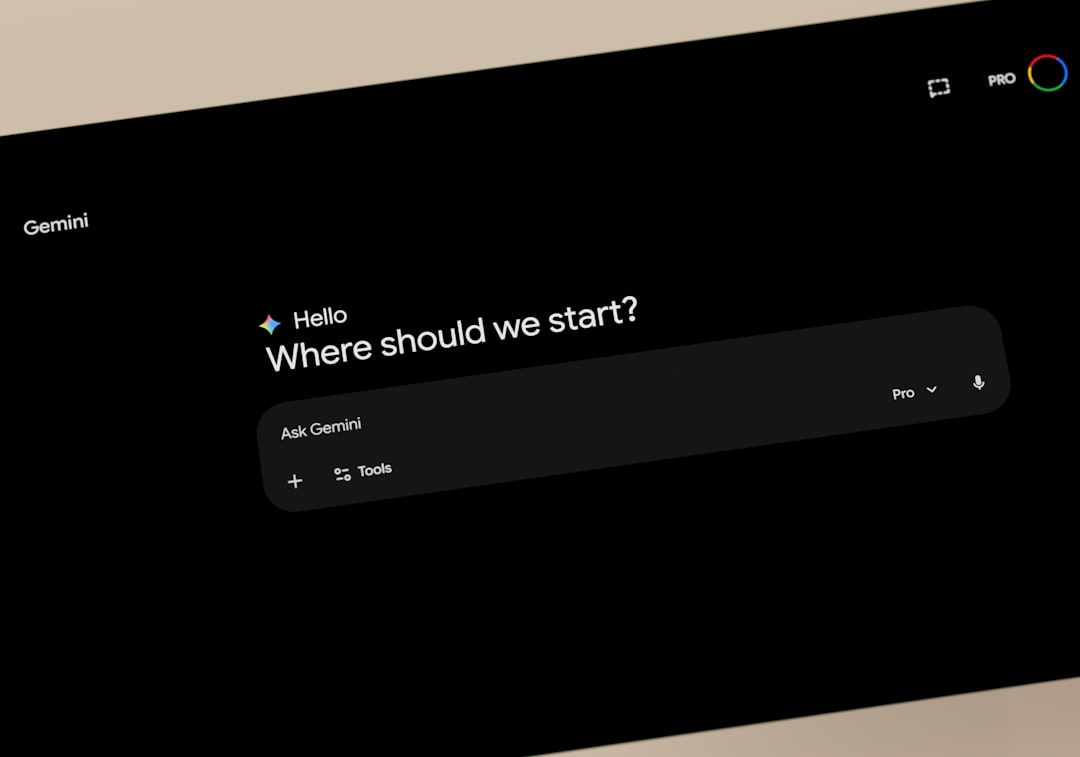
Perplexity blends browsing with conversational search. Instead of scanning multiple websites, users receive structured, AI-generated answers sourced from across the web.
Top Features:
- Direct, citation-backed answers
- Research organization tools
- Conversational follow-up queries
- Minimalist interface
This browser is particularly effective for academic research and quick fact-checking sessions.
How AI Browsers Improve Productivity
The true power of AI browsers lies in time savings. Here’s how they improve daily workflow:
- Reduced tab overload: Instant summaries eliminate the need to open dozens of pages.
- Faster writing: Built-in drafting tools accelerate content creation.
- Smarter research: Consolidated insights help users reach conclusions more quickly.
- Improved focus: Workspace organization reduces digital clutter.
Instead of manually collecting information, users can focus on analysis and creativity.
What to Look for in an AI Browser
When choosing an AI browser, consider:
- Speed and performance
- Privacy and data handling
- AI capabilities and accuracy
- Compatibility with your apps
- Cross-device syncing
Not all AI browsers are built the same. Some prioritize privacy, while others focus on collaboration or content generation.
The Future of AI Browsing
AI browsers are expected to become even more proactive. Future versions may anticipate tasks before users even initiate them, automate research sequences, and integrate deeply with operating systems. Voice-driven browsing, visual analysis of webpages, and real-time collaboration features are likely to define the next wave of innovation.
As artificial intelligence grows more sophisticated, the browser may evolve from a simple tool into a comprehensive digital assistant—capable of organizing knowledge, automating workflows, and enhancing creativity at every level.
Final Thoughts: The era of basic browsing is over. AI browsers are redefining how we access and process information online. Whether you prioritize privacy, structured research, business productivity, or conversational search, there’s an AI-powered browser designed to make your online experience faster and smarter. Choosing the right one could dramatically transform how efficiently you work every single day.