Instagram has become a visual portfolio, sales channel, and storytelling platform for creators across fashion, travel, food, beauty, fitness, art, and education. As competition grows, creators increasingly rely on AI-powered photo editing apps to speed up production, improve consistency, and create scroll-stopping visuals without needing advanced design skills.
TLDR: The best AI-powered Instagram picture editing apps help creators enhance photos, remove distractions, generate backgrounds, retouch portraits, and build a recognizable visual style faster. Apps such as Adobe Lightroom, Canva, Facetune, Picsart, Remini, Photoleap, and VSCO are especially useful depending on the creator’s niche. The strongest choice usually depends on whether the creator needs professional color grading, beauty retouching, content templates, AI image generation, or quick mobile edits.
Why AI Photo Editing Matters for Instagram Creators
For creators, Instagram success is rarely about posting random pictures. It depends on visual identity, clarity, speed, and emotional impact. A food creator may need brighter colors and sharper textures, while a fashion influencer may need polished skin tones, clean backgrounds, and cohesive filters. AI helps reduce repetitive editing tasks so creators can focus more on ideas, captions, community, and content strategy.
Modern AI picture editing apps can automatically detect faces, skies, products, backgrounds, lighting issues, and unwanted objects. They can suggest edits, enhance resolution, remove noise, generate creative effects, and apply consistent color styles. For creators managing daily posts, Reels covers, carousel graphics, and brand collaborations, this can save hours every week.
1. Adobe Lightroom: Best for Professional Color Editing
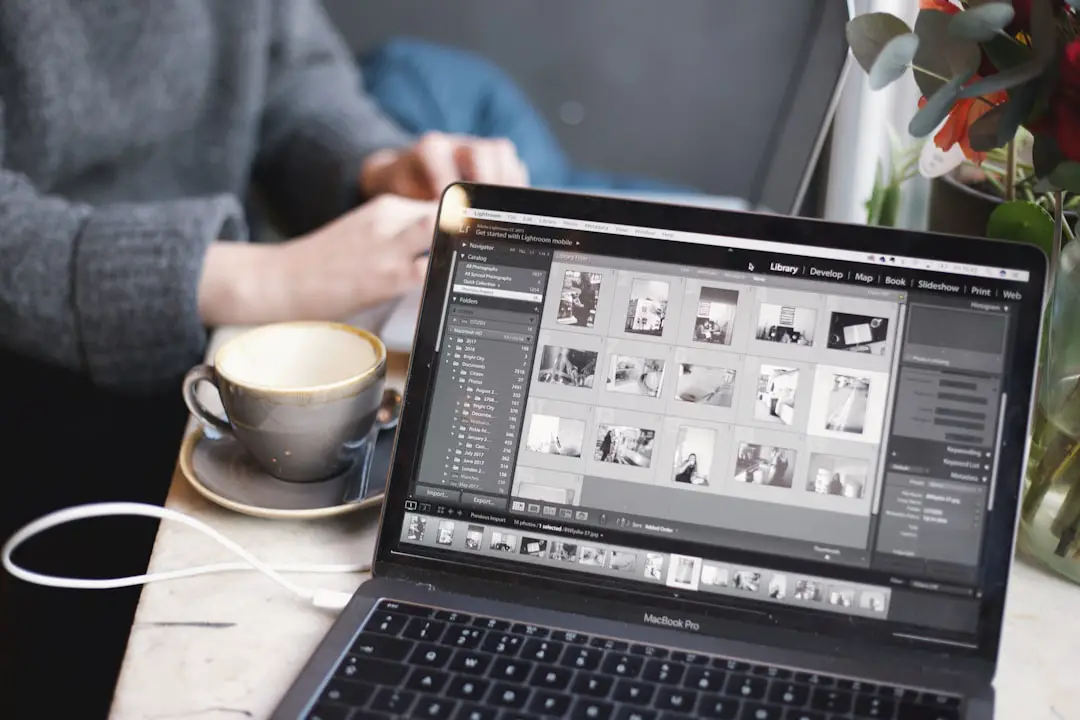
Adobe Lightroom remains one of the most powerful options for creators who care deeply about color, exposure, and consistency. Its AI features help with masking, subject selection, sky selection, portrait enhancement, and adaptive presets. A creator can quickly brighten a subject, darken a background, smooth shadows, or create a specific mood without manually painting every adjustment.
Lightroom is especially useful for travel, lifestyle, fashion, and wedding creators who want a polished, professional feed. Its preset system also makes it easier to maintain a recognizable style across dozens or hundreds of posts. For example, a creator can build a warm beige aesthetic, a cool urban look, or a high-contrast editorial style and apply it across an entire content batch.
- Best for: professional photo correction, color grading, presets, consistent feeds
- Key AI features: subject masks, sky masks, portrait masks, adaptive presets
- Ideal user: creators who want advanced control without relying only on one-tap filters
2. Canva: Best for Instagram Posts, Carousels, and Branded Content
Canva is more than a photo editor. It is a complete content creation platform for Instagram posts, Stories, carousels, thumbnails, media kits, and promotional graphics. Its AI tools help creators remove backgrounds, expand images, generate design suggestions, and create visual layouts quickly.
For creators who regularly post educational carousels, quote graphics, product announcements, or branded content, Canva is extremely practical. It allows images, text, icons, brand colors, and templates to work together in one place. A creator can upload a photo, clean it up, place it into a carousel layout, add typography, and export it in Instagram-ready dimensions.
- Best for: social media graphics, carousels, brand kits, templates
- Key AI features: background remover, AI design suggestions, image expansion, text to image tools
- Ideal user: creators who need both photo editing and graphic design in one app
3. Facetune: Best for Portraits, Beauty, and Influencer Content
Facetune has long been popular with beauty, fashion, fitness, and lifestyle creators. Its AI-powered tools can enhance portraits, smooth skin, whiten teeth, adjust lighting, change backgrounds, and refine details. While it can create very polished results, the best creators use it carefully to avoid an overly artificial look.
The app is helpful for creators who frequently show their faces and need reliable portrait edits. It can correct harsh lighting, reduce under-eye shadows, adjust makeup appearance, and help photos look cleaner before posting. For personal brands, profile images, beauty campaigns, and selfie-based content, Facetune remains one of the most convenient mobile options.
- Best for: selfies, portraits, beauty shots, personal branding
- Key AI features: skin retouching, lighting correction, background editing, facial feature adjustments
- Ideal user: influencers and creators who regularly appear on camera
4. Picsart: Best for Creative Edits and Trend-Based Content
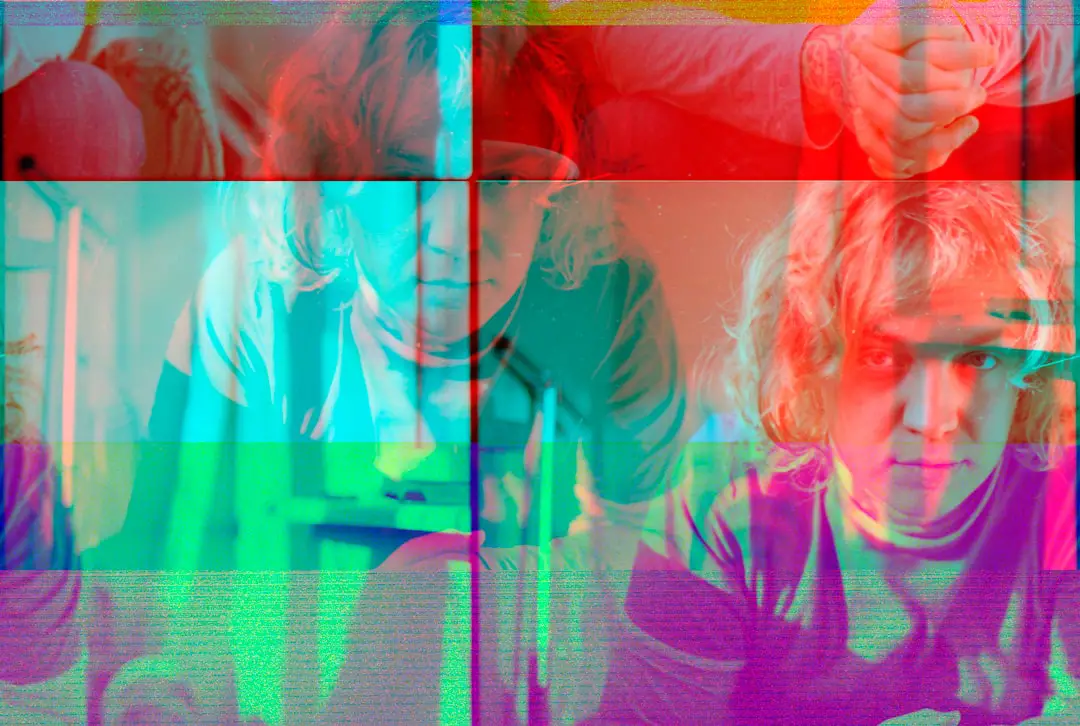
Picsart is a strong choice for creators who enjoy bold, playful, and experimental visuals. It combines AI photo editing, stickers, filters, background removal, object removal, collage tools, and generative effects. This makes it useful for meme pages, music creators, pop culture accounts, digital artists, and creators who follow fast-moving visual trends.
Instead of focusing only on realistic enhancement, Picsart encourages creative transformation. A creator can turn a simple portrait into a poster-style graphic, add surreal backgrounds, create cutout effects, or design attention-grabbing Story visuals. Its editing style is especially useful when a creator wants posts to feel expressive, colorful, and shareable.
- Best for: creative effects, collages, stickers, social trends
- Key AI features: AI background tools, object removal, generative effects, image enhancement
- Ideal user: creators who want playful and visually distinctive edits
5. Remini: Best for Enhancing Low-Quality Images
Remini is known for AI image enhancement. It can sharpen blurry photos, restore facial details, improve resolution, and make older or lower-quality images look clearer. This is valuable for creators who reuse archive photos, work with user-generated content, or need to rescue images taken in poor lighting.
For Instagram, image clarity matters because compressed or blurry photos can look less professional. Remini helps creators upgrade visuals before placing them into posts, Stories, or thumbnails. It is especially useful for personal brands, coaches, speakers, and creators who have older photos that still carry storytelling value.
- Best for: sharpening, restoring, improving image quality
- Key AI features: face enhancement, resolution improvement, blur reduction
- Ideal user: creators who often work with imperfect or older photos
6. Photoleap: Best for AI Art and Advanced Mobile Compositing
Photoleap is ideal for creators who want to blend photo editing with AI-generated art. It offers tools for background replacement, double exposure, object removal, AI scenes, and imaginative transformations. A creator can turn a regular portrait into a cinematic scene, fantasy artwork, album cover, or conceptual campaign visual.
This app is particularly useful for musicians, digital artists, photographers, and creators building highly stylized feeds. While Lightroom may be better for realistic color grading, Photoleap is stronger for visual storytelling and dramatic compositions. It allows creators to produce content that feels more like a campaign image than a casual phone photo.
- Best for: surreal edits, AI art, advanced compositions
- Key AI features: AI scenes, background generation, object removal, artistic transformations
- Ideal user: creators who want cinematic or imaginative Instagram visuals
7. VSCO: Best for Minimal, Film-Inspired Aesthetics
VSCO is popular among creators who prefer subtle, tasteful, and film-inspired edits. While it is not always as aggressive with AI as some competitors, it uses smart editing tools and premium presets to help creators produce consistent images quickly. Its strength lies in mood, restraint, and aesthetic cohesion.
Creators in fashion, lifestyle, interiors, wellness, and travel often appreciate VSCO because it can create a refined look without making photos appear over-edited. The app is especially useful for those who value soft tones, grain, muted colors, and editorial simplicity.
- Best for: minimalist feeds, film looks, subtle color styling
- Key features: premium presets, editing recipes, tone control, grain effects
- Ideal user: creators who want a clean and understated Instagram aesthetic
How Creators Should Choose the Right App
The best AI-powered Instagram editing app depends on the creator’s content goals. A beauty influencer may benefit most from Facetune, while a travel photographer may prefer Lightroom. A coach or educator who posts carousels might find Canva more useful than a traditional photo editor. Meanwhile, an artist or musician may get more value from Photoleap or Picsart.
Creators should consider four main factors before choosing an app:
- Editing style: Does the creator want natural, polished, cinematic, playful, or artistic images?
- Workflow speed: Does the app support batch editing, templates, presets, or one-tap enhancements?
- Brand consistency: Can the creator repeat the same look across posts, Stories, and carousels?
- Content type: Is the creator editing portraits, products, landscapes, graphics, or mixed media?
It is also common for creators to use more than one app. For example, a creator may enhance a photo in Lightroom, remove an object in Picsart, design a carousel in Canva, and sharpen the final image with Remini. The best workflow is often a small app stack rather than one single tool.
Best App Combinations for Different Creator Types
Fashion and lifestyle creators may benefit from using Lightroom for color consistency, Facetune for portrait refinement, and VSCO for final mood adjustments. This combination supports polished outfits, clean skin tones, and cohesive feed styling.
Educators and coaches may prefer Canva for carousels and branded templates, Lightroom for professional headshots, and Remini for improving older or lower-resolution images. This helps them maintain authority while producing content efficiently.
Travel creators often need Lightroom for landscapes, sky editing, and color grading. They may also use Photoleap for dramatic storytelling edits and Picsart for experimental Story posts.
Beauty creators are likely to use Facetune, Lightroom, and Canva. Facetune handles portrait details, Lightroom controls color accuracy, and Canva helps with campaign graphics or product callouts.
Artists, musicians, and entertainment creators may get the most from Photoleap and Picsart because these apps support bold visuals, surreal effects, and promotional graphics that stand out in a crowded feed.
Tips for Better AI Instagram Photo Editing
- Keep edits natural when needed: Over-smoothed skin, distorted backgrounds, and unrealistic colors can reduce trust.
- Create a repeatable style: Consistent tones, contrast, and saturation help followers recognize a creator’s content instantly.
- Edit for mobile viewing: Most users see Instagram on small screens, so clarity and strong composition matter.
- Use AI as support, not a replacement: The creator’s taste and judgment still determine the final quality.
- Export in the right size: High-quality exports help reduce visible compression after uploading to Instagram.
Final Thoughts
AI-powered Instagram picture editing apps have made professional-looking content more accessible than ever. Creators no longer need to spend hours correcting every flaw, removing every distraction, or designing every layout from scratch. With the right tools, they can build stronger visual identities, post more consistently, and focus on the creative direction behind the content.
The best app is not always the one with the most features. It is the one that fits the creator’s niche, workflow, and visual goals. For many creators, the smartest approach is to combine apps: one for color, one for retouching, one for design, and one for creative effects. When used thoughtfully, AI editing tools can help Instagram creators produce content that feels polished, memorable, and uniquely their own.
FAQ
What is the best AI photo editing app for Instagram creators?
The best overall choice depends on the creator’s needs. Adobe Lightroom is excellent for professional color editing, Canva is ideal for carousels and branded posts, and Facetune is strong for portraits and beauty content.
Which AI app is best for Instagram selfies?
Facetune is one of the best options for selfies because it offers AI skin retouching, lighting correction, background editing, and portrait enhancement tools.
Which app is best for making an Instagram feed look consistent?
Lightroom and VSCO are both excellent for feed consistency. Lightroom offers more advanced control, while VSCO is useful for quick, stylish, film-inspired edits.
Can AI editing apps replace professional photographers?
AI editing apps can improve images quickly, but they do not fully replace professional photography skills. Lighting, composition, styling, and creative direction still play a major role in high-quality Instagram content.
Are AI-edited Instagram photos authentic?
They can be authentic when editing is used to improve quality rather than mislead viewers. Many creators use AI tools for brightness, color, cropping, and cleanup while still keeping the image realistic.
What app should creators use for Instagram carousels?
Canva is one of the best choices for Instagram carousels because it combines templates, image editing, typography, brand colors, and export settings in one platform.
Is it better to use one editing app or several?
Many creators use several apps because each one has a different strength. A strong workflow might include Lightroom for color, Facetune for portraits, Canva for layouts, and Picsart or Photoleap for creative effects.