Productive teams are rarely the result of heroic effort alone. They are usually built on clear priorities, smooth communication, visible workflows, and leaders who can remove friction before it becomes a bottleneck. The right software does not magically create great management, but it can make strong leadership easier to practice every day.
TLDR: The best software for productive teams helps leaders align goals, manage work, communicate clearly, and measure progress without creating extra noise. Tools like Asana, ClickUp, Slack, Notion, Microsoft Teams, Loom, and 15Five can improve execution when chosen intentionally. The key is not using more apps, but building a focused software stack that supports how your team actually works.
Why Leaders Need More Than a To Do List
For leaders, productivity is not simply about getting more tasks completed. It is about helping the right people work on the right things at the right time. A team can be busy all week and still fail to make meaningful progress if priorities are unclear, meetings are excessive, or important decisions disappear inside chat threads.
The best productivity software gives leaders visibility without micromanagement. It helps answer practical questions: What is everyone working on? Which projects are at risk? Where are decisions stored? Who is overloaded? What can wait? When software answers these questions quickly, leaders spend less time chasing updates and more time coaching, planning, and solving real problems.
1. Project Management Software: Turning Priorities Into Progress
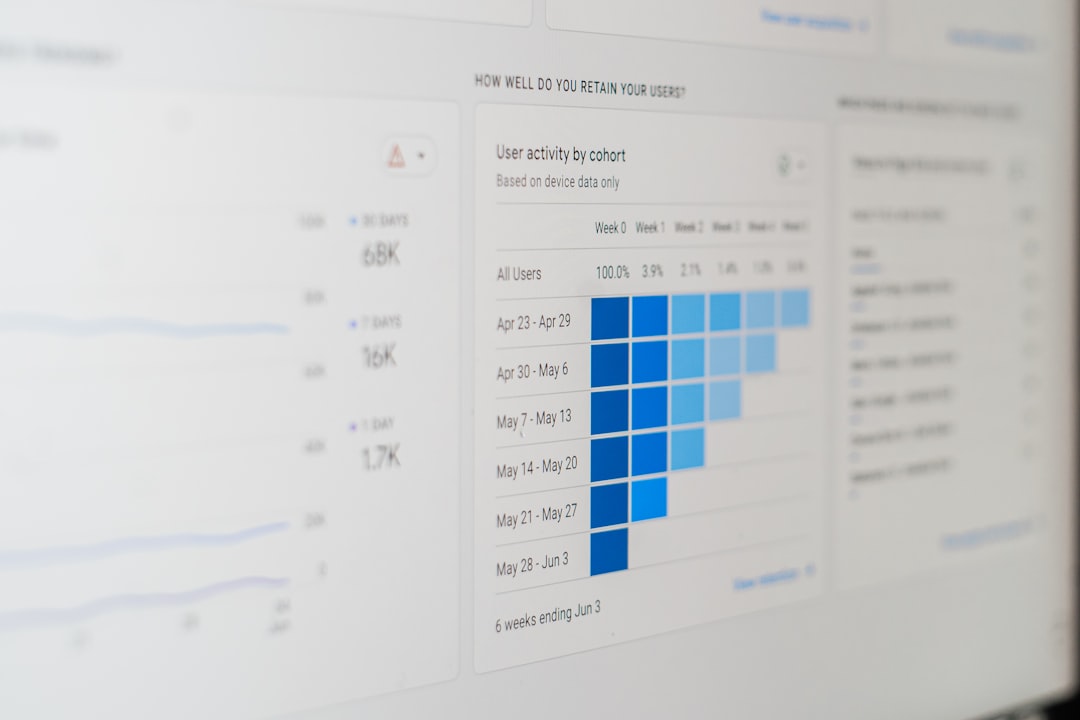
If your team handles multiple projects, deadlines, approvals, or cross functional work, project management software is essential. It creates one shared place where goals, tasks, owners, dates, and status updates live.
Asana is one of the strongest choices for leaders who want clarity without overwhelming their teams. It works well for marketing, operations, product launches, customer success, and executive initiatives. Leaders can view work as lists, boards, timelines, or calendars, making it easier to understand both detail and direction.
ClickUp is a powerful option for teams that want an all in one workspace. It combines tasks, documents, goals, dashboards, forms, time tracking, and automations. The advantage is flexibility; the risk is complexity. Leaders should introduce ClickUp gradually and standardize how spaces, folders, and tasks are used.
Monday.com is highly visual and approachable, especially for teams that need customizable workflows. It is useful for tracking campaigns, operations processes, hiring pipelines, and client projects. Its color coded boards make status easy to scan, which is helpful for leaders managing several initiatives at once.
Trello remains a simple and effective choice for smaller teams or straightforward workflows. Its card based system is easy to understand and works especially well for editorial calendars, lightweight product planning, and team task boards.
For software development teams, Jira is still a standard. It supports agile methods, sprint planning, issue tracking, and release management. However, leaders should ensure Jira does not become a technical maze that only developers understand. Clear naming, consistent workflows, and useful dashboards make it much more valuable.
2. Communication Tools: Faster Alignment, Less Confusion
Communication software can either improve productivity or destroy it. Real time messaging is useful, but constant notifications and scattered decisions can reduce deep work. Leaders need tools and norms.
Slack is excellent for fast moving teams that rely on channels, integrations, and quick collaboration. It is especially effective when leaders create clear channel purposes, use threads, and avoid treating every message as urgent. Slack shines when paired with good documentation habits.
Microsoft Teams is a strong choice for organizations already using Microsoft 365. It combines chat, video meetings, file sharing, and collaboration around Word, Excel, PowerPoint, and SharePoint. For enterprise teams, its security and administrative controls are major advantages.
Zoom remains one of the most reliable video meeting platforms, particularly for external meetings, webinars, and distributed teams. But productivity minded leaders should be careful: the best meeting tool is still only useful when meetings have agendas, owners, and outcomes.
A smart communication stack usually separates three things:
- Urgent conversations: chat or phone calls
- Important discussions: meetings with agendas
- Permanent knowledge: documentation tools
3. Documentation and Knowledge Management: Stop Repeating Yourself
One of the biggest productivity leaks in any organization is repeated explanation. When policies, processes, meeting notes, decisions, and project context are scattered, teams waste hours searching or asking the same questions.
Notion is a popular choice for building a flexible team knowledge base. It can hold company wikis, project briefs, meeting notes, roadmaps, onboarding materials, and lightweight databases. Its strength is adaptability, making it a favorite for startups, creative teams, and departments that want a clean central hub.
Confluence is a better fit for many technical and enterprise teams, especially those already using Atlassian tools like Jira. It supports structured documentation, product requirements, technical guides, and project history.
Google Workspace and Microsoft 365 are also essential productivity foundations. Google Docs, Sheets, Drive, Word, Excel, OneDrive, and SharePoint may not feel glamorous, but they remain central to how teams create, review, and share work. Leaders should focus less on novelty and more on consistent file organization, naming conventions, and access permissions.

4. Asynchronous Video: Reduce Meetings Without Losing Context
Not every update needs a meeting. Asynchronous video tools help leaders explain ideas with more nuance than text while still protecting everyone’s schedule.
Loom is one of the best tools in this category. A leader can record a short screen share to explain a strategy update, review a dashboard, provide feedback, or walk through a process. Team members can watch it when they have time, replay important sections, and respond without interrupting their focus.
Vidyard and Sendspark offer similar benefits, particularly for sales, customer success, and executive communication. The broader lesson is simple: if a topic does not require live discussion, consider recording it. This habit can remove hours of meetings from the calendar each month.
5. Goal Setting and Performance Tools: Keep the Team Focused
Productivity improves when people know what success looks like. Goal setting and performance software helps leaders connect individual tasks to broader business outcomes.
15Five is designed around continuous performance management. It supports check ins, objectives, one on ones, recognition, and feedback. Leaders can spot morale issues, blockers, and alignment problems before they become serious.
Lattice is another strong platform for performance reviews, engagement surveys, goals, feedback, and career development. It is especially useful for growing organizations that want more structure around management practices.
Culture Amp focuses heavily on employee engagement, surveys, and people insights. For leaders who care about productivity and retention, engagement data is more than a human resources metric. Burned out or disconnected teams rarely deliver their best work for long.
Effective leaders use these systems not to monitor every move, but to create better conversations. A weekly check in can reveal that someone is blocked, unclear on priorities, or quietly carrying too much work.
6. Time, Focus, and Calendar Tools: Protect the Workday
A team’s calendar often reveals its real priorities. If the calendar is packed with recurring meetings and fragmented time, productivity will suffer no matter how motivated people are.
Calendly simplifies scheduling and reduces the back and forth of finding meeting times. It is particularly useful for sales teams, recruiters, consultants, and managers who coordinate with many people.
Clockwise helps optimize calendars by moving flexible meetings and creating longer focus blocks. For teams that rely on deep work, such as engineering, strategy, writing, design, or analysis, protected focus time can be a major performance advantage.
Toggl Track and Harvest help teams understand where time goes. They are especially useful for agencies, consultants, freelancers, and service teams that bill by project or need to improve workload planning. Leaders should present time tracking as a planning tool, not a surveillance tool.
RescueTime can help individuals understand digital habits and distractions. It gives insight into focus patterns, app usage, and productivity trends, which can support better personal routines.
7. Collaboration and Whiteboarding: Make Ideas Visible
Some problems are easier to solve visually. Brainstorming, mapping systems, planning customer journeys, and designing workflows often require more than text documents.
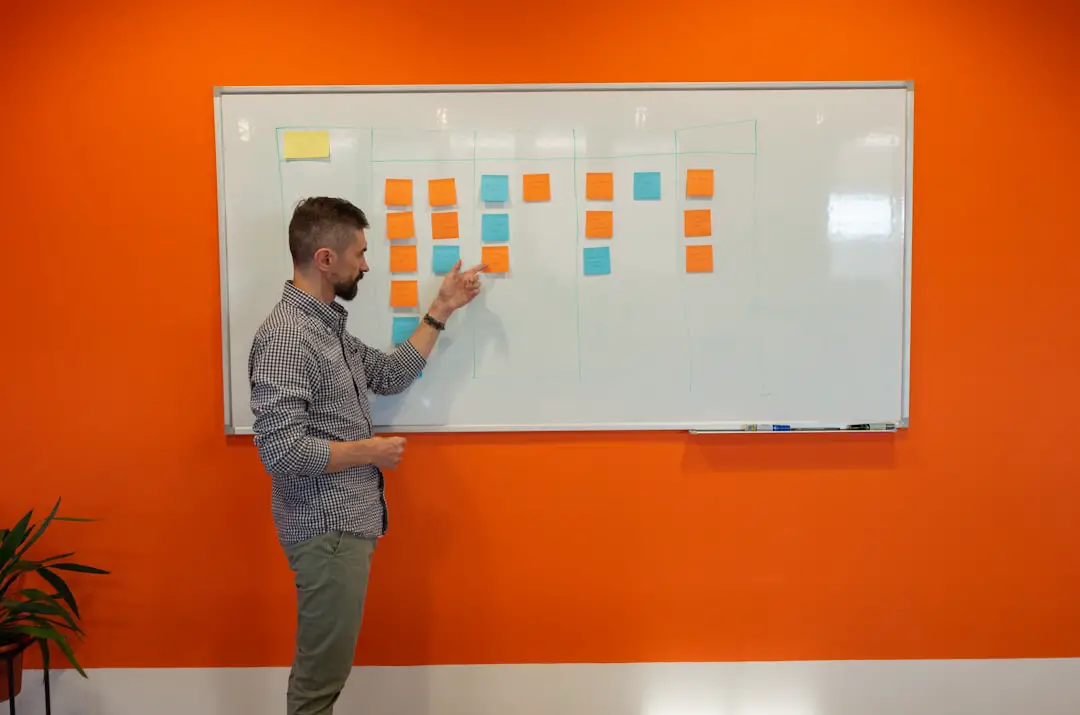
Miro is a leading digital whiteboard for distributed teams. It supports brainstorming, retrospectives, diagrams, workshops, and planning sessions. Leaders can use it to make meetings more interactive and to capture thinking that would otherwise disappear after a call.
FigJam, from the makers of Figma, is another excellent visual collaboration tool. It is especially popular with product, design, and creative teams. For leaders, the value is not just design collaboration, but faster shared understanding.
How to Choose the Right Software Stack
The best software for your team depends on your work style, company size, industry, and culture. A ten person creative studio does not need the same system as a global engineering organization. Before buying another tool, leaders should ask a few practical questions.
- What problem are we solving? Avoid adopting software simply because it is popular.
- Will this replace an existing tool? Too many overlapping apps create confusion.
- Can the team learn it quickly? A powerful tool is useless if no one uses it properly.
- Does it integrate with our current systems? Smooth integrations reduce duplicate work.
- What behaviors do we want to encourage? Software should support better habits, not just new processes.
Leaders should also consider creating a simple team operating system: a short guide explaining where work is tracked, where documents live, how requests are made, when meetings happen, and how decisions are recorded. This is often more valuable than the software itself.
Recommended Software Combinations
For a small startup, a lean stack might include Slack, Notion, Linear or Trello, Google Workspace, and Loom. This provides communication, documentation, task management, file collaboration, and asynchronous updates without too much complexity.
For a growing operations or marketing team, consider Asana or Monday.com, plus Slack, Google Workspace, Miro, and 15Five. This supports project visibility, communication, planning, and team health.
For a larger enterprise, a practical combination may include Microsoft Teams, Microsoft 365, Jira, Confluence, Power BI, and Lattice. This stack supports security, structured collaboration, reporting, technical workflows, and performance management.
A Final Word for Leaders
The most productive teams are not the ones with the most tools. They are the ones with the clearest agreements. Software should make priorities visible, reduce unnecessary meetings, strengthen accountability, and help people do their best work with fewer obstacles.
When choosing tools, start small. Pick one painful workflow, improve it, and measure whether the change helps. Ask the team what feels easier and what feels heavier. The best leaders treat software as part of a larger productivity system that includes trust, clarity, feedback, and focus.
In the end, the best software for leaders is the software their teams can use consistently, confidently, and intelligently. Choose tools that clarify work instead of complicating it, and productivity will become less about pressure and more about momentum.