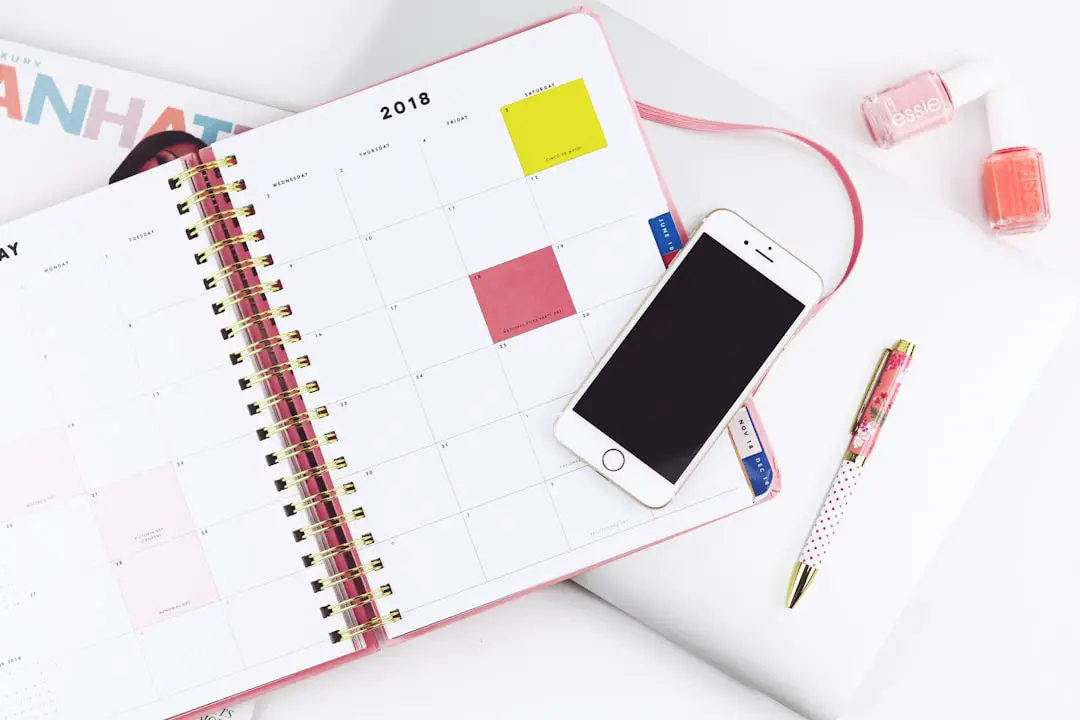
In the fast-paced world of social media, staying organized, consistent, and timely with your content is key to building a successful online presence. Whether you’re a brand, an influencer, or a small business owner, juggling multiple platforms and posting schedules can be overwhelming. That’s where tools like Later come in. Designed to simplify and streamline social media content planning and posting, Later has become a favorite among marketers and creators alike.
TL;DR
Later is a social media management platform that helps users plan, schedule, and analyze content across various platforms like Instagram, Facebook, Twitter, Pinterest, TikTok, and LinkedIn. It features an intuitive drag-and-drop calendar, media library, performance analytics, and automated publishing. The tool is especially popular for Instagram marketing, offering visual content planning, hashtag suggestions, and user-generated content tools. With its easy-to-use interface and flexible pricing plans, Later is ideal for both beginners and professionals looking to take control of their social media strategy.
What Is Later?
Later is a visual content calendar and social media scheduler that allows users to plan and publish content across multiple platforms from one central dashboard. Originally launched in 2014 under the name “Latergramme,” the platform was initially focused solely on Instagram. Over the years, Later has evolved into a robust, all-in-one social media management solution that supports:
- TikTok
The tool is beloved for its ease of use, clean interface, and focus on visual planning, making it perfect for marketers, content creators, and businesses that put a premium on aesthetics and brand consistency.
Key Features of Later
What makes Later stand out from the crowd of social media tools? Let’s take a closer look at its core functionalities:
1. Visual Content Calendar
Later’s drag-and-drop content calendar is one of its most popular features. This allows users to visually plan and schedule content by simply dragging their media onto a calendar.
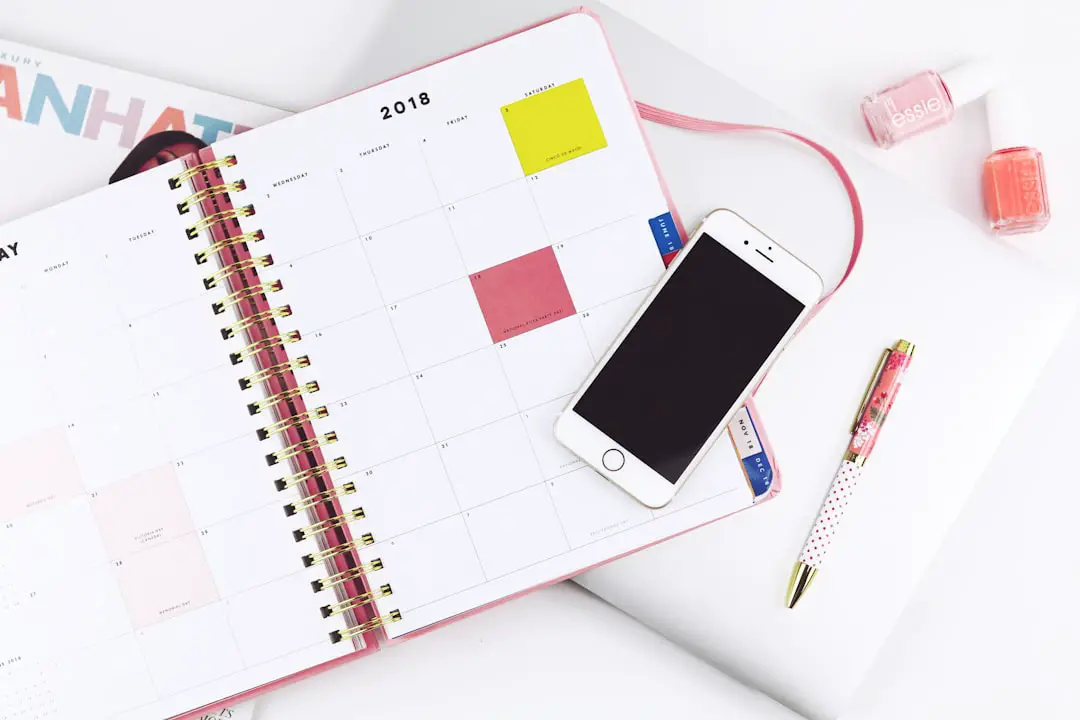
This visual planning feature is particularly helpful for Instagram, Pinterest, and other image-driven platforms. You can preview how your posts will look on your grid before they go live, ensuring a cohesive brand aesthetic.
2. Media Library
Later provides a centralized media library where users can upload, tag, and organize their digital assets. This library supports multiple file types, and you can add metadata and labels to easily sort files by campaign, platform, or theme.
Users can also pull media from cloud storage or drop images directly from the web using the Chrome extension. This makes Later ideal for teams who manage shared brand assets and want to streamline their workflow.
3. Scheduling and Auto-Publishing
Later enables you to schedule your posts in advance across different platforms. It supports auto-publishing for many content types, so you don’t need to manually push posts live.
- Instagram: Includes auto-publishing for feed posts, reels, and stories (via reminders).
- Facebook and Twitter: Fully automated scheduling and posting.
- Pinterest and LinkedIn: Seamless support for publishing pins and professional updates.
This automation saves a tremendous amount of time, especially for accounts that post multiple times a day.
4. Hashtag and Caption Tools
Crafting compelling captions and discovering the best hashtags is made easier with Later’s built-in tools. You can create hashtag groups, find relevant keywords and track which ones drive the most engagement.
Additionally, Later offers a “Saved Captions” feature, which lets you reuse successful text snippets and call-to-actions (CTAs) with ease. This is a great way to keep your branding consistent across campaigns.
5. Analytics and Reporting
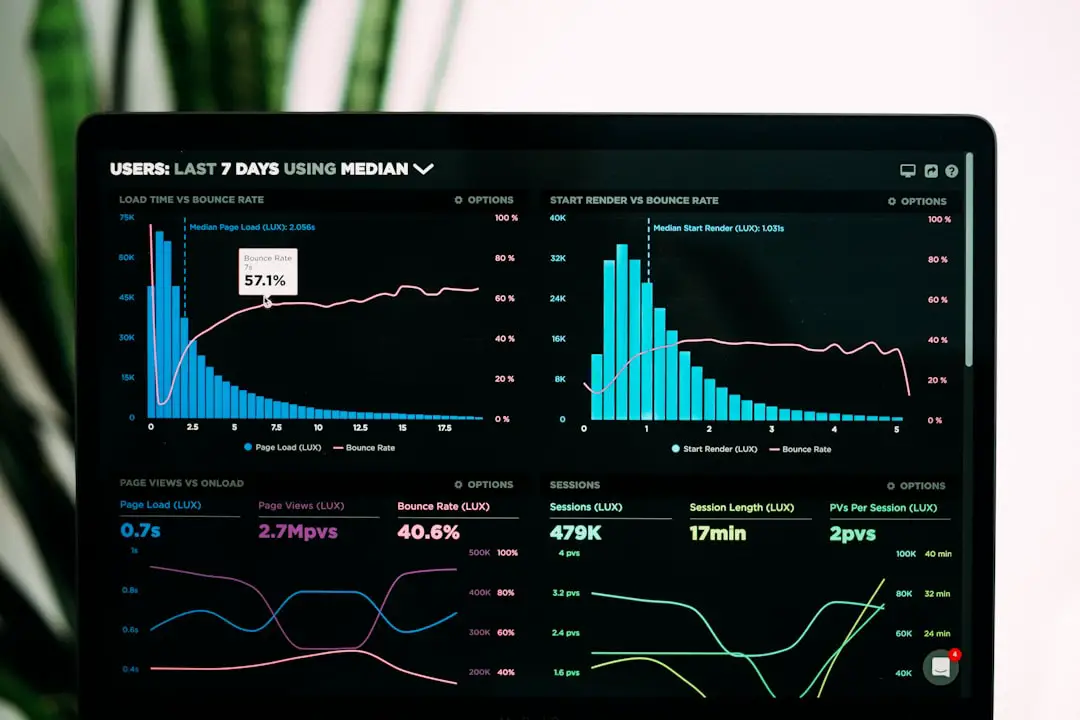
Understanding your content’s performance is crucial, and Later’s built-in analytics tools deliver detailed insights on post engagement, reach, follower growth, and more.
You can generate performance reports for:
- Instagram (including Stories, Reels, and Reach)
- Facebook Page engagement
- Pinterest analytics
With Later Analytics, users can even track optimal posting times and audience demographics, allowing data-driven strategy adjustments.
Who Should Use Later?
Later is highly versatile and caters to a wide range of users. Here are a few groups that can benefit the most:
- Small Businesses: Automatically schedule and promote products without hiring a full-time social media manager.
- Social Media Managers: Manage multiple clients, organize media assets, and deliver results with performance reports.
- Influencers and Content Creators: Plan aesthetic feeds, repurpose user content, and drive affiliate sales with Link in Bio tools.
- Marketing Teams: Collaborate on campaigns, assign tasks, and streamline approvals using shared calendars and workflows.
Later’s Instagram-Focused Features
While Later supports multiple platforms, it really shines when used for Instagram marketing. Its Instagram-specific tools include:
- Instagram Grid Preview: Visualize your feed before posting to maintain a consistent and curated appearance.
- Link in Bio: A mini landing page that links each Instagram post to an external URL, ideal for eCommerce and promotions.
- User-Generated Content: Pull in tagged or hashtagged content from Instagram and request permissions to repost.
- Instagram Story Scheduling: Plan your stories and receive push notifications when it’s time to post.
These tools are perfect for brands prioritizing Instagram as their main channel for audience engagement and influence.
Pricing Plans
Later offers a range of pricing options, including:
- Free Plan: Great for individuals managing a single social profile with limited monthly posts.
- Starter Plan: Ideal for freelancers and solo entrepreneurs who want additional features and more scheduled posts.
- Growth and Advanced Plans: Designed for larger teams, agencies, or businesses that require collaboration tools, advanced analytics, and multiple users.
Pricing is typically tiered based on the number of users, social profiles, and scheduled posts per month. This makes Later flexible and scalable as your business or presence grows.
Pros and Cons
Every tool has its strengths and trade-offs. Here’s a quick overview of Later’s pros and cons:
Pros
- Easy-to-use visual content calendar
- Strong Instagram scheduling and preview options
- Affordable entry-level pricing
- Robust support for hashtag research and analytics
- Integrates well with various media sources
Cons
- Limited advanced automation on Free plan
- Some scheduling features (like Instagram Stories) require manual intervention
- Analytics on lower tiers can be quite basic
Conclusion
In a crowded social media landscape, Later stands out as a reliable, user-friendly tool tailored for those who need visual planning, smooth scheduling, and insightful analytics. Particularly well-suited for visually-driven brands and Instagram-first strategies, it continues to evolve with the needs of modern marketers. Whether you’re just starting out or looking to scale your social efforts, Later could be the partner that helps you spend less time posting and more time growing your brand.
If you’re tired of juggling multiple tools, missing ideal posting times, or just want to create a better-looking feed, Later is worth a test drive. Try the free version or explore their paid plans to start enhancing your social media strategy today.