
In the rapidly evolving digital landscape, the way people interact with the internet has transformed dramatically. Today’s users demand speed, security, personalization, and versatility—needs that traditional web browsers are struggling to meet. As internet activities become more complex and integrated into daily life, the foundational design of conventional browsers is starting to show its age.
TLDR (Too Long, Didn’t Read)
Traditional browsers are no longer sufficient for the complexities of modern web use. With rising demands for privacy, multitasking, and functionality, users are turning to specialized or alternative browsers that offer more advanced features. New digital trends like web-based applications, virtual collaboration, and decentralized platforms have pushed traditional browsers to their limits. If browsers want to stay relevant, they’ll need to evolve beyond their original scope.
The Shift in User Expectations
Over the past decade, internet users have shifted from using browsers as a tool for occasionally visiting websites to depending on them for everything from work collaboration to banking and even personal entertainment. This transformation means that average web users now expect:
- Flawless multitasking capabilities
- Advanced privacy controls
- Integration with third-party services
- Built-in app ecosystems
Traditional browsers like Chrome, Firefox, and Safari weren’t initially designed to handle this level of performance and customization. While they’ve added features over time, those features are often bolted on rather than deeply integrated, leading to clunky interfaces and performance bottlenecks.
Multitasking and Productivity Are Catalysts for Change
Modern professionals and content creators often work with dozens of tabs open, switching between SaaS apps, video calls, streaming services, and research tools. Traditional browsers typically fall short when it comes to organizing workspace efficiently.
In contrast, newer browsers and platforms provide:
- Tab grouping with memory persistence
- Vertical tabs and sidebar apps
- Split-screen views for parallel workflows
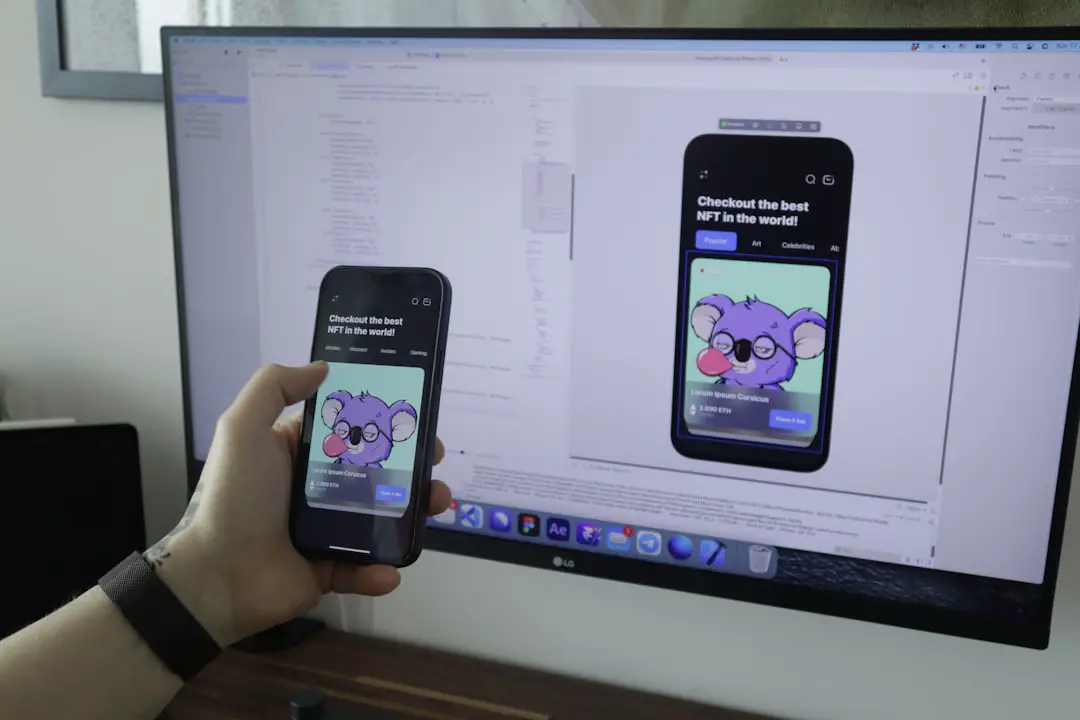
Tools like Arc Browser and Opera’s Workspaces are examples of how newer browsers are reimagining what it means to navigate the web efficiently. Traditional browsers often require third-party extensions to emulate these functionalities, adding bulk and instability to an already aging software architecture.
Privacy and Security Concerns Elevate User Demands
Security breaches, data harvesting, and surveillance have made users more privacy-conscious than ever. Traditional browsers, despite implementing features like “Incognito mode” or “Tracking protection,” still fall short of what users want and need in terms of control and transparency.
Modern alternative browsers are designed with privacy as a core principle. Features like:
- Built-in ad blockers
- VPN integration
- Zero-knowledge architectures
…give users confidence that their activities aren’t being constantly monitored or sold to third parties. Platforms like Brave and Tor have gained loyal fanbases by emphasizing these privacy-first design philosophies, which traditional browsers often lack or implement poorly.
AI and Web 3.0 Integration Push Boundaries
The future of the internet is being shaped by artificial intelligence, blockchain, and decentralized apps. Traditional browsers are scrambling to adapt to this next chapter of digital evolution.
For instance, users increasingly seek browsers or browser-like environments that support:
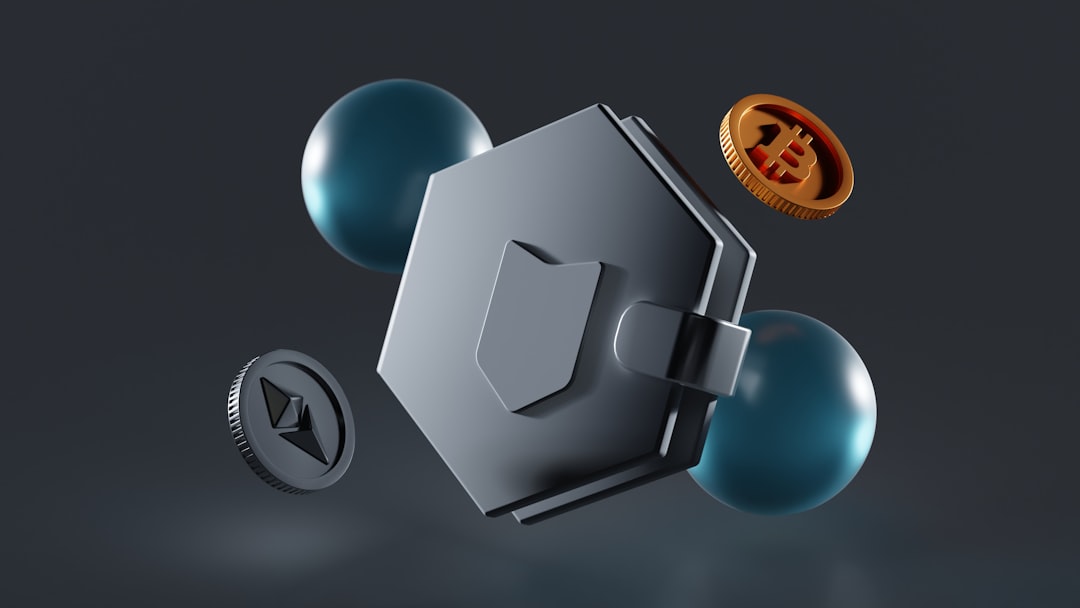
- Blockchain wallets & crypto-native Web3 access
- Interaction with AI agents and virtual assistants
- Smart contract execution for decentralized apps
These features are largely missing or poorly implemented in conventional browsers. Instead, niche browsers like Opera Crypto Browser and decentralized platforms like Beaker are designed with such needs in mind. They provide native support for navigating and using blockchain-based web services without extensive configuration.
Performance Bottlenecks and Hardware Constraints
Running a traditional browser with multiple tabs open can quickly turn into a memory-draining endeavor, particularly on mid-range or older devices. Modern web applications are resource-intensive, and browsers like Chrome are infamous for overusing RAM.
Newer solutions are being optimized to allocate memory more efficiently or use alternative rendering engines that consume fewer resources. Some alternative browsers are even built on lightweight engines designed specifically for performance, delivering a smoother experience even with multiple simultaneous tasks.
User-Centric Design: Bringing Personalization to the Fore
Customization, user workflows, and interface adaptability are increasingly essential to users. Traditional browsers offer themes and extensions, but they lack cohesive, customizable UI elements that reflect individual workflows. The future lies in giving users creative control over how they experience and interact with their browsing environment.
Emerging tools allow users to:
- Create custom dashboards and start pages
- Use drag-and-drop tab pinning
- Sync work environments across devices with seamless transitions
This level of personalization isn’t just about aesthetics—it’s about optimizing productivity and reducing friction in daily computing tasks.
The Role of Extensions and Native Integrations
While extensions have long been the answer to a browser’s missing feature, they have limits. Many extensions pose security risks, have low user support, or are poorly maintained. Relying heavily on third-party plugins to achieve modern usability is no longer effective or safe.
Browsers must evolve to natively integrate important utilities such as:
- Task management tools
- AI-based search summarizers
- In-browser note-taking and cloud sync
Native services offer better performance, reliability, and user experience compared to bolted-on extensions, and this trend is increasingly defining the next generation of browser ecosystems.
Conclusion
The traditional browser model, while foundational to the Internet’s success, is now starting to crumble under the weight of modern digital demands. Rather than serving simply as gateways to static websites, today’s browsers must evolve into full-fledged productivity tools, privacy vaults, and intelligent interfaces for the future web.
To truly keep up, browsers need to embrace change by integrating performance-focused design, privacy-centric features, AI and Web3 compatibility, and innovative layouts that empower users instead of limiting them.
FAQ
-
Q: What is a traditional browser?
A: A traditional browser refers to widely-used browsers like Google Chrome, Mozilla Firefox, Safari, and Internet Explorer, which were primarily built for accessing websites and basic web functionalities. -
Q: What kind of users need more than a traditional browser?
A: Power users, professionals, digital nomads, privacy advocates, and crypto enthusiasts benefit most from advanced browsers that offer multitasking, security, and cutting-edge integrations. -
Q: Are new browsers safe to use?
A: Many newer browsers like Brave and Arc prioritize user security. However, users should always research and verify the credibility and data policies of any digital platform before adoption. -
Q: Can extensions make my traditional browser modern?
A: While extensions can improve usability, they have security, performance, and compatibility risks. Native features integrated within the browser itself tend to be more reliable and efficient.