
Web browsers have come a long way. Once just a basic window into the internet, they’re now powerful tools that can protect—or expose—your privacy. With next-gen browsers stepping into the spotlight, how we stay safe online is shifting fast.
TL;DR
Next-generation browsers like Brave, Firefox, and even new versions of Chrome are giving users more control over their privacy. They block trackers, stop cookies, and reduce digital footprints automatically. With built-in tools and smart defaults, you don’t have to be a tech whiz to stay safe. Privacy is no longer just an option—it’s becoming the browser’s job.
Why Privacy Online Matters
Your every click online can be watched. Companies want to know what you search, what you shop for, and even how long you read an article. That data gets sold or used to target you in ads.
Here’s the thing: your online identity is like a puzzle. Each piece tells something about you. Next-gen browsers are trying to hide or scramble those pieces, making it way harder for companies to track you.
What Makes a Browser “Next-Gen”?
Next-generation browsers are built with privacy at their core. They aren’t just fast and pretty—they’re smart about keeping your data safe.
Some key features include:
- Ad and tracker blocking
- Fingerprinting protection
- Encrypted browsing
- Cookie control
- Private or Incognito mode on steroids
Let’s take a look at how these features work.
Tracker Blocking: Say “No Thanks” to Creepy Ads
Old browsers didn’t stop trackers unless you installed an extra tool. Now, browsers like Brave and Firefox block these by default.
What are trackers? They’re like tiny spies. They sit on web pages and log every move you make. They don’t ask permission. They just follow you.
Next-gen browsers say “no way” to that.
Fingerprinting Protection: Can They Guess Who You Are?
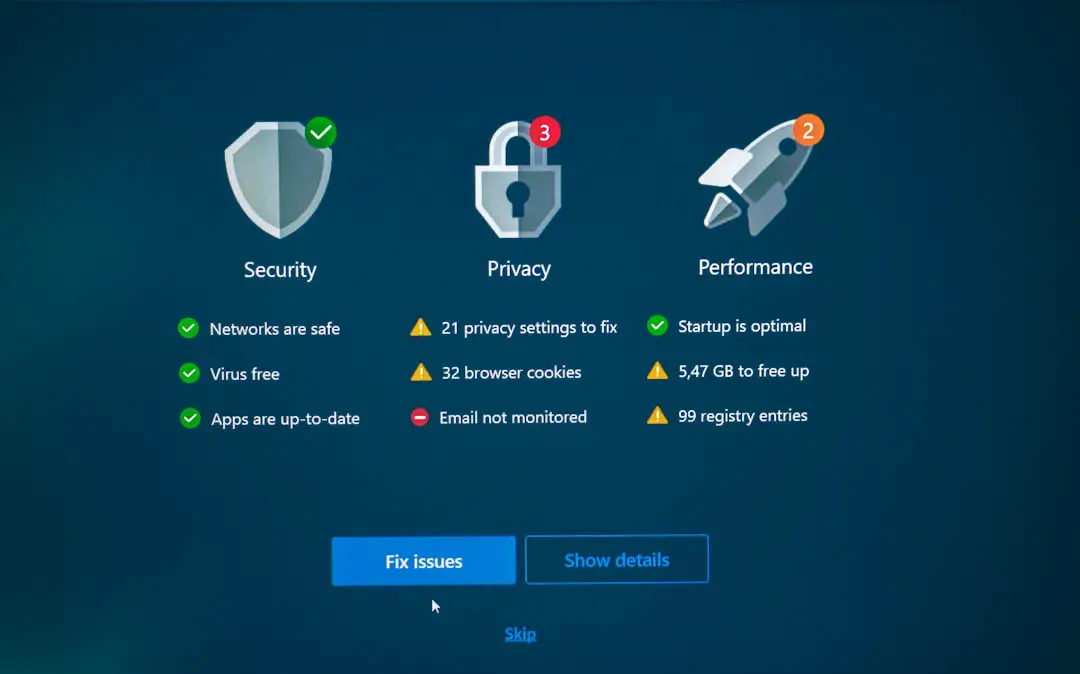
Even if you block cookies and trackers, websites still try to identify you. They look at things like your screen size, fonts, and plugins. This is called browser fingerprinting.
It’s like recognizing someone not by their clothes, but by the way they walk, talk, and blink.
Browsers like Tor and Firefox mess with this. They confuse the system. So the site gets bad info or thinks you look like a bunch of other people. That’s good. It means you blend in.
Smarter Incognito Modes
Opening a “Private Window” used to feel like putting on an invisibility cloak. But that wasn’t entirely true.
Normal Incognito modes only hide your activity locally. Your internet provider, employer, or websites could still see what you’re doing.
Next-gen browsers go further. Some delete all trace of your visit. Others hide your IP address. A few even block digital snoopers trying to peek in while you browse.
HTTPS Everywhere: Locking Down the Web
Encrypted websites use “HTTPS” instead of “HTTP.” It’s like sending your letters in sealed envelopes, not postcards.
Browsers like Chrome, Edge, and Safari now push sites to use this format. Some refuse to open sites that don’t use it correctly. That keeps your login info and credit card details locked down.
Cookie Control: Small But Mighty Fixes
Cookies can be helpful. They remember your login or keep items in your cart. But some cookies are sneaky. They follow you across sites to build a profile on you.
Modern browsers now let you:
- Block third-party cookies
- Auto-delete cookies after you close a site
- Use “sandboxing” to isolate cookies from each site
Think of it like tidying up after every guest. No crumbs left behind!
Built-In VPNs and Proxies
Some next-gen browsers come with tools to hide your location. Opera has a free VPN inside the browser. Brave offers a premium service for this.
VPNs make it look like you’re browsing from somewhere else. This protects you on public Wi-Fi and blocks creepy tracking strategies based on your IP address.
Extensions and Custom Tools—But Safer
Want even more privacy options? Extensions can help—but only if you trust them. Next-gen browsers scan, sandbox, and rate these tools to keep you safe.
Some recommended add-ons include:
- uBlock Origin – Stops ads and trackers
- Privacy Badger – Learns who’s tracking you and blocks them
- HTTPS Everywhere – Forces encrypted connections
The Rise of Privacy-First Search Engines
Your browser is only one part of the puzzle. Even if it’s private, your search engine might not be.
Browsers like Brave and Firefox team up with engines like DuckDuckGo or StartPage. These don’t track your searches or keep logs on you.
This means even your questions stay private. Weird or not.
The Future: AI + Privacy?
Browsers are starting to use AI to boost privacy. Some scan pages in real time, removing sneaky trackers or detecting risky websites. Others summarize long privacy policies so you can understand them in seconds.
That’s like having a robot lawyer and bodyguard in your browser!
Are Mainstream Browsers Catching Up?
Yes—but slowly.
Chrome has started to phase out third-party cookies. Safari uses “Intelligent Tracking Prevention.” Edge has an optional “Strict” mode.
Still, they often balance between privacy and profit. Browsers backed by ad companies may never be fully privacy-first by default.
Should You Switch Browsers?
If you care about privacy, yes. And now it’s easier than ever.
You can install these modern browsers in under a minute. Most of them import your bookmarks, passwords, and settings with just a few clicks.
Not ready to switch? At least tweak your current browser’s privacy settings. You have more power than you think.
Final Thoughts
The days of being silently tracked online are slowly fading. With next-generation browsers, privacy is becoming easier, clearer, and stronger.
You don’t need to be a tech nerd to stay private. Just choose the right browser and let it do the work.
The internet should work for you, not spy on you. And thanks to the evolution of browsers, that dream is closer than ever.