
Remember when web browsers were just windows to the Internet? Those simple days are gone. In 2026, browsers are packed with all kinds of features. But are they really what users need?
TLDR: Web browsers in 2026 are full of fancy tools, but not all of them are useful. Most people care about speed, privacy, simple design, and fewer distractions. Many features go unused. Let’s focus on what helps us browse better—not what sounds cool in a meeting room.
Speed: Still the Number One Must-Have
No one wants to stare at a blank screen while a page loads. Speed is the king of browser features even in 2026. Whether it’s shopping for sneakers or stalking your favorite cat influencer, you want it now.
Modern browsers have come a long way with page loading and rendering. Still, users only care about this:
- Fast startup time
- Quick tab switching
- Lazy loading tabs to save performance
If a browser lags, it’s out. Simple as that.
Privacy Isn’t a Bonus Anymore
In 2026, most users demand basic privacy tools. It’s no longer just for tech experts or paranoid uncles. Everyone wants to feel safe online—and they should.
Browsers that lead the pack today have:
- Built-in ad and tracker blockers
- Simple privacy reports
- Private browsing modes that actually work
People don’t want to dive into scary settings. A single toggle should guard their data. Simple privacy wins every time.
AI Features: Cool but Overhyped
In 2026, almost all browsers come with some kind of AI. Suggestions, chatbots, writing assistants—you name it.
But here’s the twist. Most users don’t use them daily. Unless it helps write emails or summarize long articles, AI assistants often get ignored. They’re like that smart toaster with 17 different settings… that you use to just make toast.
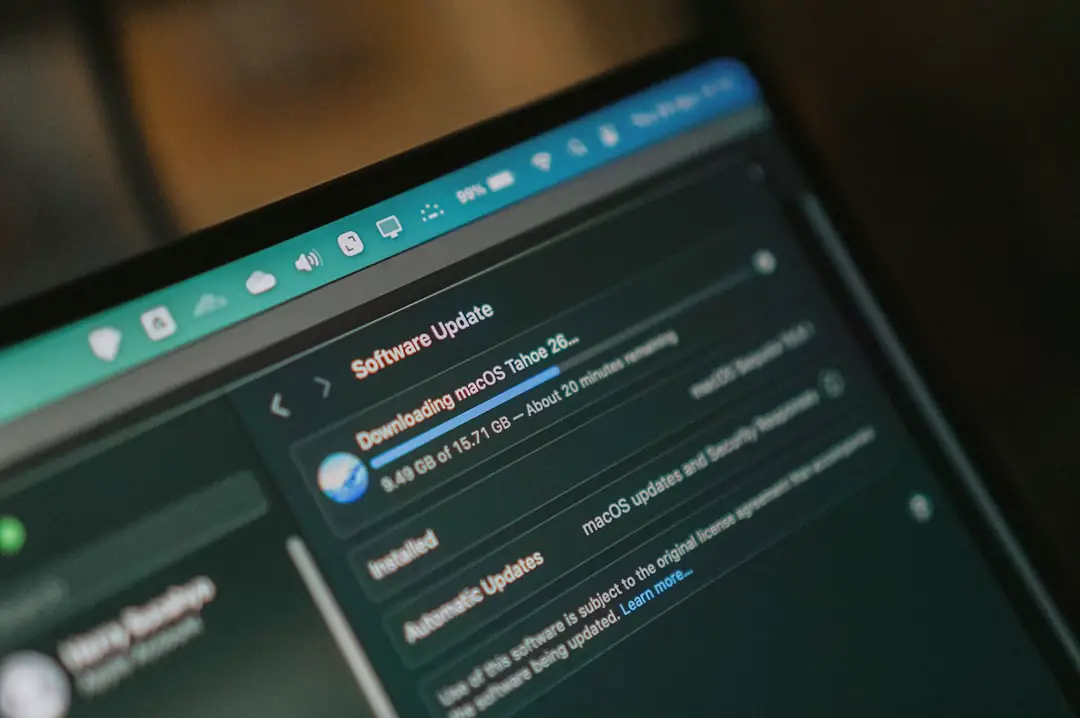
Helpful AI features that people actually find useful:
- Auto-translate foreign pages
- Summarize news articles
- Autocomplete forms (without being creepy)
Keep it useful, and users will be happy.
Tab Hypertasking: A Real Problem
We’ve all been there. 34 tabs open. Two tabs playing music. Another one asking for a password you forgot. Welcome to tab nightmare city.
In 2026, modern browsers have addressed this with smart tab tools:
- Tab grouping and color coding
- Sleeping inactive tabs to save memory
- Quick overview of all open tabs
But… users often don’t know these tools exist. Or if they do, they don’t know how to use them well. Tabs need to be smarter on their own—maybe even predict what the user needs next.
Minimalist Design Wins Hearts
In the early 2010s, browsers were busy. Sidebars, toolbars, plugins—too much going on. In 2026, thankfully, clean design rules.
Users now favor:
- No clutter
- Easy navigation
- Customization without headaches
Here’s a fun stat: many users don’t want to see a single thing until they type a search. They want their browser to be a blank slate. Just buttons that make sense, and none that don’t.
Cross-Device Sync: A Quiet Hero
You’re at work, researching cats. Later at home, you want to finish reading. Boom—you switch to your tablet, and the tab’s already waiting.
This is the magic of syncing. It’s not flashy. But oh boy, is it useful.
Good browsers in 2026 will offer:
- Syncing bookmarks, tabs, and passwords
- Secure cloud access to history
- Push tabs between devices with one click
It just works. That’s what users want.
Search Built Right Into the Browser
Typing into the address bar does more than shoot you to Google. In 2026, it’s your command center. And users expect it to:
- Guess what you really meant (even when you misspell badly)
- Search history, tabs, and bookmarks too
- Show real answers—not just links
This built-in search is often better than going to a website. It saves time. And people love saving time.
What Users Don’t Really Need
Let’s be honest. Not all features are hits. Some are just meh.
In 2026, these features sound cool but see almost no use:
- Built-in crypto wallets
- Gaming overlays in new tabs
- Browser-integrated shopping coupons with popups
- Story-style news videos on the homepage
Browsers don’t need to be everything. Keep it sleek, not bloated.
Accessibility: Not An Option, A Necessity
Everyone deserves to browse the web. That’s why accessibility matters more than ever in 2026.
- Voice browsing for screen-free control
- Keyboard navigation that leaves no menu behind
- Built-in screen reader support
- Adjustable zoom, contrast, and text size
It’s not just about being nice—it’s about doing the right thing. Good design means good access for all.
Emerging Ideas: What Might Catch On
While many features flop, some new ideas look promising. Users might grow to love:
- Offline mode that actually works – letting users save and read full pages later
- Integrated reading modes – stripping junk from pages for clean reading
- Smarter cookie controls – keeping users in control with less confusion
As long as it’s helpful and not pushy, users are open to innovation.
The Browser of the Future? Simple, Smart, Safe
We don’t need more flash. We need more focus. What users ask for in 2026 is often the same as 2016—but better executed.
So here’s what the dream browser would have:
- Fast everything — loading, switching, closing tabs
- Serious privacy—without any confusing toggles
- Clean design with zero distractions
- Basic AI that helps, quietly
- Access-from-anywhere syncing magic
- Accessibility built into the core
Cut the clutter, keep the clever. That’s what users really want.