
Walmart Plus is a popular membership program offering benefits like free shipping, grocery delivery, fuel discounts, and streaming perks. However, not every subscription remains useful forever. Whether the service no longer fits a budget, shopping habits have changed, or the benefits are underused, many members eventually look for clear instructions on how to cancel their plan.
TLDR: Canceling Walmart Plus is a straightforward process that can be completed online through your Walmart account settings. Members simply log in, navigate to the membership section, and follow the cancellation prompts. Benefits typically remain active until the end of the billing period. Refund eligibility depends on usage and whether the membership is monthly or annual.
Understanding the exact steps and policies beforehand ensures there are no surprises. This guide explains how to cancel Walmart Plus step by step, what happens after cancellation, refund details, and answers to common questions.
Understanding Walmart Plus Membership
Before beginning the cancellation process, it helps to understand what the service includes. Walmart Plus is a subscription-based membership that offers various benefits for shoppers who frequently use Walmart’s online and in-store services.
- Unlimited free delivery from local stores (with order minimums)
- Free shipping with no order minimum on many items
- Fuel discounts at participating gas stations
- Mobile scan and go for faster in-store checkout
- Streaming perks such as included subscriptions where applicable
Membership is typically offered in two billing options:
- Monthly subscription
- Annual subscription
Knowing which plan is active is important because cancellation timing and refund eligibility may vary.
How to Cancel Walmart Plus Online
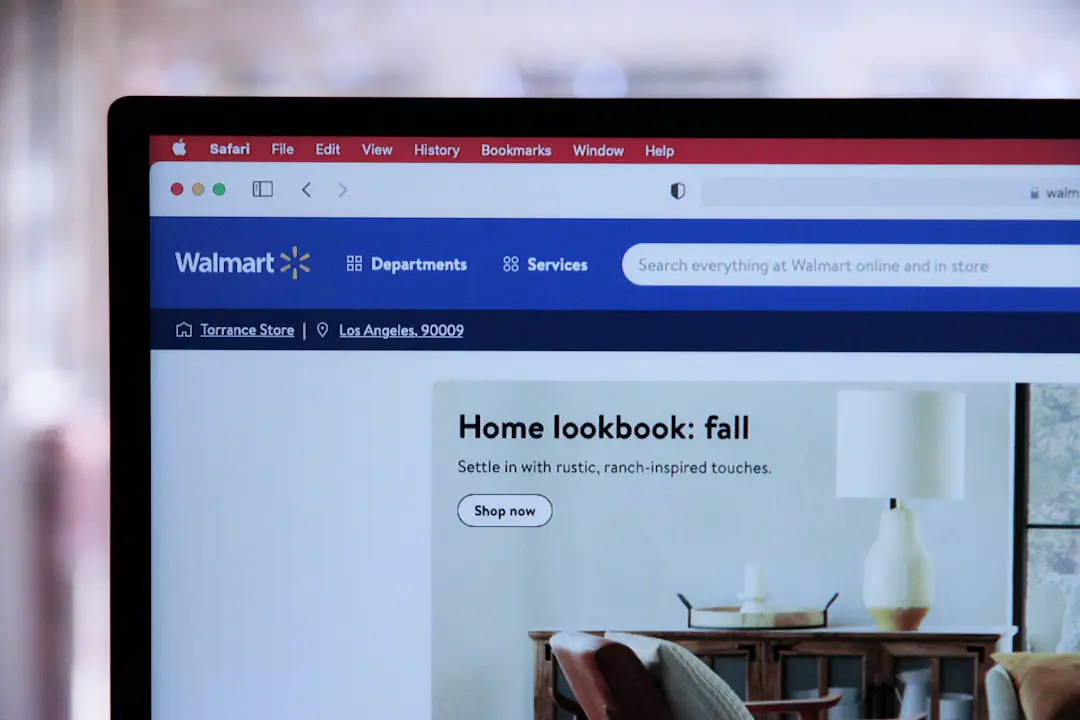
The easiest and most common way to cancel Walmart Plus is through the Walmart website. The cancellation feature is available in the account dashboard.
Image not found in postmetaFollow these steps:
- Visit Walmart.com.
- Log in to the account associated with the Walmart Plus membership.
- Click on the Account option in the top-right corner.
- Select Walmart+ Membership from the dropdown menu.
- Navigate to Manage Membership.
- Click on Cancel Membership.
- Follow the on-screen prompts to confirm cancellation.
Walmart may present retention offers during the cancellation process, such as discounts or account credits. Members must continue through all prompts until a cancellation confirmation message appears.
Important: Always look for a confirmation email. If no confirmation email arrives, it is wise to double-check the account status to ensure the cancellation was processed.
How to Cancel Walmart Plus in the Mobile App
For users who prefer shopping via smartphone, cancellation can also be completed in the Walmart mobile app.
The process is similar to desktop:
- Open the Walmart app.
- Sign in to your account.
- Tap the Account icon.
- Select Walmart+ Membership.
- Tap Manage Membership.
- Choose Cancel Membership and follow prompts.
As with the desktop method, cancellation confirmation should appear on-screen and be sent via email.
Canceling Through Customer Support
If technical issues prevent online cancellation, members may contact Walmart Customer Service for assistance.
- Call Walmart Customer Care.
- Use the live chat feature on the website.
- Request cancellation support.
When contacting support, members should be prepared to verify:
- Email address linked to the account
- Billing information
- Full name on the account
Customer support can manually process the cancellation and provide confirmation details.
What Happens After Cancellation?
Once canceled, Walmart Plus benefits generally remain active until the end of the current billing cycle. For example:
- If billed monthly, benefits continue until the end of that month.
- If billed annually, benefits remain until the yearly renewal date.
The membership will not auto-renew after the billing period expires. Access to perks like free delivery and fuel discounts will stop once the subscription officially ends.

It is advisable to mark the final service date to take advantage of any remaining benefits.
Refund Policy for Walmart Plus
Refund eligibility can vary depending on usage and billing structure.
Monthly Membership:
Typically, monthly memberships are non-refundable once charged. Cancellation stops future billing but may not trigger a refund for the current month.
Annual Membership:
In certain cases, Walmart may offer a prorated refund if benefits have not been used extensively. However, if significant usage occurred, a refund may be denied.
Members seeking refunds should:
- Cancel immediately.
- Contact customer service promptly.
- Request clarification regarding eligibility.
Policies may change, so reviewing Walmart’s official terms is recommended.
Common Reasons for Canceling
There are several reasons subscribers choose to cancel Walmart Plus:
- Underuse of benefits
- Budget adjustments
- Switching to another retailer’s service
- Relocating outside service coverage areas
- Limited grocery delivery availability
Understanding personal usage patterns before subscribing can help determine whether renewal is worthwhile.
How to Avoid Future Charges
To ensure no unexpected renewals occur:
- Verify cancellation email confirmation.
- Check account status after cancellation.
- Review bank or credit card statements.
- Remove saved payment methods if necessary.
Setting a reminder a few days before the renewal date provides extra peace of mind.
Can You Reactivate Walmart Plus?
Yes. If a member changes their mind, reactivation is usually simple. They can log into their Walmart account and re-enroll in Walmart Plus at any time. New promotional rates may apply depending on availability.
Returning members should review current pricing, as it may differ from previous rates.
Is Walmart Plus Worth Keeping?
Determining value depends entirely on individual shopping habits. Frequent online shoppers or households that use grocery delivery weekly may benefit significantly. However, occasional shoppers may find the cost outweighs the perks.
Questions to consider before canceling include:
- How often is delivery used?
- Are fuel discounts saving meaningful amounts?
- Is free shipping frequently utilized?
- Are included streaming perks being used?
If benefits are rarely used, cancellation may make financial sense.
FAQ: How to Cancel Walmart Plus Membership
- 1. Can Walmart Plus be canceled at any time?
Yes. Members can cancel anytime through their account settings or customer service. Benefits usually remain active until the end of the billing cycle. - 2. Will cancellation result in an immediate refund?
Not necessarily. Monthly plans typically do not provide refunds. Annual plan refunds may depend on usage and Walmart’s discretion. - 3. How long does it take for cancellation to process?
Online cancellations are generally immediate. Members receive on-screen confirmation and a follow-up email. - 4. What if the cancel button is not visible?
This may be due to using a different account, app issues, or technical glitches. Logging in via desktop browser or contacting customer service can resolve the issue. - 5. Can a free trial be canceled?
Yes. Free trials can be canceled before the trial period ends to avoid being charged. It is recommended to cancel at least 24 hours before renewal. - 6. Does deleting the Walmart account cancel Walmart Plus?
No. Simply deleting the Walmart account may not stop recurring billing. The membership must be formally canceled through the membership settings. - 7. Can someone else cancel the membership on behalf of the account holder?
Generally, no. The account holder must log in or verify identity with customer support. - 8. Will canceling affect past purchases or order history?
No. Previous orders and purchase history remain accessible in the account.
Canceling Walmart Plus is designed to be user-friendly and accessible. By following the outlined steps and confirming the cancellation status, members can stop recurring charges without complication. Taking time to review billing cycles, refund eligibility, and account confirmation ensures the process goes smoothly from start to finish.