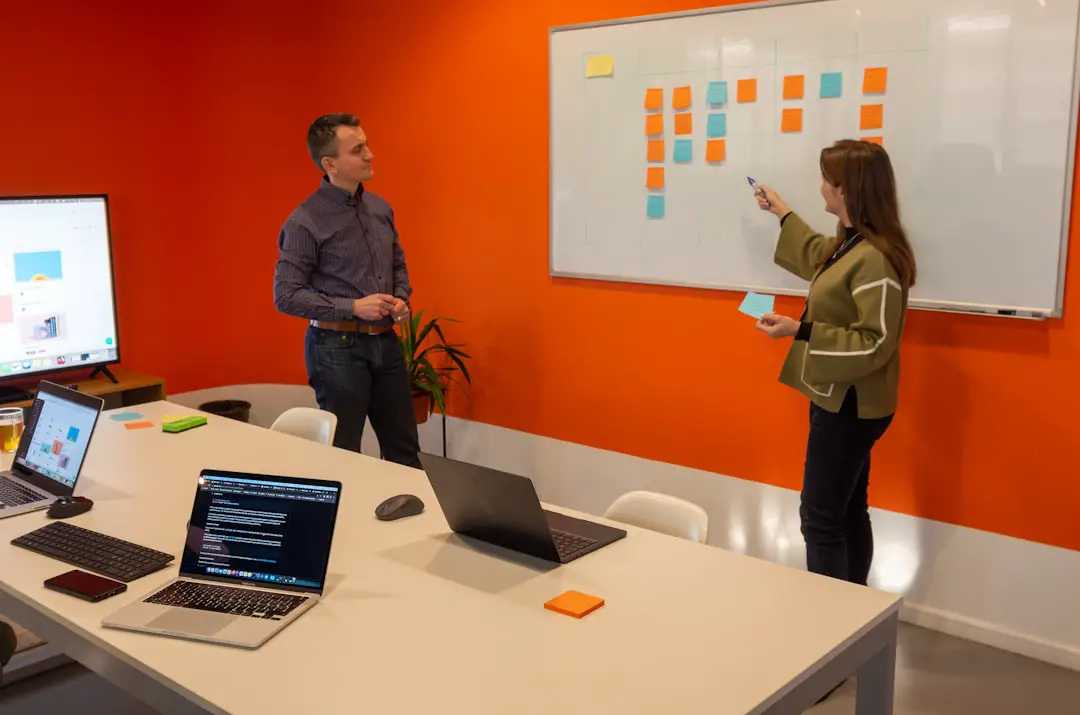
Creative teams don’t work in straight lines. They brainstorm. They sketch. They write. They move things around. They argue a little. Then they build something amazing.
That’s why hybrid whiteboard + document tools are exploding in popularity. These tools mix freeform visual collaboration with structured documents. You get the best of both worlds in one place.
TL;DR: Hybrid whiteboard + doc tools help creative teams brainstorm visually and then turn ideas into clear plans without switching apps. AFFiNE stands out for being open-source and flexible, but tools like Notion, Miro, ClickUp, and Coda also shine in different ways. The best choice depends on whether your team values visual freedom, structured docs, AI help, or deep project management. Below are the top 8 tools worth trying today.
Why Hybrid Tools Matter for Creative Teams
Creative work is messy. That’s good.
Designers think visually. Writers think in blocks of text. Product managers think in timelines. Developers think in systems.
Traditional tools force you to choose:
- A clean document editor
- Or a messy whiteboard canvas
But modern hybrid tools blend both. You can:
- Sketch ideas freely
- Drop sticky notes
- Embed documents
- Turn brainstorms into structured plans
- Collaborate in real time
Less app switching. More flow.

1. AFFiNE
Best for: Open-source lovers and flexible workflows
AFFiNE is like Notion and Miro had a thoughtful, minimalist baby.
It combines:
- Block-based documents
- Infinite canvas whiteboards
- Local-first storage options
- Open-source flexibility
You can write structured content. Then zoom out into a whiteboard view. Everything stays connected.
This is powerful for:
- Mind mapping product ideas
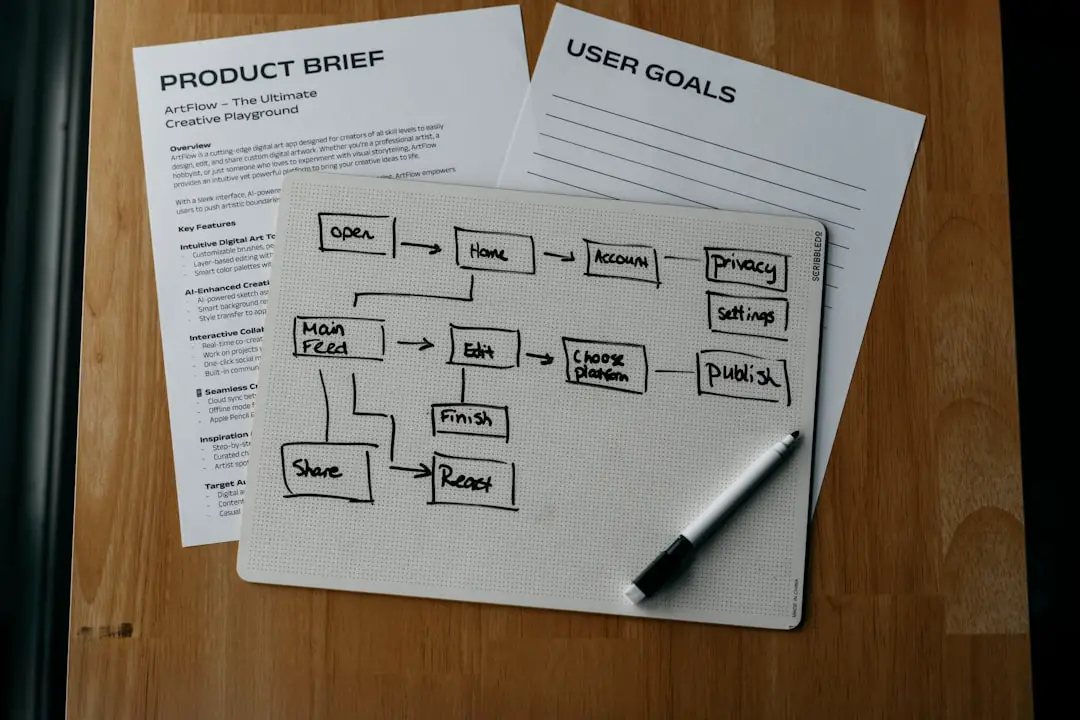
- Mapping user journeys
- Writing specs next to visual diagrams
Because it’s open-source, you also get transparency and customization. That’s rare.
Why creative teams love it: It feels like building your own thinking space.
2. Notion
Best for: Structured teams that want light visual planning
Notion started as a document powerhouse. Now it includes whiteboards and AI.
You can:
- Create databases
- Build product docs
- Add Kanban boards
- Use collaborative whiteboards
The whiteboard feature is not as deep as pure design tools. But it works well for high-level ideation.
Its real strength?
Structure.
If your brainstorm needs to quickly turn into a roadmap, Notion makes that easy.
Why creative teams love it: Everything lives in one clean, organized workspace.
3. Miro
Best for: Visual thinkers and large workshops
Miro is a whiteboard giant. It’s built for collaboration at scale.
You get:
- Infinite canvas
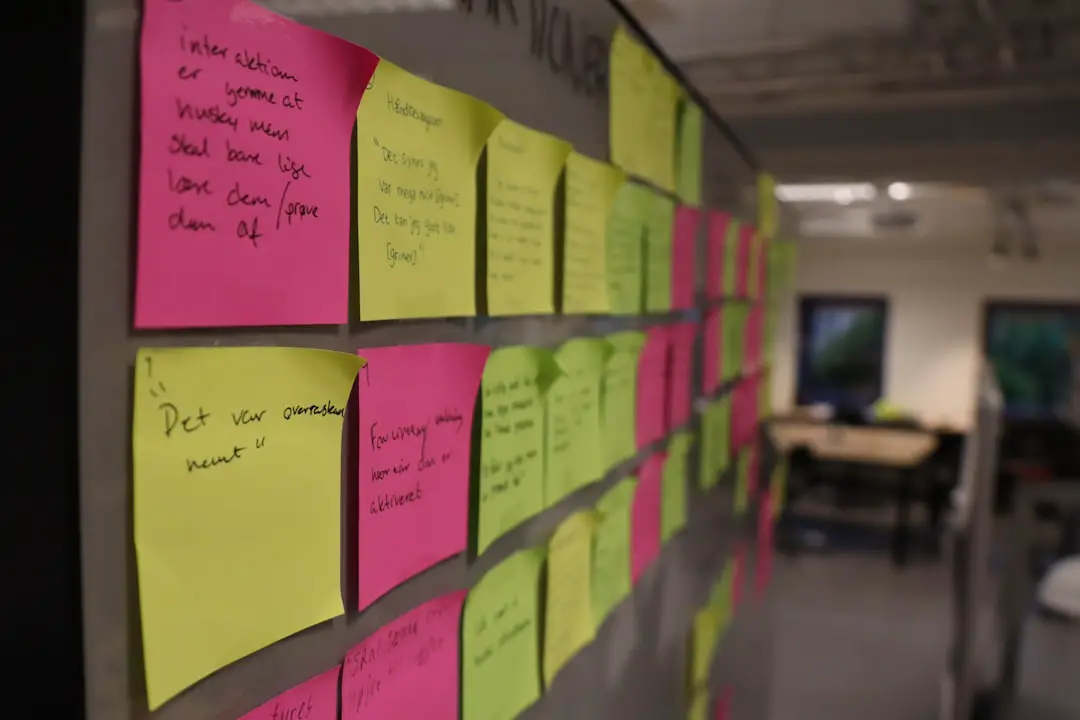
- Sticky notes
- Wireframing tools
- Templates for almost everything
Recently, Miro added better document features. But it still leans heavily visual.
If your team runs:
- Design sprints
- Brainstorm sessions
- Strategy workshops
Miro feels natural.
Weak spot: Long-form documentation is not its strongest area.
Why creative teams love it: It captures chaotic creative energy beautifully.
4. ClickUp
Best for: Teams that need project management + docs + whiteboards
ClickUp tries to do everything. And surprisingly, it does a lot well.
Inside one platform, you get:
- Docs
- Tasks
- Goals
- Whiteboards
- Dashboards
The whiteboard tool connects directly to tasks. Drag an idea. Convert it into action. Assign it instantly.
This is perfect for creative teams that need execution speed.
Why creative teams love it: It connects imagination with delivery.
5. Coda
Best for: Teams that love powerful documents
Coda is a doc that behaves like an app.
It mixes:
- Rich text editing
- Interactive tables
- Buttons and automations
- Light visual canvases
While its whiteboard features aren’t as advanced as Miro’s, Coda shines in dynamic documentation.
You can brainstorm ideas. Then convert them into interactive roadmaps and trackers.
Why creative teams love it: It turns documents into powerful, living systems.
6. FigJam (by Figma)
Best for: Design-heavy teams
FigJam is Figma’s collaborative whiteboard tool.
It integrates beautifully with Figma design files.
You can:
- Brainstorm UI concepts
- Map user flows
- Leave feedback
- Collaborate live
It’s less document-heavy than others on this list. But for designers, it feels frictionless.
Why creative teams love it: It sits right next to your design assets.
7. Milanote
Best for: Visual mood boards and creative storytelling
Milanote feels like a digital corkboard.
You can drag and drop:
- Images
- Notes
- Links
- Checklists
Writers, brand strategists, and marketers love it.
It’s less structured than Notion. Less corporate than ClickUp. More artsy.
If your team builds:
- Campaign concepts
- Brand mood boards
- Story outlines
Milanote makes the process fun.
Why creative teams love it: It matches how creatives actually think.
8. Whimsical
Best for: Fast diagrams + lightweight docs
Whimsical started with flowcharts. Now it includes:
- Mind maps
- Wireframes
- Docs
It’s simple. Clean. Quick.
You won’t find heavy enterprise features here. But that’s the point.
It’s ideal for:
- Startups
- Small product teams
- Early-stage brainstorming
Why creative teams love it: It removes complexity and gets out of the way.
How to Choose the Right One
Here’s a simple way to decide.
- Want open-source and flexibility? Choose AFFiNE.
- Want structured documentation first? Choose Notion or Coda.
- Want intensive visual workshops? Choose Miro.
- Want tasks tightly connected to ideas? Choose ClickUp.
- Design-focused team? Choose FigJam.
- Branding and mood boards? Choose Milanote.
- Simple diagrams fast? Choose Whimsical.
Also ask your team:
- Do we think visually or structurally?
- Do we need strong project management?
- Do we value simplicity or depth?
- Do we want AI support?
The best tool is the one your team actually uses daily.
Final Thoughts
Creative work moves fast. Ideas appear suddenly. They evolve quickly.
The gap between brainstorming and execution used to be wide. Now it’s shrinking.
Hybrid whiteboard + doc tools are changing how teams think together. They combine freedom and structure. Chaos and clarity.
AFFiNE is exciting because it blends openness with modern collaboration. But it’s not alone. Each tool on this list has its own personality.
Try two or three. Run a small project inside them. See how your team feels.
Because in the end, creativity isn’t about the tool.
It’s about giving your ideas space to grow — and a system to bring them to life.