A YouTube outro is the last thing a viewer sees before they decide to subscribe, click another video, or leave your channel entirely. It is a small window of time with outsized strategic importance. Yet for most independent creators and small brand channels, the outro is also one of the most neglected elements of video production.
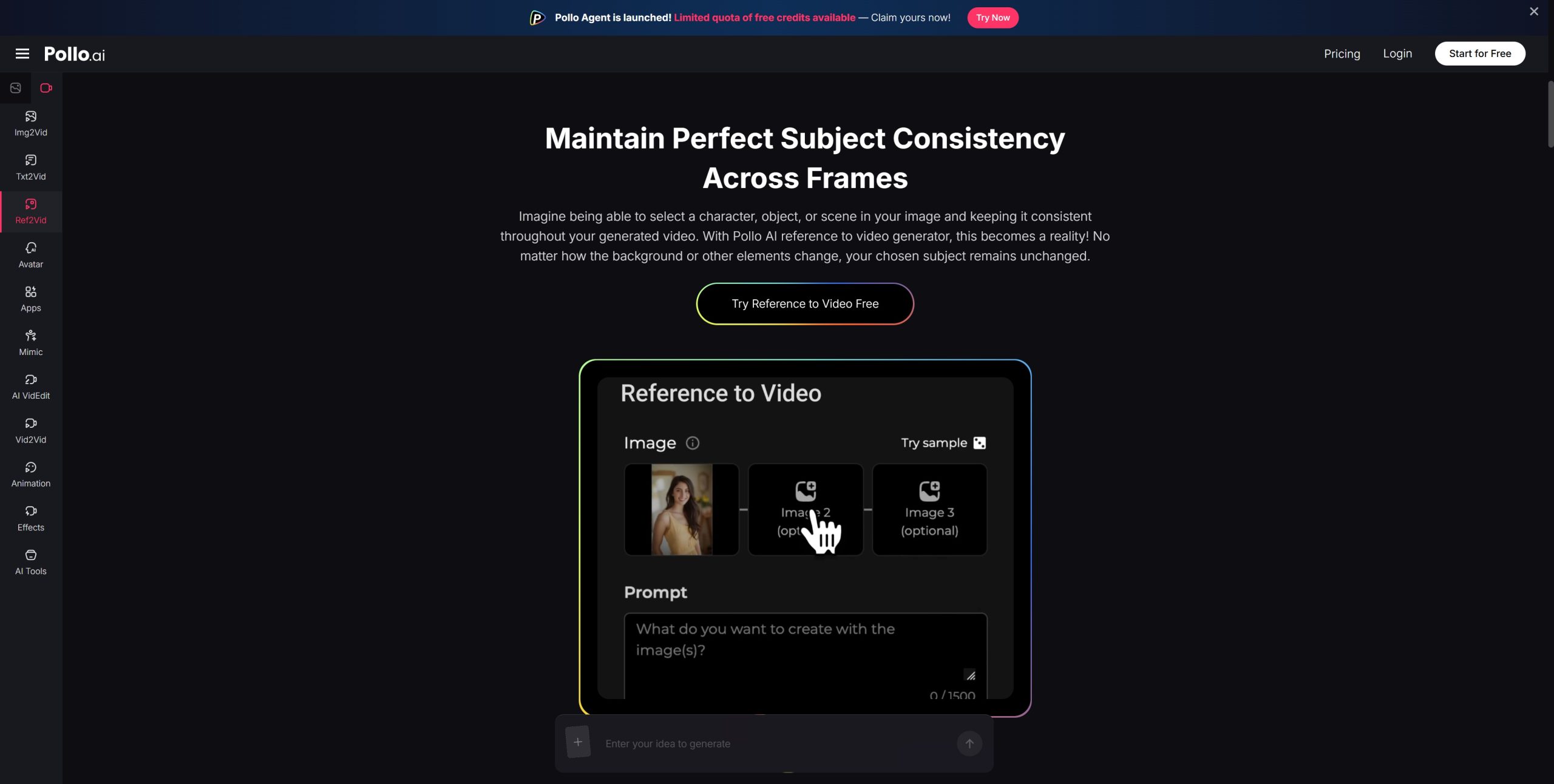
Pollo AI’s reference to video capability changes that calculation by letting creators build motion-ready outros from existing brand visuals—without entering a complex animation timeline.
Why Outros Get Neglected
The honest reason is resource allocation. Creators spend their available production time on content, not packaging. A polished outro that matches your channel’s visual identity requires either motion design skills or a freelancer. Neither is cheap in time or money.
The result is a familiar problem:
- Generic templates. Most creators default to stock outro templates that look nothing like their brand.
- Visual disconnects. An outro that does not match the video’s look undermines the overall quality impression.
- Missed subscription prompts. Poorly designed outros fail to clearly direct viewers toward the subscribe button or suggested content.
- No motion energy. Static or low-effort outros do not hold viewer attention during those final seconds.
Reference-Based Outro Production: How It Works
Pollo AI’s reference-to-video workflow gives you a practical starting point: upload a brand visual—your channel banner, a key graphic, a logo lockup—and generate a short animated sequence from it. The outro video inherits the color language and compositional feel of your source image, which is exactly what visual brand consistency requires.
This is particularly useful for channels that already have a defined visual identity but have not translated it into motion assets. The gap between “we have a brand kit” and “our videos look branded” is usually a motion design gap. Reference-to-video closes that gap without the designer.
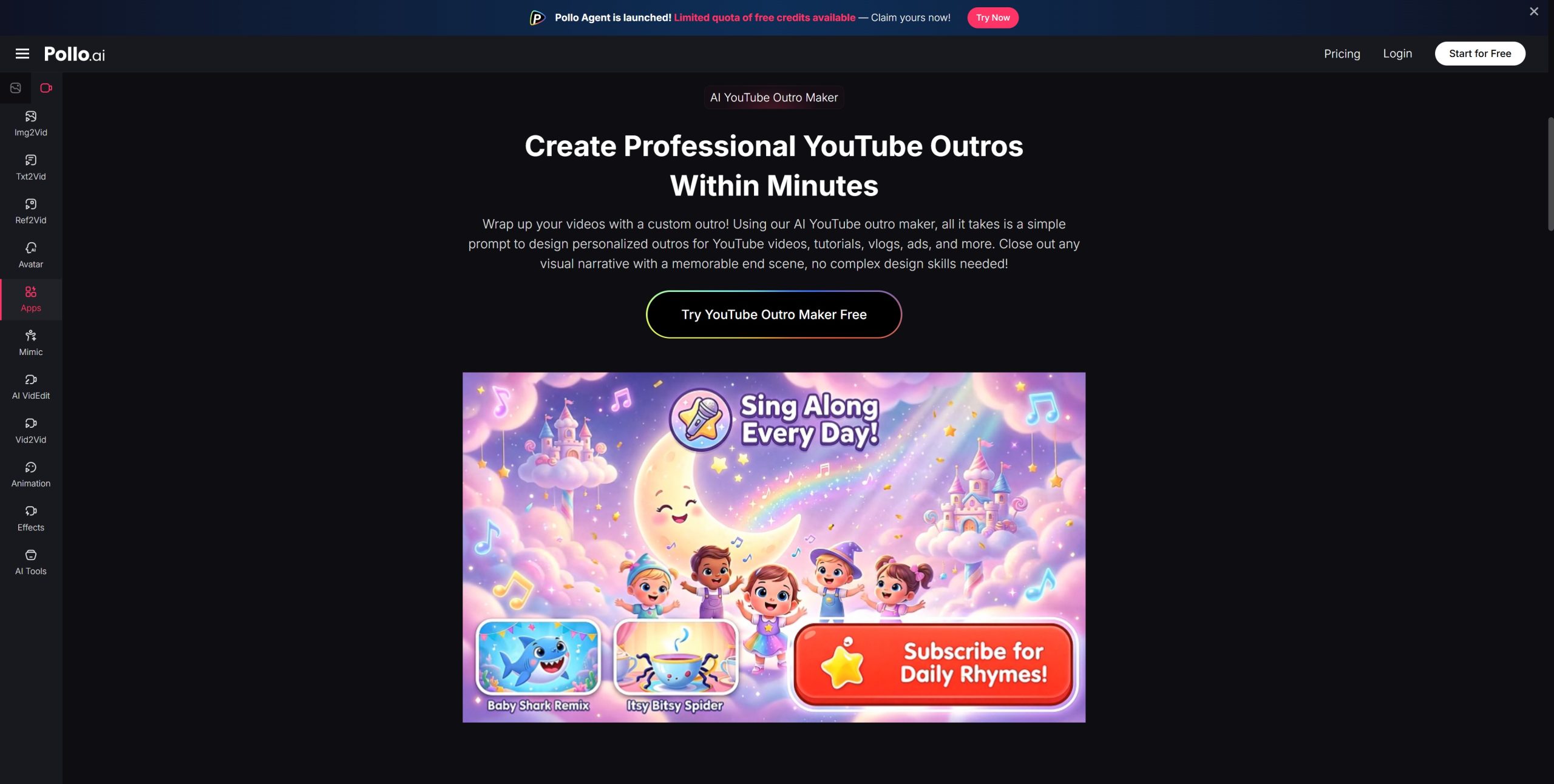
The YouTube outro maker on Pollo AI is built to support this specific use case, with output calibrated to the standard formats and durations that YouTube’s end screen system supports.
Practical workflow:
- Select your strongest brand visual (logo, banner graphic, or channel art)
- Upload it as the reference image
- Choose a motion style that fits your channel tone—clean and minimal for business content, energetic for entertainment
- Export and layer in your subscription CTA or video suggestions
Review: What Creators Notice in Practice
Strengths:
- Brand colors and layouts are preserved faithfully in the output
- The motion feels deliberate rather than random, which matters for professional channels
- The turnaround is fast enough to include outro production in a normal upload day
Where to set expectations appropriately:
- Text overlays (subscribe buttons, video links) still need to be added in an editing environment afterward
- Very minimal brand kits may benefit from a richer reference image to give the AI more material to work with
Business Analysis: Channel Branding as an Investment
YouTube channels that look professionally packaged retain viewers longer and convert them to subscribers at higher rates. Outro quality is a measurable signal to the viewer that the creator takes their work seriously.
From a production-cost perspective:
- One-time branded outro built from a reference image replaces the need for recurring freelance motion design
- Consistent visual treatment across all videos accelerates brand recognition
- Faster outro production means it no longer gets cut when deadlines tighten
Creators interested in extending their brand’s cinematic language across more formats should also explore the movie trailer maker on Pollo AI, which applies similar reference-based generation to longer-form, more dramatic visual assets.
The Takeaway
A great outro should feel like a natural extension of your channel’s identity, not an afterthought. With Pollo AI’s reference-to-video workflow, brand visuals you already own become the source material for polished, motion-ready outros. You stop using someone else’s template and start using your own brand—correctly, consistently, and without a motion design budget.