As digital content creation becomes more dynamic and competitive, designers, marketers, and entrepreneurs are looking beyond basic graphic tools to platforms that offer
TL;DR: Several design platforms now rival and even surpass Canva in advanced templates and AI capabilities. Tools like Adobe Express, Visme, VistaCreate, and Fotor offer automation, smart resizing, generative AI, and powerful branding systems. Each platform caters to different audiences—from marketers and educators to professional designers. Choosing the best alternative depends on workflow needs, collaboration requirements, and the level of customization desired.
Below is an in-depth exploration of the best Canva alternatives that deliver powerful design experiences enhanced by artificial intelligence.
1. Adobe Express
Adobe Express has evolved into one of the strongest Canva competitors. Backed by Adobe’s ecosystem, it blends simplicity with professional-grade tools and now integrates
Key Features:
- AI-powered text-to-image generation
- Generative fill and background removal
- One-click brand kit application
- Direct integration with Creative Cloud
- Thousands of premium templates
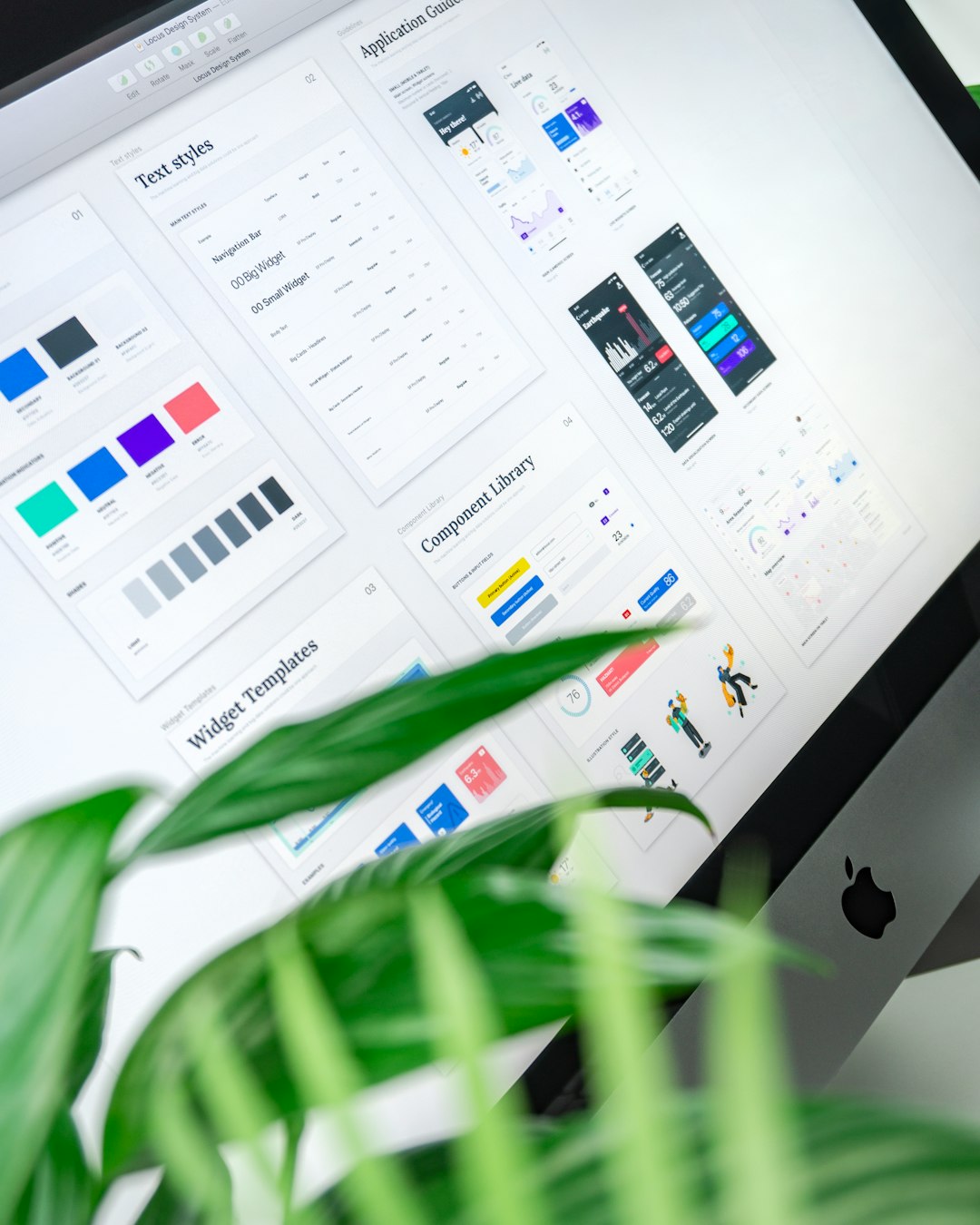
What makes Adobe Express stand out is its ability to combine beginner-friendly templates with advanced editing precision. Users can quickly switch from template editing to professional layer-based adjustments. AI features allow automatic color matching, layout formatting, and image enhancements.
Best for: Teams and individuals seeking professional output with intuitive controls.
2. Visme
Visme positions itself as more than just a graphic design tool. It offers advanced solutions for
Key Features:
- AI-powered content formatting
- Data visualization tools and charts
- Interactive design elements
- Animation and presentation templates
- Brand kit and team collaboration tools
Visme excels in situations where information needs to be presented in a compelling and visually organized way. Its templates feel more structured and corporate-ready compared to Canva’s often social-media-centered approach.
Best for: Educators, marketers, and businesses producing reports or interactive presentations.
3. VistaCreate
VistaCreate offers a strong alternative particularly for social media marketers and small business owners. It includes more than 100,000 ready-made design templates and supports animated graphics.
Key Features:
- AI background remover
- Pre-built social media animations
- Brand styling tools
- Extensive stock library
- Drag-and-drop editor
Its AI-enhanced features are geared toward speed. Users can generate polished promotional visuals within minutes. Many find the interface slightly simpler than Canva’s, which helps beginners adapt quickly.
Best for: Entrepreneurs and content creators focused on marketing visuals.
4. Fotor
Fotor blends
Key Features:
- AI image generator
- One-tap photo enhancement
- AI avatar creation
- Background remover and object replacer
- Design templates for marketing materials
Fotor shines in image-heavy projects. Bloggers, ecommerce store owners, and influencers benefit from its image retouching AI tools that improve lighting, clarity, and composition instantly.
Best for: Users prioritizing advanced image editing alongside design templates.
5. Snappa
Snappa focuses on simplifying professional social graphics. Although it has fewer AI features compared to Adobe Express or Fotor, it offers smart automation for resizing and formatting visuals.
Key Features:
- Preset social media dimensions
- One-click graphic resizing
- Stock photo integration
- Clean user interface
Snappa’s strength lies in efficiency rather than innovation. Professionals managing multiple platforms appreciate its ability to quickly repurpose graphics without manual adjustments.
Best for: Social media managers needing quick turnaround times.
6. Picmaker
Picmaker differentiates itself through its
Key Features:
- AI brand suggestions
- Automated design recommendations
- YouTube and thumbnail optimization tools
- Smart resizing
This platform is particularly popular among YouTubers and digital marketers who rely heavily on click-worthy visuals.
Image not found in postmetaBest for: Creators developing brand-consistent content across multiple channels.
Comparison Chart: Best Canva Alternatives
| Tool | AI Image Generation | Advanced Templates | Brand Kit | Best Use Case |
|---|---|---|---|---|
| Adobe Express | Yes | Extensive | Yes | Professional marketing and branding |
| Visme | Limited | Business-focused | Yes | Presentations and reports |
| VistaCreate | No | Social media heavy | Yes | Online marketing visuals |
| Fotor | Yes | Moderate | Limited | Photo-centric design |
| Snappa | No | Social templates | No | Fast social media graphics |
| Picmaker | Limited | Marketing templates | Yes | Brand-driven content creators |
How to Choose the Right Alternative
When evaluating Canva alternatives, users should consider several factors:
AI Capabilities: Does the platform offer generative AI, automatic layout adjustments, or image enhancement?Template Depth: Are templates industry-specific and customizable?Collaboration Features: Does it support team editing and brand controls?Ease of Use: Is the interface beginner-friendly?Export Options: Are high-resolution and print-ready files supported?
No single platform fits every use case. While Adobe Express offers the most balanced AI-powered versatility, Visme provides stronger data-driven presentation tools. Fotor leads in AI image editing, while VistaCreate and Snappa focus on fast social publishing workflows.
The Future of AI in Graphic Design Tools
The integration of AI into design software is transforming creative workflows. Modern platforms can now:
- Automatically adjust typography for readability
- Generate entire layouts from brief text prompts
- Suggest branding improvements
- Remove or replace complex backgrounds instantly
This shift reduces manual effort and allows users to focus on creativity and strategy rather than repetitive tasks. As AI continues to advance, Canva alternatives will likely differentiate themselves through deeper automation, predictive design systems, and personalization engines.
Frequently Asked Questions (FAQ)
1. Are Canva alternatives better for professional designers?
Some alternatives, such as Adobe Express, offer deeper integration with professional ecosystems, making them better suited for experienced designers. However, the best choice depends on project complexity.
2. Which alternative has the strongest AI features?
Adobe Express and Fotor currently offer some of the most advanced AI tools, including generative image creation and automated photo enhancement.
3. Are these platforms suitable for beginners?
Yes. Tools like VistaCreate and Snappa are particularly beginner-friendly while still offering powerful templates.
4. Do these alternatives support team collaboration?
Most leading platforms, including Visme and Adobe Express, provide brand kits and collaborative editing features for teams.
5. Can users switch easily from Canva to another platform?
In most cases, yes. The learning curve is minimal because these tools use similar drag-and-drop interfaces. Some may even allow asset imports for smoother transitions.
6. Are free plans available?
Nearly all major Canva alternatives offer free tiers, though advanced AI and premium templates often require paid subscriptions.
As demand for intelligent design solutions continues to grow, expanding beyond Canva can open the door to more sophisticated templates, AI-driven automation, and specialized tools tailored to specific industries.