
Your handwriting is personal. It is fast, messy, creative, and sometimes impossible to read. But what if you could turn those scribbles into clean, editable text in seconds? That is where handwriting OCR comes in. It helps students, business owners, and everyday users save time and stay organized.
TLDR: Handwriting OCR turns written notes into digital text you can edit and share. The best tools are accurate, easy to use, and work across devices. Students can digitize class notes. Businesses can streamline paperwork. Anyone can declutter their life with a quick scan.
What Is Handwriting OCR?
OCR stands for Optical Character Recognition. In simple words, it is software that reads text from an image. Regular OCR reads printed text. Handwriting OCR goes one step further. It reads handwritten words.
You take a photo of your notes. Or you upload a scanned page. The tool studies the shapes of the letters. Then it converts them into typed text.
It feels a bit like magic. But it is really smart pattern recognition and machine learning working together.
Why Handwriting OCR Matters Today
We still love to write by hand. Students write in notebooks. Professionals jot down ideas in meetings. Many people keep journals or planners.
But we also live in a digital world. We search. We copy. We paste. We share online.
Handwriting OCR bridges these two worlds.
- It saves time.
- It reduces typing.
- It keeps notes searchable.
- It helps reduce paper clutter.
Instead of rewriting everything, you scan once. Done.
Best Handwriting OCR for Students
Students are some of the biggest fans of handwriting OCR. And for good reason.

Think about lecture notes. They are fast. Messy. Full of arrows and side comments. Typing them later takes hours.
With good handwriting OCR, students can:
- Scan notes after class.
- Turn them into editable text.
- Highlight and organize digitally.
- Search for keywords before exams.
What Students Should Look For
Not all OCR tools are created equal. Students should look for:
- High accuracy. Messy handwriting should still work.
- Mobile apps. Most notes are scanned with a phone.
- Cloud sync. Access notes on laptop and tablet.
- Export options. PDF, Word, or plain text.
Some tools even recognize different languages. That helps in language classes or international programs.
The best part? You can keep your natural writing style. No need to switch to typing everything.
Best Handwriting OCR for Businesses
Businesses deal with paperwork every single day. Forms. Contracts. Meeting notes. Receipts. Whiteboard ideas.
That paper piles up fast.

Handwriting OCR helps businesses move faster and stay organized.
How Businesses Use Handwriting OCR
- Digitizing client forms.
- Converting signed agreements into searchable files.
- Capturing brainstorming sessions from whiteboards.
- Processing handwritten delivery notes.
Instead of storing boxes of paper, companies create digital archives. These are easy to search. Easy to back up. Easy to share with teams.
Key Features for Business Use
Businesses need more than basic scanning. They should look for:
- Batch scanning. Process many documents at once.
- Integration. Connect with cloud storage or CRM systems.
- Security. Strong data protection and encryption.
- High accuracy rates. Even with different handwriting styles.
A small accuracy boost can save hours of correction later. That means lower costs and higher productivity.
Best Handwriting OCR for Everyday Use
You do not need to be a student or run a company to enjoy handwriting OCR. Everyday life is full of handwritten content.
- Grocery lists.
- Personal journals.
- Old family letters.
- Recipe cards.
- Sticky notes.
Imagine turning grandma’s handwritten recipes into a clean digital cookbook. Or saving years of journals into searchable files.
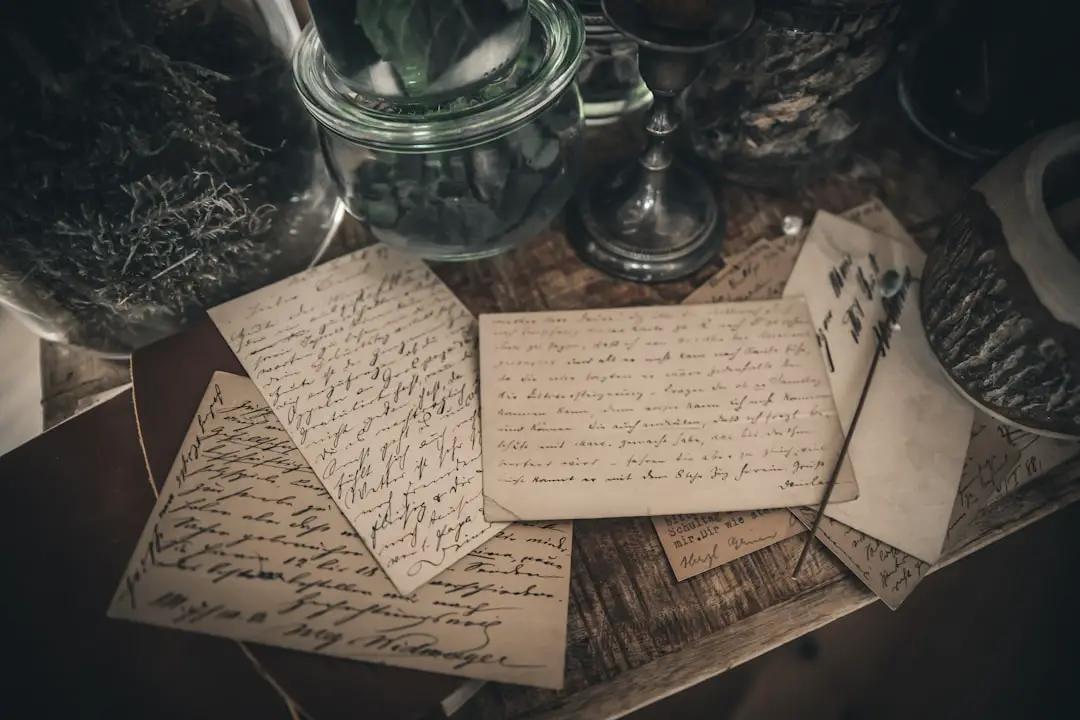
That is powerful. And emotional.
Features That Matter for Personal Use
- Simple interface. No tech skills needed.
- Good photo recognition. Even in low light.
- Affordable pricing. Free versions are a bonus.
- Offline support. Sometimes Wi-Fi is not available.
Many mobile apps now offer built-in handwriting recognition. You simply open the app, snap a photo, and watch your text appear.
How Accurate Is Handwriting OCR?
This is the big question.
The answer? It depends.
Modern tools use AI. They learn from millions of handwriting samples. Clean, clear handwriting can reach very high accuracy. Sometimes over 90 percent.
But there are limits.
- Extremely messy writing can confuse the system.
- Curly or artistic fonts may reduce accuracy.
- Bad lighting lowers quality.
The good news is that most tools let you edit the output. So even if a word is wrong, you fix it in seconds.
Tips to Get the Best Results
Want better accuracy? Follow these easy tips.
- Write clearly. Space out your letters.
- Use dark ink. Black or blue works best.
- Scan in good lighting. Avoid shadows.
- Keep the page flat. No folds or curves.
Also, hold your phone steady. Blurry images reduce recognition quality.
A little care makes a big difference.
Cloud vs. Offline OCR
There are two main types of handwriting OCR tools.
Cloud-based tools process your data online. They are often more powerful. They improve constantly. But they require an internet connection.
Offline tools work directly on your device. They protect privacy. They are useful when traveling. But they may be slightly less accurate.
For students and remote workers, cloud tools are often ideal. For sensitive business documents, offline solutions may offer peace of mind.
Free vs. Paid Options
Many people start with free versions. That is smart.
Free plans often include:
- Limited scans per month.
- Basic export formats.
- Ads or watermarks.
Paid plans usually unlock:
- Unlimited scanning.
- Higher accuracy models.
- Priority processing speed.
- Better customer support.
If you scan once a week, free may be enough. If you scan daily, paid plans can be worth it.
Security and Privacy
This is important. Especially for businesses and personal journals.
Before choosing a handwriting OCR tool, check:
- Is your data encrypted?
- Are files stored securely?
- Can you delete data permanently?
Transparency matters. Always read the privacy policy. It takes a few minutes. But it protects your information.
The Future of Handwriting OCR
Handwriting OCR keeps getting better.
AI models are learning faster. They now recognize slanted writing. Mixed languages. Even notes written on curved surfaces.
In the near future, we may see:
- Real-time handwriting recognition while you write.
- Better support for artistic calligraphy.
- Instant translation of handwritten foreign notes.
- Seamless connection with productivity tools.
The gap between paper and digital life is shrinking every year.
Final Thoughts
Handwriting is human. It is personal. It carries emotion and creativity.
But digital text is powerful. It is searchable. Shareable. Easy to store.
The best handwriting OCR tools combine both worlds. They respect your natural writing style. And they turn it into something flexible and useful.
For students, it means smarter studying.
For businesses, it means faster workflows.
For everyday users, it means less clutter and more organization.
If you still have piles of notebooks or stacks of handwritten pages, now is a great time to try handwriting OCR. Snap a photo. Convert your words. And enjoy seeing your handwriting come to life on screen.
Simple. Fast. Surprisingly fun.