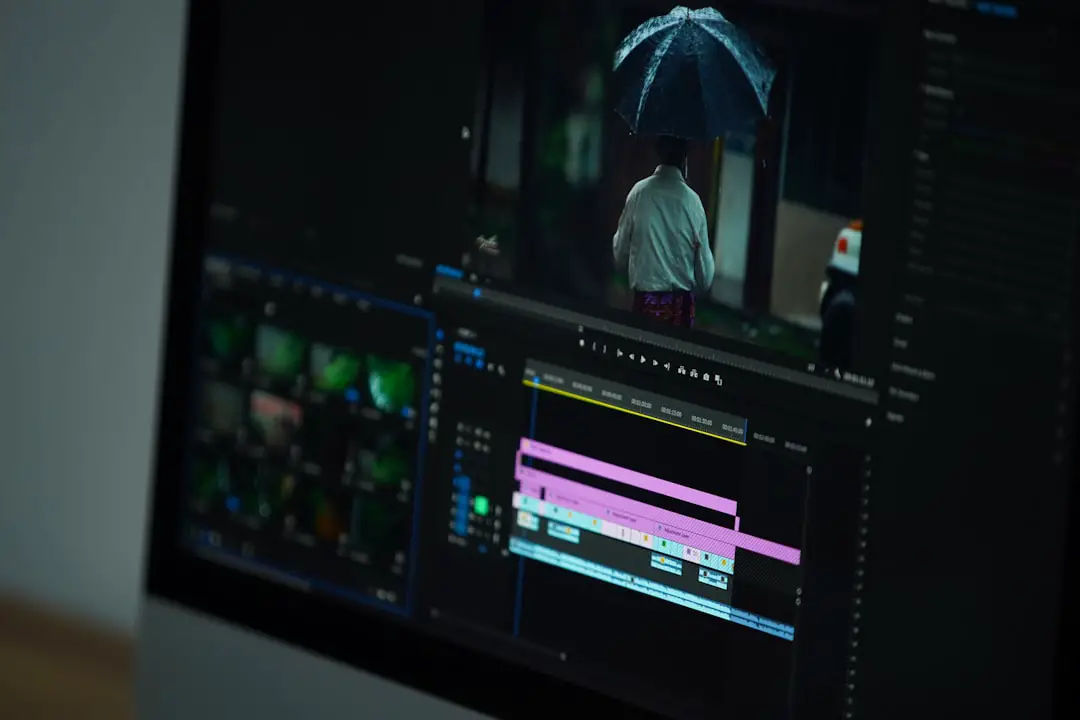
Runway, CapCut, Pika, Luma Dream Machine, and VEED are the strongest Clipfly AI alternatives for short videos and AI effects. They cover the main jobs creators need: text-to-video, captions, background removal, social clips, image animation, and stylized effects. Short video is not a side format anymore; YouTube has reported more than 70 billion daily Shorts views [source: YouTube]. That makes tool choice matter if you want useful output, not just flashy demos.
TLDR: If you want the safest all-round pick, choose Runway for serious AI video generation and effects. If you need fast social posts, CapCut is usually the easiest choice. For example, a small bakery could turn 12 product photos into 6 short clips in one afternoon, then add captions and resize them for TikTok, Instagram Reels, and YouTube Shorts. If your team posts three times per week, that can cut editing time by 40% to 60% compared with slow manual edits.
1. Runway: best for high-quality AI video effects
Runway is the best pick for creators who want more control than a basic template app gives. It supports text-to-video, image-to-video, background removal, inpainting, motion tools, and cinematic effects. The results can look polished when the prompt is clear and the source image is strong.
Best for: creators, agencies, music video editors, and product marketers.
- Pros: strong AI video tools, clean interface, good creative control.
- Cons: credits can run out quickly, and some generations need several tries.
- Use it when: quality matters more than speed.
The catch is that Runway can feel expensive if you are testing many ideas. A 5-second clip may take a few attempts before it looks right. Still, for serious AI effects, it is one of the most capable options.
2. CapCut: best for fast short-form social videos
CapCut is the most practical Clipfly AI alternative for everyday short video work. It is strong at auto captions, templates, music sync, resizing, filters, overlays, and quick edits. It also has AI tools for background removal, image generation, and voice features.
Best for: TikTok, Reels, Shorts, quick promos, and creator content.
- Pros: easy to learn, great captions, strong mobile app, many templates.
- Cons: templates can feel overused, and export options vary by plan and region.
- Use it when: you need a finished post fast.
It drives me crazy that some template-heavy videos look almost the same after a while. Still, CapCut wins on speed. For social teams, that often matters more than perfect originality.

3. Pika: best for playful AI clips and visual experiments
Pika is built for turning prompts and images into short AI videos. It is useful when you want surreal motion, character shots, product animations, or quick concept clips. The tool is simple enough for beginners, but it still gives room for creative testing.
Best for: concept artists, meme creators, social ads, and experimental clips.
- Pros: fun effects, simple prompt system, good for quick ideas.
- Cons: realism can be uneven, and motion may look strange in harder scenes.
- Use it when: you want eye-catching clips more than strict accuracy.
Pika is not the tool I would use for a formal brand video with exact product details. But for scroll-stopping visuals, it can work very well.
4. Luma Dream Machine: best for cinematic image-to-video
Luma Dream Machine is a strong choice for turning still images into smooth video shots. It often gives clips a more cinematic feel than basic AI generators. This makes it useful for mood videos, storyboards, travel visuals, fashion shots, and product scenes.
Best for: cinematic clips, visual storytelling, and high-end concept work.
- Pros: natural camera motion, strong image animation, polished style.
- Cons: results can vary, and exact edits may take patience.
- Use it when: you want a short clip that feels like a real camera shot.
Expect to waste time on prompt tweaks. Sometimes changing one word gives a better result than rewriting the whole prompt. That is annoying, but common with AI video tools.
5. VEED: best for browser-based business videos
VEED is a reliable browser editor for teams that need short videos, subtitles, screen recordings, clean layouts, and simple AI features. It is less flashy than some AI generators, but it is easier to use for practical business content.
Best for: tutorials, ads, webinars, product updates, training clips, and social videos.
- Pros: strong subtitles, simple editing, browser access, good for teams.
- Cons: advanced AI effects are not as deep as Runway or Pika.
- Use it when: you need clean, branded videos without a heavy editor.

Which Clipfly AI alternative should you choose?
- Choose Runway for the best mix of serious AI effects and creative control.
- Choose CapCut if your main goal is fast social posting.
- Choose Pika for fun, bold, and experimental AI clips.
- Choose Luma Dream Machine for cinematic image-to-video output.
- Choose VEED for business videos, subtitles, and team editing.
Final recommendation: most creators should start with CapCut or Runway. CapCut is faster for daily posting. Runway is better when you need custom AI effects that feel less like a template. If budget allows, using both covers most short video needs without adding too much complexity.