Data loss from an SD card can be frustrating, especially when it involves irreplaceable photos, business documents, or important project files. Whether caused by accidental deletion, formatting errors, corruption, or physical damage, losing access to data on an SD card is a common issue in 2026. Fortunately, modern data recovery software has become more powerful, user-friendly, and capable of restoring lost files even from severely corrupted storage media.
TLDR: The best SD card data recovery software in 2026 includes Disk Drill, EaseUS Data Recovery Wizard, Stellar Data Recovery, Recoverit, and R-Studio. These tools support deep scanning, formatted card recovery, and preview features. The right choice depends on budget, technical skill level, and the level of data damage. For most users, Disk Drill and EaseUS offer the best balance between performance and ease of use.
Below is a detailed breakdown of the top software solutions available in 2026, along with a comparison chart and buying guidance.
What to Look for in SD Card Data Recovery Software
Before selecting a tool, users should evaluate several critical factors:
- File System Support: FAT32, exFAT, NTFS, and others commonly used on SD cards.
- Deep Scan Capability: Ability to recover files after formatting.
- Preview Feature: Lets users confirm files before recovery.
- Device Compatibility: Support for SD, SDHC, SDXC, microSD.
- User Interface: Especially important for non-technical users.
- Recovery Success Rate: Accuracy in restoring intact files.
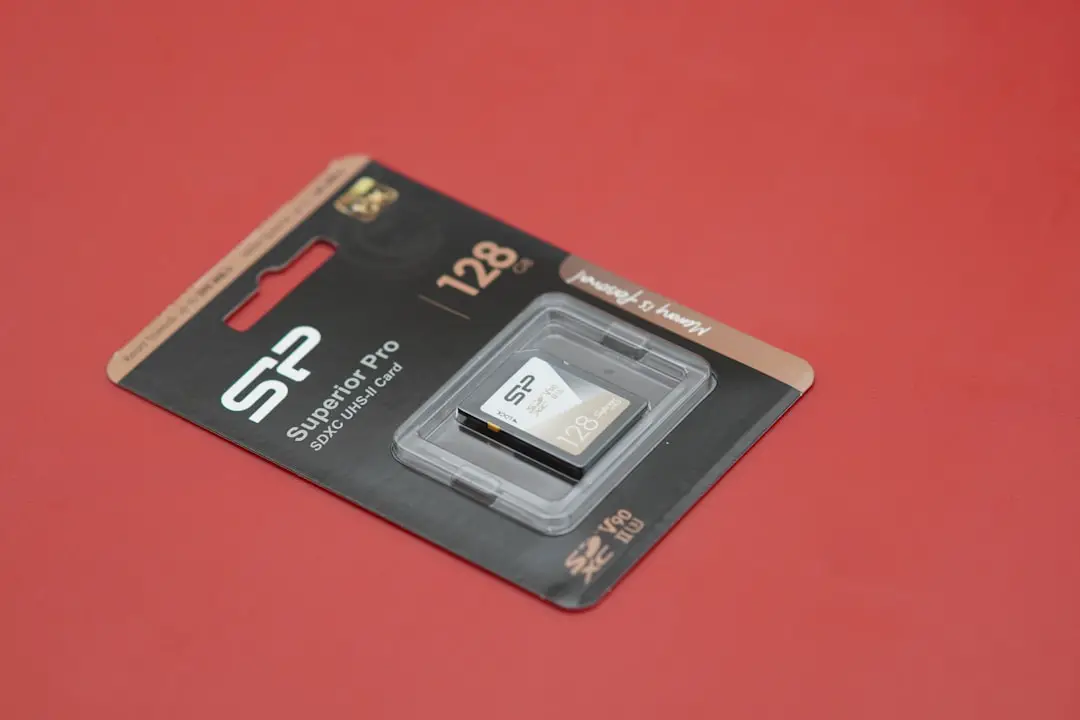
With these criteria in mind, here are the top-performing SD card recovery tools of 2026.
1. Disk Drill (Windows & macOS)
Best overall SD card recovery software in 2026.
Disk Drill continues to lead the market due to its advanced scanning algorithms and modern interface. It is suitable for both beginners and experienced users.
Key Features:
- Quick and deep scan modes
- Recovery from formatted SD cards
- Partition recovery
- File preview before restoration
- Supports 400+ file formats
Disk Drill uses intelligent file signature scanning to detect deleted data even when file tables are missing. In 2026, its updated AI-assisted reconstruction engine improves file integrity rates for fragmented video files.
Pros:
- Clean and intuitive interface
- High recovery rate
- Works with RAW SD cards
Cons:
- Full recovery requires paid version
2. EaseUS Data Recovery Wizard
Best for beginners and quick recovery.
EaseUS remains popular due to its simplicity. Users can recover lost files from SD cards in just three steps: scan, preview, and recover.
Key Features:
- Accidental deletion recovery
- Formatted SD card recovery
- Corrupted file repair for photos and videos
- Bootable media option
The 2026 version added improved video repair technology, making it ideal for photographers and drone operators.

Pros:
- Very user-friendly
- Strong photo recovery performance
- Supports large capacity SDXC cards
Cons:
- Deep scans can be slower than competitors
3. Stellar Data Recovery
Best for photo and media professionals.
Stellar is particularly strong in multimedia recovery. It has specialized algorithms designed for JPEG, RAW image formats, and 4K/8K video files stored on SD cards from cameras.
Key Features:
- Advanced photo repair
- Corrupted SD card repair option
- Customizable scan selection
- Disk image creation
This tool is especially valuable when recovering files from DSLR or mirrorless camera SD cards.
Pros:
- Excellent media repair tools
- Professional-grade scanning
Cons:
- Higher pricing tiers
4. Recoverit Data Recovery
Best for video recovery.
Recoverit is known for its advanced video recovery mode. In 2026, it supports complex multi-fragment video reconstruction for damaged SD cards used in action cameras and drones.
Key Features:
- Advanced video recovery engine
- Support for severely corrupted SD cards
- NAS and external device scanning
Pros:
- Strong video file recovery success
- Modern interface
Cons:
- Full features locked behind premium plan
5. R-Studio
Best for advanced users and technicians.
R-Studio is a professional-grade recovery suite. It offers advanced file carving, RAID reconstruction, and network recovery features.
Key Features:
- Advanced RAID support
- Hex editor
- Network recovery capabilities
- Customizable scan parameters
While extremely powerful, R-Studio may be overwhelming for beginners.
Pros:
- Highly customizable
- Excellent for severe corruption cases
Cons:
- Complex interface
Comparison Chart: Best SD Card Recovery Software (2026)
| Software | Best For | Ease of Use | Deep Scan | Video Repair | Price Level |
|---|---|---|---|---|---|
| Disk Drill | Overall Performance | High | Yes | Yes | Mid |
| EaseUS | Beginners | Very High | Yes | Yes | Mid |
| Stellar | Photo Professionals | High | Yes | Yes | High |
| Recoverit | Video Recovery | High | Yes | Advanced | Mid to High |
| R-Studio | Technicians | Low | Advanced | Limited | Mid |
Common Causes of SD Card Data Loss
Understanding the cause of data loss can increase recovery success:
- Accidental file deletion
- Card formatting
- File system corruption
- Virus or malware attacks
- Improper ejection
- Physical damage
It is critical to stop using the SD card immediately after discovering data loss. Continued use may overwrite recoverable data.
How to Maximize Recovery Success
- Stop using the SD card immediately.
- Use a reliable card reader.
- Install recovery software on a separate drive.
- Perform a deep scan.
- Recover files to a different storage location.
Avoid installing recovery programs directly onto the affected SD card.
Final Verdict
In 2026, SD card data recovery software has reached a new level of precision and ease of use. Disk Drill stands out as the best overall solution for most users, balancing performance and usability. EaseUS is perfect for beginners, while Stellar and Recoverit excel in professional media recovery.
For advanced technical scenarios, R-Studio offers unmatched control and flexibility. Ultimately, the best choice depends on the severity of data loss and the user’s technical comfort level.
Frequently Asked Questions (FAQ)
1. Can data be recovered from a formatted SD card?
Yes, in most cases. If the data has not been overwritten, deep scan recovery tools like Disk Drill or EaseUS can locate and restore deleted files even after formatting.
2. Is free SD card recovery software reliable?
Free versions often have recovery limits or restricted features. They are useful for small file recovery, but full versions typically provide better results and deeper scanning.
3. Can physically damaged SD cards be recovered?
If the damage is logical (file system corruption), software can help. If the card is physically broken, professional data recovery services may be necessary.
4. How long does SD card recovery take?
Quick scans may take minutes, while deep scans on large SDXC cards (128GB or more) can take several hours depending on the corruption level.
5. Does recovery software restore original file names?
If file system data is intact, original names can be restored. If not, files may be reconstructed with generic names based on file signatures.
6. Is it safe to use data recovery software?
Yes, reputable recovery software only reads data from the drive. It does not modify the source unless explicitly instructed.
Choosing the right SD card recovery software in 2026 can mean the difference between permanent data loss and complete restoration. Acting quickly and using trusted tools significantly improves your chances of full recovery.