
Creating a custom print calendar using Canva is not just a practical project — it can also become a fun and creative endeavor. Whether you’re designing a gift, organizing your business tasks, or decorating your workspace, customizing your own calendar allows you to express your personal style and stay organized in a unique way.
TLDR: Canva makes it easy to personalize your print calendar with creative touches. Use custom photos, color themes, icons, and quotes to make each month uniquely yours. Play with layouts and add special reminders to increase both aesthetic appeal and functionality. Whether for yourself or as a gift, a thoughtfully designed calendar can brighten every day of the year.
Why Customize a Canva Print Calendar?
A calendar is something you look at every day, so why not make it beautiful and meaningful? Customizing your calendar allows you to:
- Showcase your personality or brand identity
- Incorporate functional touches like reminders and habit trackers
- Create a sentimental gift with photos and special dates
- Turn a practical item into a piece of decor
Creative Themes That Inspire
Before diving into design, choose a theme to guide your artistic decisions. A unified theme helps your calendar look polished and intentional.
Here are a few imaginative theme ideas to spark inspiration:
- Seasonal Serenity: Match months to the feeling of each season using color palettes like snowy blues for January or vibrant oranges for October.
- Travel Memories: Feature a different favorite vacation photo for each month, paired with coordinating visuals like postcards or maps.
- Quotes and Inspiration: Add motivational quotes that align with each month’s mood and your goals for the year.
- Floral Fantasy: Use floral illustrations and nature scenes for a calming, botanical aesthetic.
- Minimalist Modern: Stick with clean lines, monochromatic tones, and minimal text for a sleek professional look.
Customize with Photos
One of the most beloved features of Canva’s calendar templates is the ability to drop in personal photos. Think beyond just pictures of people – consider:
- Nature landscapes you’ve captured during walks or hikes
- Artwork or illustrations you’ve created or love
- Flat lay photography of objects that represent each month
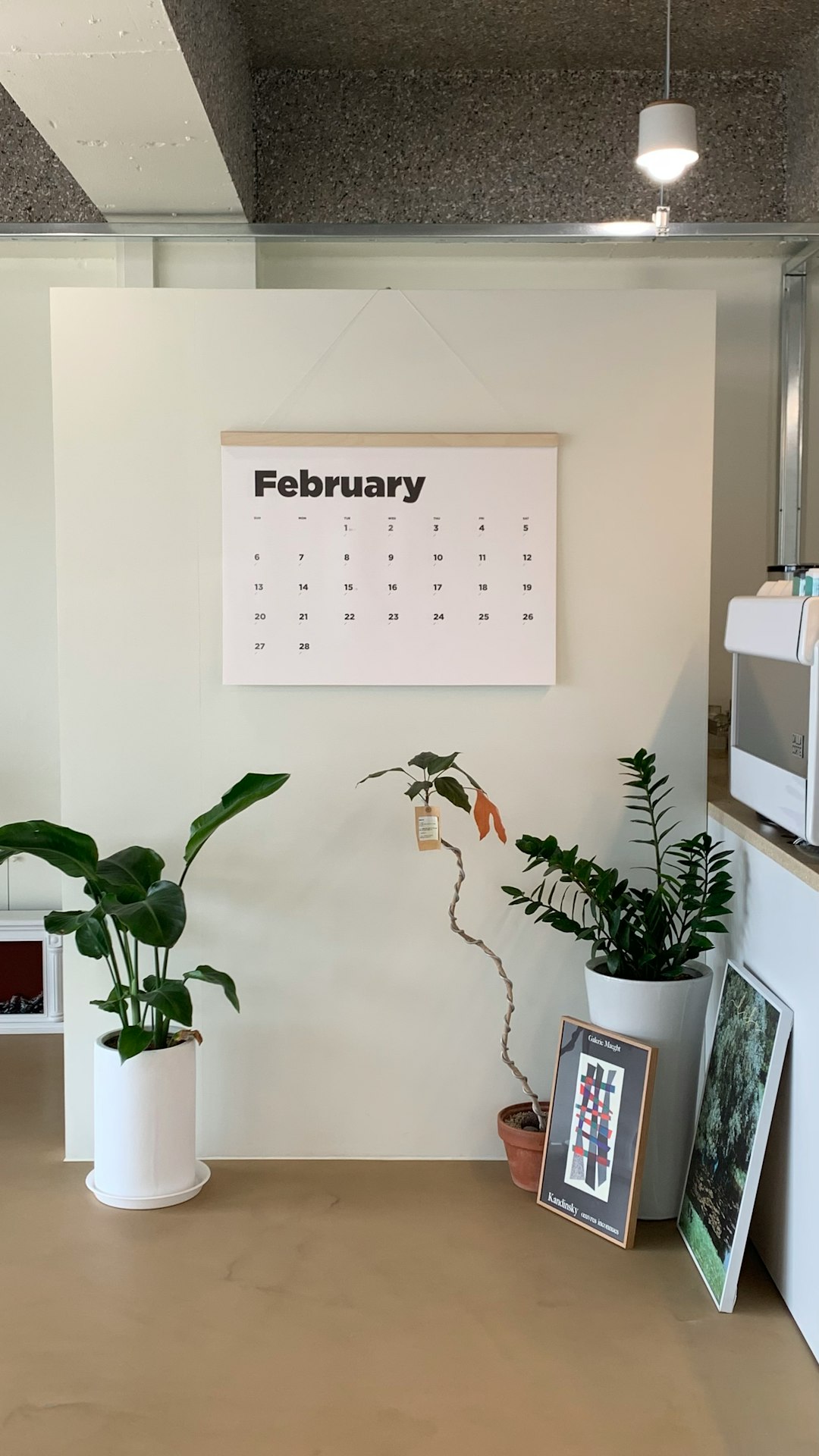
You can also create themed photo series — like pictures of your pet each month, or baby milestones for a child’s first year. Canva’s intuitive drag-and-drop interface makes inserting and adjusting photos effortless.
Highlight Special Dates
Customize your calendar by highlighting birthdays, anniversaries, national holidays, or even quirky holidays like National Coffee Day or Star Wars Day (“May the 4th be with you!”).
Use decorative icons or small photos over date squares as visual cues. Canva has a vast library of elements and stickers that can be resized and placed anywhere.
Pro tip: Add reminders for activities like “Water Plants Day” or “Self-Care Sunday” to add personality and practicality!
Add Functional Extras
Calendars don’t just keep track of days — they can also serve as motivation and goal-setting tools. Here’s how to infuse extra utility into your design:
- Habit Tracker: Add a small grid with habits like reading, meditation, or exercise to build consistency.
- To-Do Checklists: Include a section for monthly tasks or goals.
- Meal Planning Boxes: If your calendar is going on your fridge, add space for your weekly dinner menu.
This not only makes your calendar more useful, but it also helps reinforce healthy and productive habits throughout the year.
Experiment with Fonts and Colors
Font choice plays a huge role in both form and function. Use an easy-to-read sans-serif for dates but feel free to get artful with your month headers or quote sections.
Try combining 2–3 different fonts for contrast, such as:
- A script font for names or headers
- A minimalist font for the grid and dates
- A bold font for important events or holidays
When selecting colors, choose 2–4 complementary shades and use them throughout. Canva’s color picker helps you build harmonious palettes, or you can upload your own brand colors for cohesion if you’re designing a business gift.
Make It Interactive for Kids
Creating a calendar for or with children can be a fun, collaborative project. Consider these ideas for a kid-friendly version:
- Add bright colors and cartoon icons for holidays and birthdays
- Use stickers or stars to reward daily habits like brushing teeth or doing homework
- Include educational elements like weekly vocabulary words or math challenges
Customize fonts and images to include your child’s favorite characters, animals, or hobbies. This can help build independence and time awareness in a very fun way!

Design a Business-Branded Calendar
Need promotional material that will stick around all year? A customized calendar branded with your company logo, color scheme, and values can make a thoughtful giveaway for clients or employees.
Here’s how to tailor it for business purposes:
- Include company milestones or events like launch dates, trade shows, or team retreats
- Incorporate QR codes that link to your website or booking page
- Highlight client success stories month-by-month
Calendars are one of the most retained paper-based marketing materials — if it’s attractive and useful, your brand will stay front and center for 12 months.
Finish with a Thoughtful Touch
Complete your custom calendar with finishing touches that elevate its quality:
- Include a title page with the year and a summary of what’s inside
- Add a monthly inspiration blurb or action tip on the footer of each page
- Consider binding style — spiral-bound, stapled, or clipped — depending on where and how it’ll be displayed
Many people also include a year-at-a-glance page at the start or end for quick reference.
Printing Tips for a Polished Look
Once your design is complete, downloading and printing it correctly can make all the difference. Choose the right format — PDF print quality is ideal for calendars. Also:
- Use matte, high-quality cardstock for durability and a premium feel
- Print in A4 or US Letter sizes unless your design is meant to fit a larger display
- Test print one page to ensure colors and spacing look just right
Final Thoughts
Designing a customized Canva print calendar is a creative project that blends function with flair. By using thoughtful themes, engaging visuals, and practical extras, you can turn an ordinary calendar into a daily source of inspiration. Whether it ends up on a kitchen wall, in a home office, or gifted to a loved one, your personalized calendar will reflect your story and your style with every page.