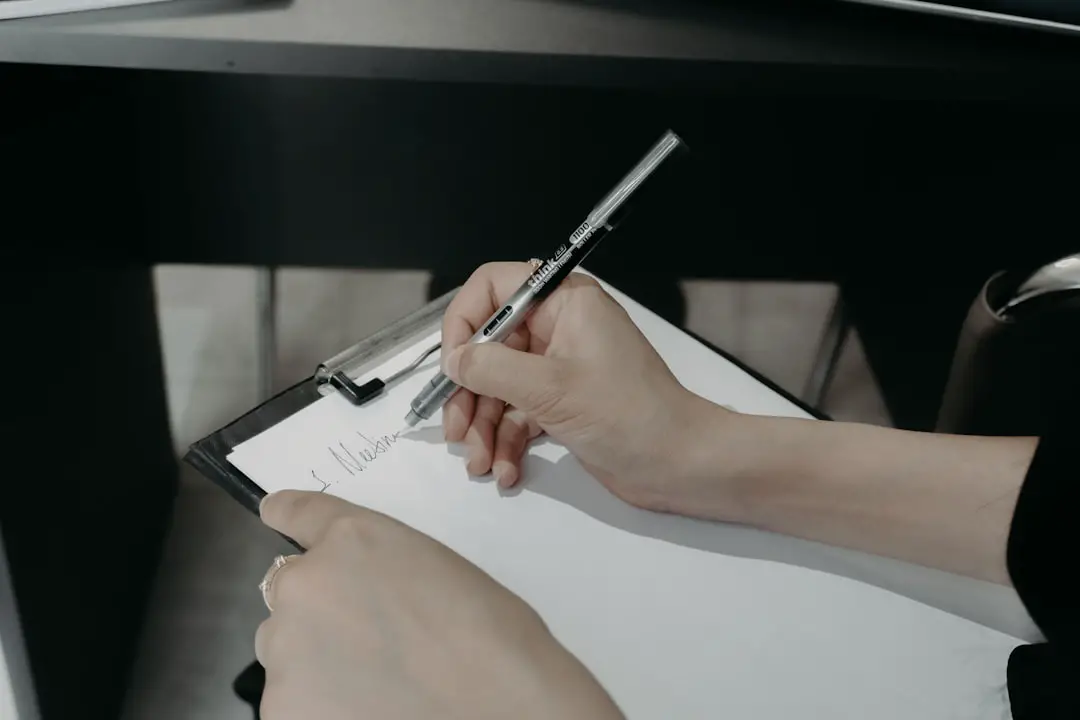
Creating a logo by starting with a hand-drawn sketch is a method favored by many designers, entrepreneurs, and creatives. It allows for organic creativity, brainstorming, and exploration before turning ideas into refined, professional assets. However, transforming a paper drawing into a clean, scalable digital logo requires a methodical approach, attention to detail, and the right tools to ensure the final result meets modern design standards.
TLDR
To turn a hand-drawn sketch into a clean logo, begin by scanning or photographing the sketch and importing it into vector-based software like Adobe Illustrator. Carefully trace the design using tools like the Pen Tool, adjusting anchor points for precision. Focus on simplifying shapes, refining lines, and making the logo scalable. Finally, tweak typography, choose brand colors if needed, and export it in various formats for versatile use.
Step 1: Start with a Good Sketch
Before going digital, begin with a strong foundation:
- Plan your concept: Think about brand identity, target audience, and what message the logo needs to convey.
- Use clear lines: Make sure your hand-drawn lines are as clean and defined as possible.
- Multiple iterations: Sketch several versions or variations so you have options to choose from once you go digital.
Even if your artistic skills are limited, a basic sketch can set the direction and act as a valuable blueprint for digital development.
Step 2: Digitize the Sketch
Once your sketch feels complete, the next step is to digitize it:
- Scan the drawing at high resolution (300 dpi or higher is ideal). If a scanner isn’t available, use a good lighting setup and take a high-quality photo from directly above.
- Convert the image to grayscale and adjust brightness and contrast to make lines stand out clearly.
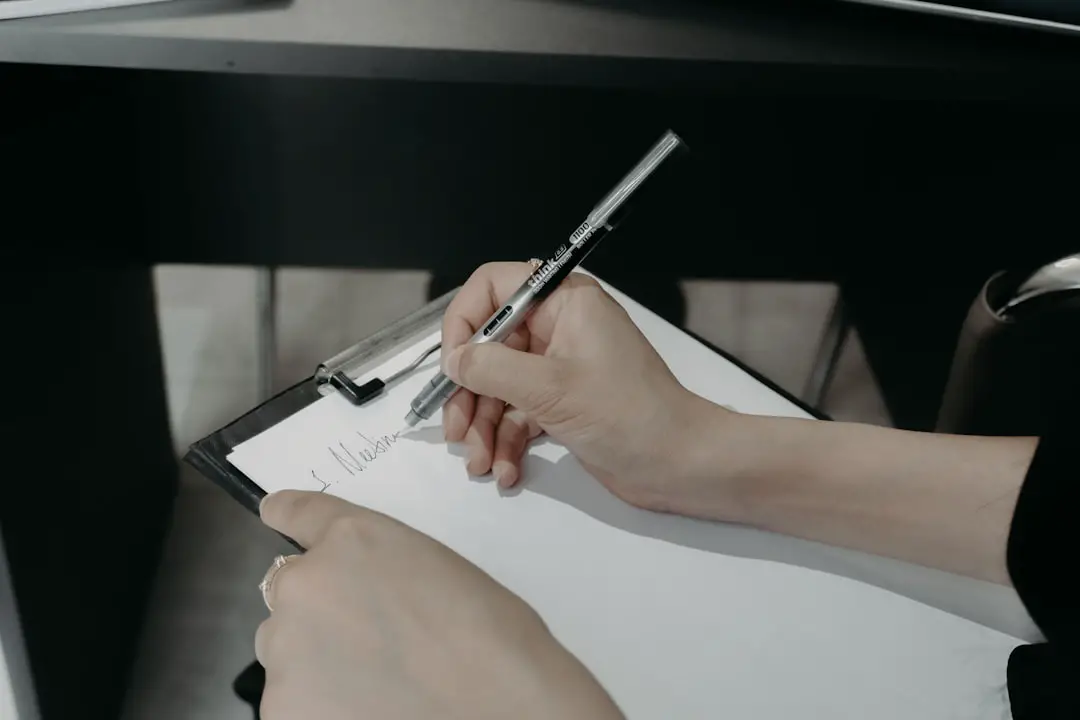
This clean image will act as the base layer as you trace over the design in vector software.
Step 3: Import Into Vector Software
To turn your image into a professional-quality logo, import it into vector editing software, such as:
- Adobe Illustrator
- Inkscape (free and open-source)
- Affinity Designer
Once imported, lock the sketch image layer so you don’t accidentally move it, and create a new layer on top for tracing and refining.
Step 4: Trace with Precision
This is the most critical part of the process—digitally tracing the image so that it’s clean, scalable, and professional.
- Use the Pen Tool to recreate the lines and shapes from your sketch. This gives you full control over curves and anchor points.
- Keep it simple: Too many points make editing difficult and could result in a jagged appearance.
- Zoom in while tracing to ensure accuracy and alignment.
If your software has an “Image Trace” feature (like Adobe Illustrator), you might be tempted to use it. While this can be helpful for initial outlines, it’s rarely accurate enough for final logos. Manual tracing ensures much better quality and control.
Step 5: Refine the Design
Once the initial trace is complete, the next phase is cleanup and refinement:
- Simplify your shapes: Remove unnecessary points and keep lines flowing smoothly.
- Balance proportions: Make sure the elements of the logo are harmonized in weight, spacing, and alignment.
- Use guides and grids: Many software tools provide access to alignment tools and grid layouts. These help achieve symmetry and consistency.
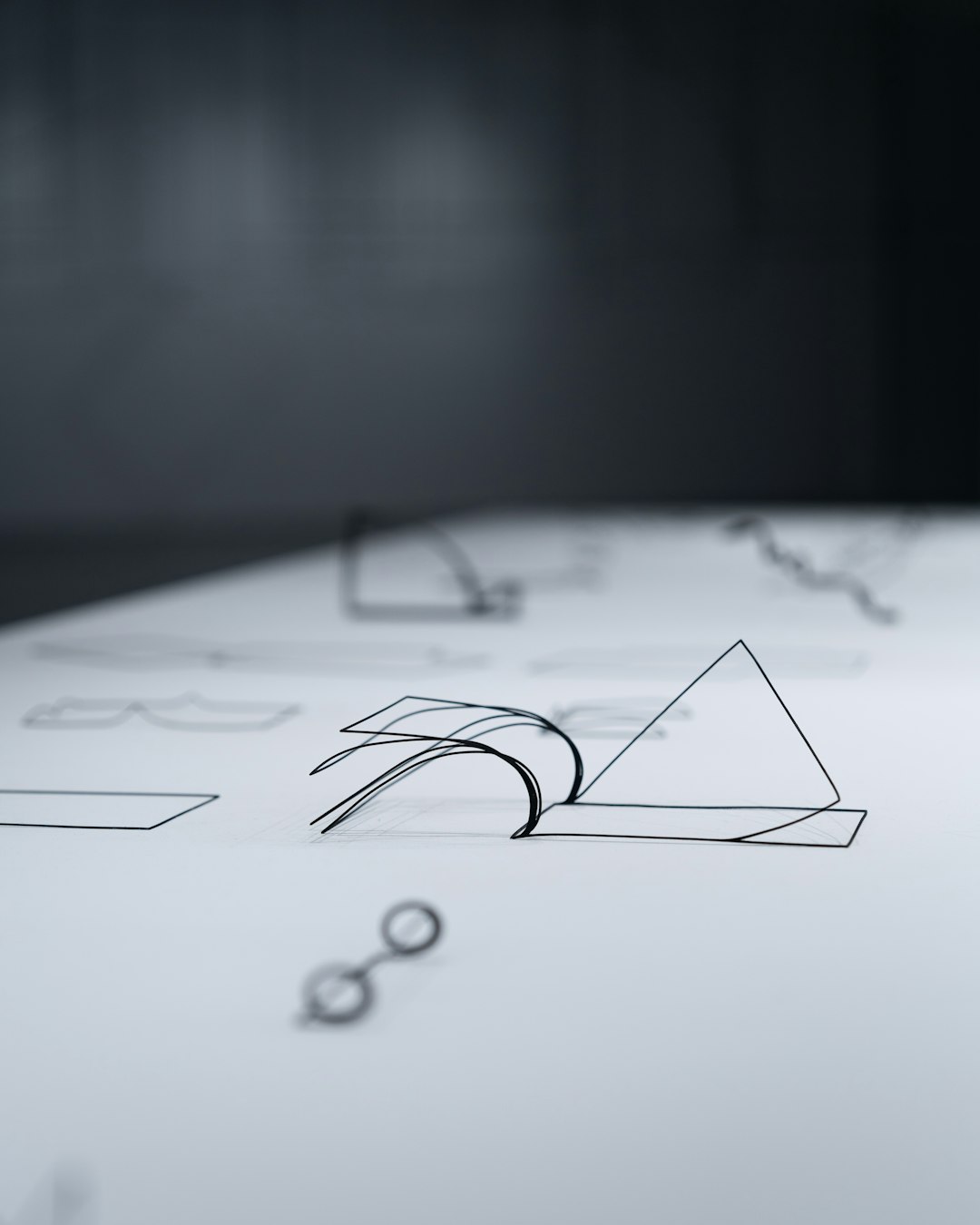
This is also the time to test how your logo looks at different sizes. A well-designed logo must be legible and recognizable whether it’s on a billboard or a social media icon.
Step 6: Add Typography
If your logo includes text or a wordmark, add it now. Here’s how to do it properly:
- Choose a legible font that matches the character of your brand.
- Do not stretch fonts unnaturally; instead, adjust size, spacing (kerning), and alignment for consistency.
- Consider converting text to outlines if you’re sharing the final logo with others to preserve appearance across devices.
Some designers even hand-letter type to match the uniqueness of the logo’s style. Just like with the symbol or icon, this can be done through sketching and then digitizing with precise vector tools.
Step 7: Apply Brand Colors
A logo should work equally well in black and white and in color. Start in black and white to ensure form and contrast are solid on their own. Then:
- Choose a limited color palette: 2-3 main colors are typically sufficient for a professional logo.
- Use Pantone, RGB, and CMYK codes: This ensures your logo displays consistently across print and digital media.
Remember to also create logo variations: a full-color version, a monochrome version, and a reversed (white on dark) version. This ensures flexibility for different applications.
Step 8: Export in Proper Formats
Exporting your logo in the appropriate formats is essential for usability across platforms:
- SVG: A scalable vector format ideal for the web.
- PNG: High-quality, transparent background files for websites and presentations.
- PDF or EPS: For high-resolution, print-ready files.
- AI: Keeping your editable Adobe Illustrator source file ensures long-term flexibility.
It’s a best practice to create a logo package with foldered variations of each logo type and format for use across departments, vendors, and platforms.
Best Practices & Common Pitfalls
Here are some final tips and warnings to help ensure your hand-drawn sketch turns into a successful brand asset:
- Maintain originality: Your logo should be unique and protectable—avoid mimicking trends or using stock symbols.
- Test across contexts: Ensure your logo works on websites, business cards, merchandise, and signage.
- Ask for feedback: Show your design to colleagues or trusted peers for critique before locking it in.
- Avoid fine details: Intricate lines often get lost at small sizes.
Conclusion
Turning a hand-drawn sketch into a clean, functional logo is a rewarding process that combines creativity with precision. It requires thoughtful planning, skilled digitization, and attention to both artistic and technical aspects of design. By following the steps above, even the simplest sketch can become a professional, memorable logo ready to represent a brand across the world.