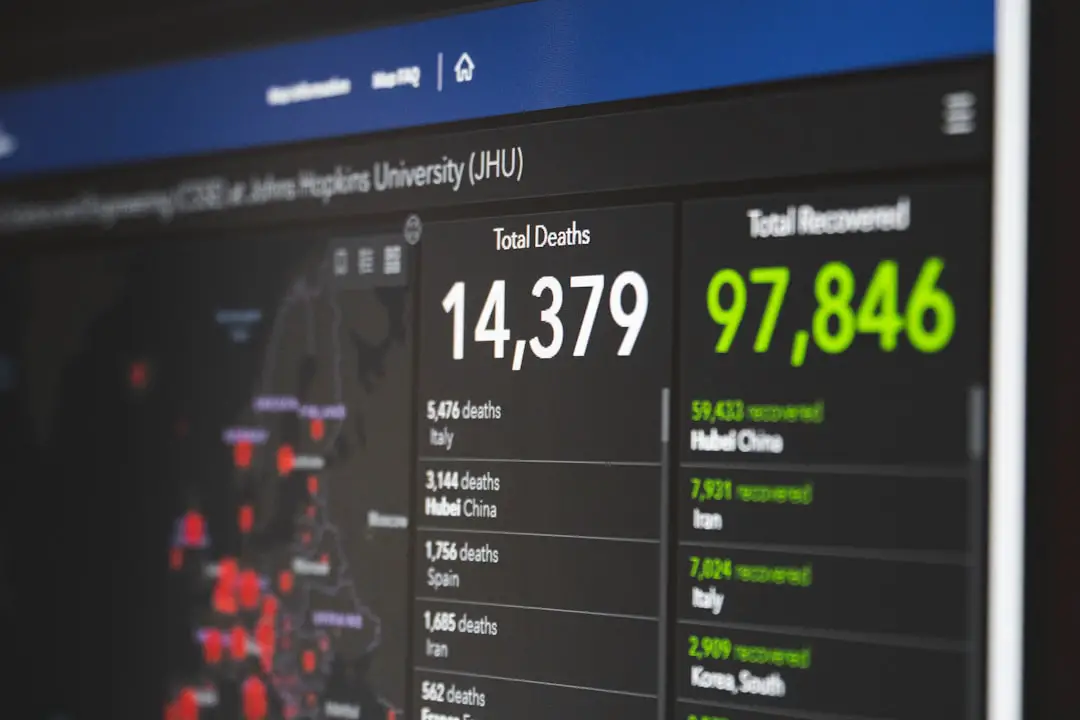
Networks are the highways of the digital world. Every email, video call, and file transfer travels across them. But what happens when traffic jams, slowdowns, or security threats appear? That is where network monitoring tools step in. Tools like PRTG Network Monitor help businesses see what is happening behind the scenes. And they make complex network data simple to understand.
TLDR: Network monitoring tools like PRTG help you see what is happening inside your network at all times. They track traffic, devices, applications, and performance in real time. This helps prevent downtime, improve speed, and spot security issues fast. If you rely on the internet for work, monitoring tools are not optional. They are essential.
Let’s break it down in a fun and simple way.
What Is Network Monitoring?
Imagine you run a busy airport. Planes arrive and depart every minute. Without radar and a control tower, chaos would follow.
Your network works the same way.
Network monitoring means watching all devices, traffic, and systems connected to your network. It tracks:
- Routers
- Switches
- Servers
- Computers
- Cloud services
- Applications
The goal is simple. Know what is happening at all times.
If something slows down or breaks, you see it instantly.
Why Network Monitoring Matters
No one likes surprises. Especially not IT teams.
Without monitoring tools, problems often show up like this:
- Employees complain the internet is slow.
- Customers cannot access your website.
- Emails stop sending.
- A server crashes.
By then, damage is already done.
Monitoring tools detect issues before users notice them. They send alerts when something looks strange. That gives you time to fix it early.
Less downtime. Less stress. More productivity.
Meet PRTG Network Monitor
PRTG is one of the most popular network monitoring tools out there. It is known for being powerful yet easy to use.
Think of it as a digital dashboard for your entire network.
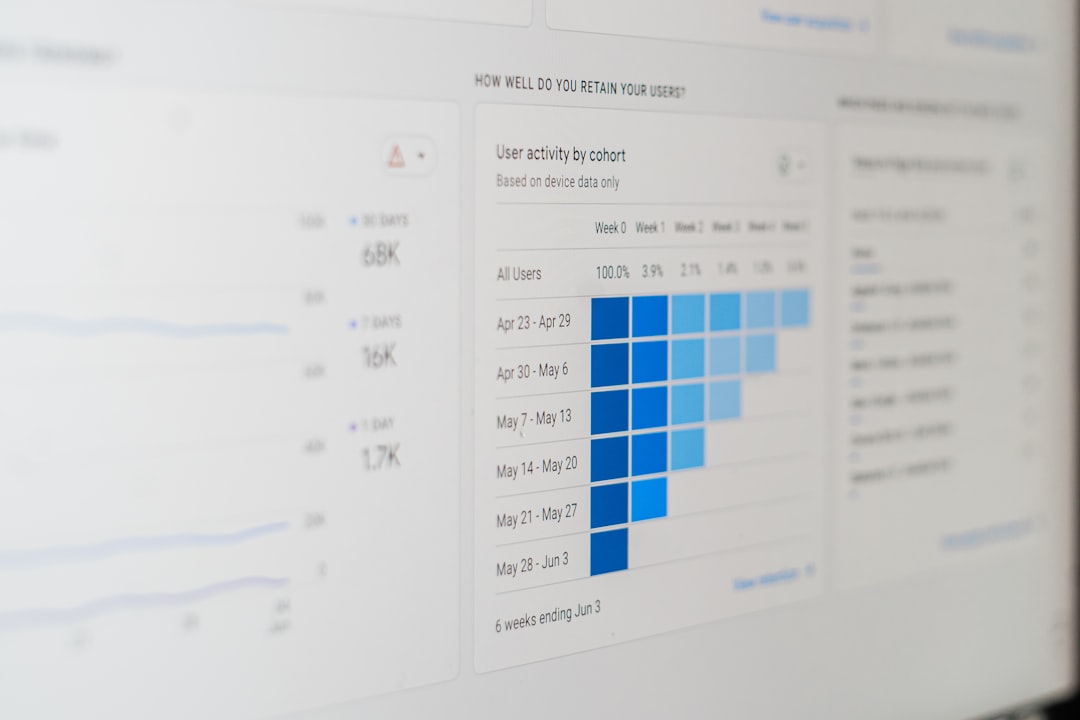
It shows:
- Network traffic in real time
- Device health
- Bandwidth usage
- CPU and memory load
- Uptime statistics
- Security warnings
Everything appears in one clean interface.
No need to jump between multiple tools.
How PRTG Works (In Simple Terms)
PRTG uses something called sensors.
A sensor monitors one specific value. For example:
- One sensor checks CPU usage.
- Another checks disk space.
- Another monitors traffic on a router port.
You combine many sensors to build a full picture of your network.
If a value crosses a limit, PRTG sends alerts through:
- SMS
- Push notifications
- Dashboards
It is like having thousands of tiny watchdogs.
Real Time Monitoring = Real Time Control
Real time monitoring is a game changer.
Imagine your website suddenly receives unusual traffic. Maybe it is a marketing success. Or maybe it is an attack.
Without monitoring, you are blind.
With PRTG, you instantly see:
- Traffic spikes
- Server strain
- Unusual login attempts
You can act immediately.
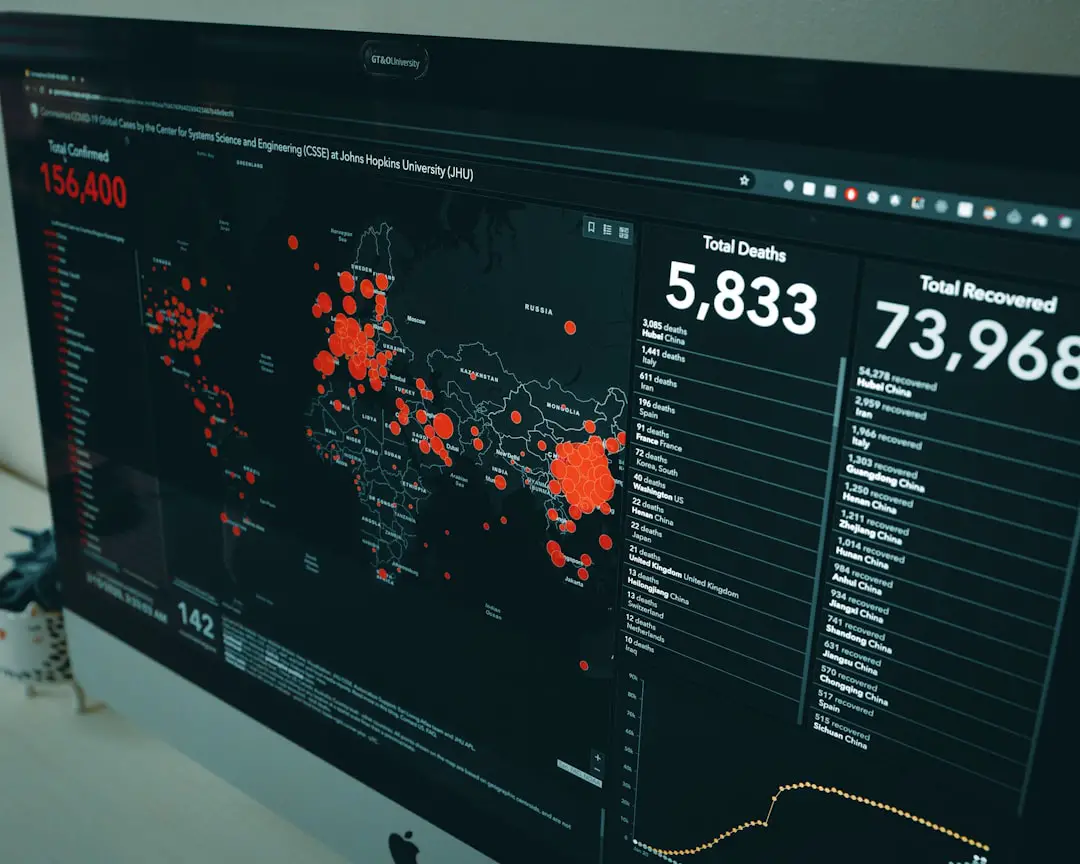
This speed can prevent major outages and security disasters.
Bandwidth Monitoring Made Easy
Slow internet is frustrating. But the cause is not always obvious.
Maybe:
- Someone is downloading huge files.
- An application is malfunctioning.
- A backup process runs during work hours.
PRTG shows exactly where bandwidth is being used.
You can see:
- Which device uses the most data
- Which application consumes bandwidth
- Peak usage times
This helps you optimize resources.
No more guessing games.
Device Health Monitoring
Networks depend on hardware.
Routers. Switches. Firewalls. Servers.
If one device overheats or runs out of memory, problems spread fast.
PRTG monitors:
- Temperature
- CPU load
- RAM usage
- Disk capacity
- Power supply status
You receive alerts before hardware fails.
That means fewer emergency repairs.
And fewer late night phone calls.
Network Monitoring and Security
Security threats are everywhere.
Hackers look for weaknesses. Malware spreads quietly. Suspicious traffic hides in plain sight.
Monitoring tools help detect unusual behavior.
For example:
- Unexpected outbound traffic
- Repeated failed login attempts
- Unknown devices connecting
- High traffic at odd hours
PRTG does not replace a firewall. But it supports your security strategy.
It gives visibility.
And visibility is power.
Monitoring Cloud and Hybrid Environments
Modern networks are not just inside an office anymore.
Many companies use:
- Cloud services
- Remote offices
- Virtual machines
- Hybrid setups
This makes monitoring more complex.
PRTG supports cloud APIs and remote monitoring. You can track:
- Cloud server performance
- Virtual machine health
- Remote site connectivity
All from one platform.
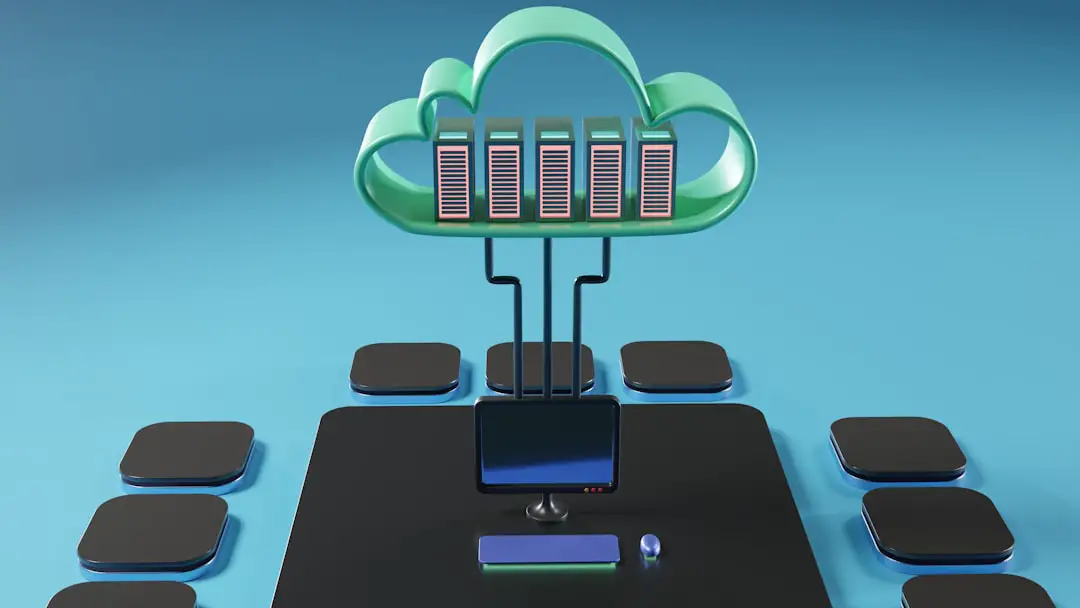
It simplifies a complicated world.
Custom Dashboards for Clear Insights
Data is useless if you cannot understand it.
That is why dashboards matter.
PRTG lets you create custom views. You can build dashboards for:
- IT teams
- Managers
- Executives
Each group sees what is important to them.
Graphs. Charts. Status indicators.
Simple visuals.
This makes reporting easier.
No technical jargon needed.
Automation Saves Time
Manual network checks take time.
And humans make mistakes.
PRTG automates monitoring 24/7.
It:
- Scans your network automatically
- Discovers new devices
- Applies predefined sensors
- Generates reports automatically
This frees IT teams to focus on bigger tasks.
Like improving infrastructure instead of chasing problems.
Reports That Tell a Story
Reports help you understand trends.
For example:
- Is bandwidth usage increasing every month?
- Are outages becoming more frequent?
- Which devices fail most often?
PRTG generates detailed reports with charts and summaries.
These reports are useful for:
- Budget planning
- Upgrading hardware
- Proving SLA compliance
- Management meetings
Data supports smarter decisions.
Is PRTG Good for Small Businesses?
Absolutely.
You do not need to run a giant corporation to benefit.
Even small businesses depend on:
- Internet connectivity
- Email systems
- Online collaboration tools
- Customer facing websites
Downtime costs money.
Monitoring protects revenue.
PRTG scales based on your needs. You start small. Then grow.
What Makes PRTG Stand Out?
There are many monitoring tools available.
So what makes this one different?
- All in one solution – No need for multiple add ons.
- User friendly interface – Clean and intuitive.
- Flexible sensors – Monitor almost anything.
- Strong alert system – Fast notifications.
- Custom dashboards – Tailored views.
It balances power and simplicity.
That is rare.
Best Practices for Using Network Monitoring Tools
Buying a tool is step one.
Using it correctly is what really matters.
Here are some simple tips:
- Set meaningful alert thresholds.
- Avoid alert overload.
- Monitor critical devices first.
- Review reports regularly.
- Keep sensors organized.
Start small. Then expand coverage.
Monitoring should feel helpful. Not overwhelming.
The Future of Network Monitoring
Networks are becoming more complex every year.
We now see:
- Internet of Things devices
- Remote work environments
- Cloud native applications
- AI driven systems
This increases the need for smart monitoring.
Modern tools are adding:
- Predictive analytics
- AI based anomaly detection
- Automated problem resolution
The goal is simple.
Find problems before they happen.
Final Thoughts
Networks are the backbone of modern business.
When they fail, everything stops.
Network monitoring tools like PRTG Network Monitor provide visibility, control, and peace of mind.
They track traffic. Watch devices. Send alerts. Generate reports.
And they do it all in real time.
Whether you manage a small office network or a large enterprise system, monitoring transforms chaos into clarity.
It turns unknown problems into manageable tasks.
And in today’s connected world, that is not just useful.
It is essential.