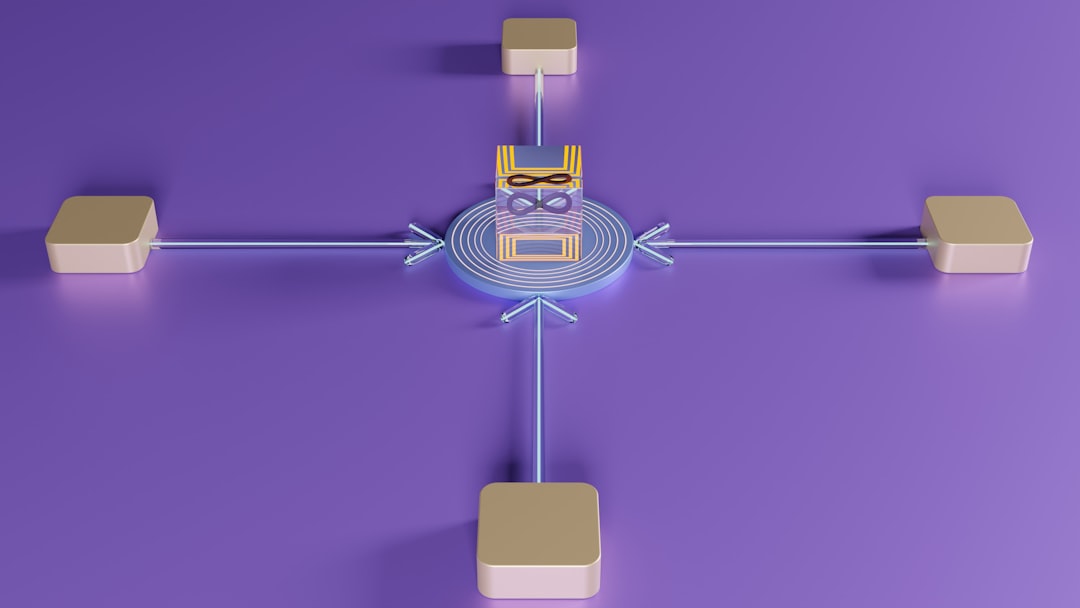
A gateway in networking is the device that gets traffic from one network to another. Most of the time, it is your router. If your laptop wants to visit a website, it sends the request to the gateway first. The gateway then passes it toward the internet, like a very busy traffic guard with blinking lights and too much coffee.
TLDR: A network gateway is the exit door from your local network to another network, often the internet. For example, in a 40-person office, about 80% to 90% of daily traffic may pass through the default gateway. Cisco and Juniper both make gateway devices, but Cisco often feels more familiar to beginners, while Juniper feels cleaner once you learn its style. If users can print locally but cannot reach Google, the gateway is one of the first places to check.
What Does a Gateway Actually Do?
Think of your home or office network as a neighborhood.
Your laptop lives at one address. Your phone lives at another. Your printer is that one neighbor who only works when it feels like it.
Inside the neighborhood, devices can talk to each other. But when they need to reach another neighborhood, they need a road out. That road out is the gateway.
In most networks, the gateway does these jobs:
- Receives traffic from local devices.
- Checks where it should go next.
- Forwards traffic to another network.
- Often performs NAT, which lets many devices share one public IP address.
- May filter traffic with firewall rules.
A gateway is not magic. It is a decision maker. It asks, “Is this traffic for my local network, or should I send it somewhere else?”

Default Gateway: The One Your Computer Trusts
The most common gateway you will hear about is the default gateway.
This is the device your computer uses when it does not know where else to send traffic. It is the “when in doubt, ask this box” setting.
Here is a simple example:
- Your laptop IP: 192.168.1.25
- Your printer IP: 192.168.1.40
- Your gateway IP: 192.168.1.1
- Google IP: outside your local network
If your laptop prints to the printer, that traffic may stay local. If your laptop opens Google, it sends the request to 192.168.1.1. That gateway sends it onward.
Honestly, it feels like a tiny setting until it breaks. Then everyone says, “The internet is down,” even though the real problem is one wrong gateway address.
Is a Gateway the Same as a Router?
Sometimes, yes. Sometimes, no. Annoying, right?
A router moves packets between networks. A gateway connects networks that may use different paths, rules, or services. In everyday office talk, people often use the words as if they mean the same thing.
In many homes, the gateway is the Wi Fi router. It routes traffic, handles NAT, gives out addresses with DHCP, and may run a firewall.
In larger networks, a gateway might be:
- A core router.
- A firewall.
- A Layer 3 switch.
- A cloud gateway.
- A VPN device.
So the clean answer is this: a router can be a gateway, but not every gateway is only a router.
Cisco Gateways: Familiar, Popular, and Everywhere
Cisco is the big name many people meet first. Schools teach it. Exams use it. Older network closets are full of it.
Cisco gateway devices may include:
- Cisco ISR routers for branch offices.
- Cisco Catalyst switches with Layer 3 routing.
- Cisco ASA or Firepower firewalls for security gateways.
- Cisco Meraki MX for cloud-managed gateways.
Cisco commands often feel direct once you get used to them. A simple gateway interface might look like this:
interface GigabitEthernet0/1
 ip address 192.168.1.1 255.255.255.0
 no shutdown
That tells the Cisco device to use 192.168.1.1 on that interface. Devices on the network can then use it as their default gateway.
Cisco is great for learning because there are tons of examples online. The catch is that Cisco has many product lines. IOS, IOS XE, NX OS, ASA, and Meraki can all feel different. Expect to waste time asking, “Wait, which Cisco syntax is this again?”
Juniper Gateways: Clean Design, Different Brain
Juniper is also a major networking vendor. It is loved by many service providers, data centers, and engineers who like clear structure.
Juniper gateway devices may include:
- Juniper SRX firewalls and security gateways.
- Juniper MX routers for large networks.
- Juniper EX switches with routing features.
Juniper runs Junos OS across many devices. That is a big deal. The style is more consistent.
A basic Juniper gateway interface might look like this:
set interfaces ge-0/0/1 unit 0 family inet address 192.168.1.1/24
commit
The word commit matters. On Juniper, changes do not fully apply until you commit them. That can save you from mistakes. It can also make you shout at the screen when you forget it.
Juniper config feels more like building a tree. Cisco config feels more like walking into each room and changing things one by one.

Cisco vs Juniper: Which Is Easier for Gateways?
For beginners, Cisco is often easier to start with. Not always. But often.
Why? More training labs. More forum posts. More entry-level courses. More people saying, “Just type this.”
Juniper may feel strange at first. But many engineers like it after the first rough week. The configuration is tidy. Rollbacks are useful. The commit model is safer.
| Area | Cisco | Juniper |
|---|---|---|
| Beginner material | Lots of it | Less, but solid |
| Config style | Mode-based | Hierarchical |
| Change safety | Depends on platform | Strong commit and rollback tools |
| Common use | Schools, offices, enterprise | Service providers, data centers, enterprise |
A Simple Gateway Story
Picture a small office with 25 users. Their gateway is a firewall at 192.168.10.1. Everyone gets an IP address from DHCP.
One morning, 18 users can reach the printer. Nobody can open websites. Panic starts. Someone blames the browser. Someone blames Wi Fi. Someone restarts the coffee machine, because why not.
The admin checks three things:
- Can a laptop ping the gateway?
- Does the laptop have the correct default gateway?
- Can the gateway reach the internet provider?
The problem is found in five minutes. The gateway lost its route to the provider. Local traffic still worked. Internet traffic had no exit.
That is the gateway’s job in one tiny disaster. It gets traffic out. When it fails, the office feels stuck in a box.
Common Gateway Problems
Gateway problems are usually simple. They are just annoying.
- Wrong default gateway: The device sends traffic to the wrong address.
- Gateway offline: The router or firewall is down.
- Bad subnet mask: The device misunderstands what is local.
- Missing route: The gateway does not know the next hop.
- Firewall rule issue: Traffic reaches the gateway, then gets blocked.
- NAT problem: Private addresses are not translated for internet use.
A good first test is simple:
ping 192.168.1.1If that fails, your device may not even be reaching the gateway. If it works, test an outside IP. Then test a domain name. Step by step. No guessing circus.

So, Which Should You Learn?
If you are new, start with the idea first. Do not obsess over the brand.
Learn these basics:
- What an IP address is.
- What a subnet is.
- What a default gateway is.
- What routing does.
- What NAT does.
- How firewall rules can block traffic.
Then pick a vendor.
Choose Cisco if you want the widest beginner path and lots of practice material. Choose Juniper if you like structured configs and want strong habits around commits and rollbacks.
The real skill is not memorizing commands. The real skill is knowing where traffic should go, where it actually goes, and where it gets stuck.
A gateway is just the door between networks. Cisco and Juniper build very good doors. Your job is to know which door traffic should use, and what to check when someone says, “The internet is broken again.”