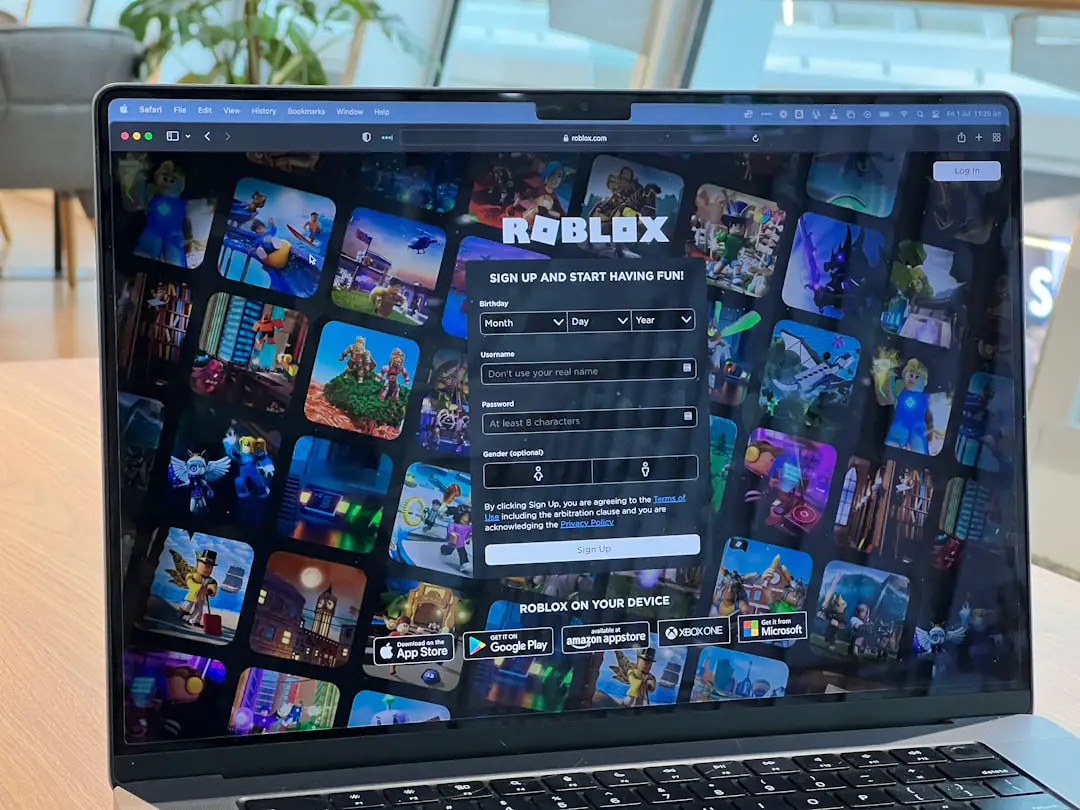
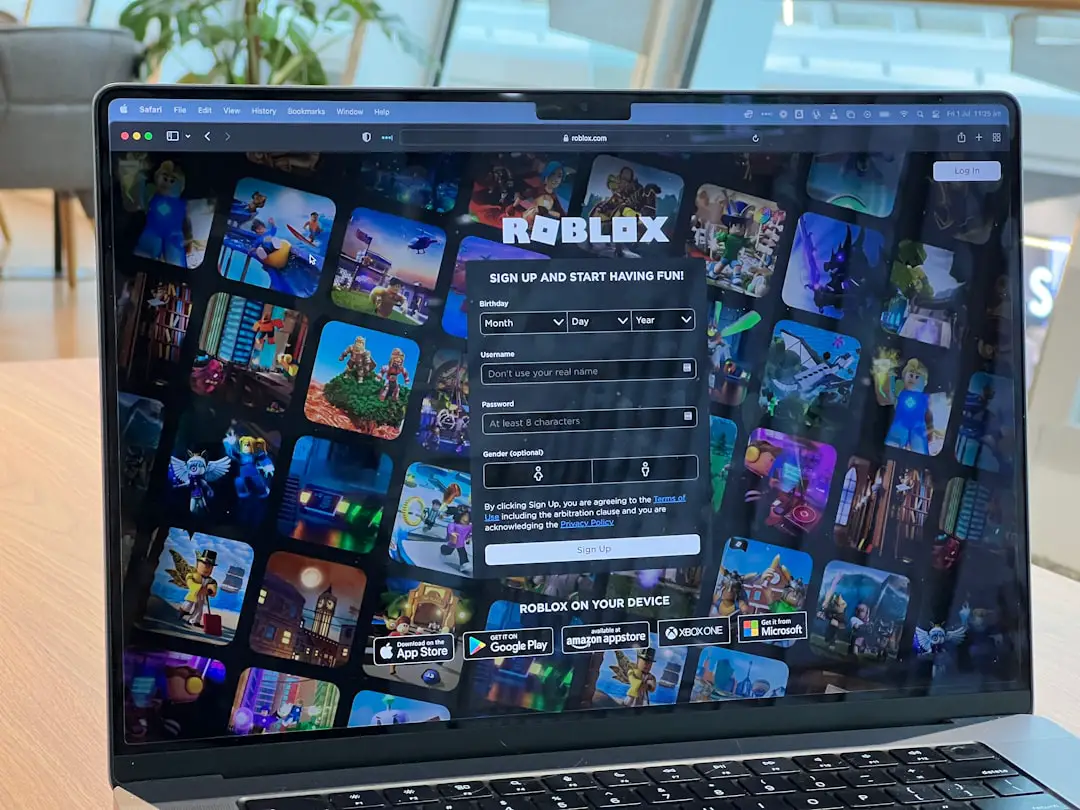
Roblox Studio is an incredibly powerful game development platform, enabling users to create, publish, and manage experiences with ease. However, as creators grow and evolve in their design journey, they may find the need to remove old or unused experiences from their account. Whether it’s an outdated prototype or a project that no longer reflects the creator’s vision, getting rid of a Roblox experience may seem necessary. But the process isn’t as straightforward as deleting a file from a computer.
TLDR (Too Long; Didn’t Read)
Deleting a Roblox experience requires navigating through the Roblox website rather than Roblox Studio itself, as the Studio does not currently support direct deletion of games. While users can’t permanently erase an experience, they can effectively remove public access by unpublishing or archiving it. Options like making the game private or deleting all assets can also help with managing old projects. Understanding these steps is crucial for keeping profiles clean and organized.
Understanding Experiences in Roblox
In Roblox terminology, an “experience” refers to an interactive game or environment that a user has developed. These experiences are stored on the cloud and can be accessed through the user’s Roblox account across different devices. Once an experience is published, it becomes available to other users based on the selected privacy settings.
However, as of now, Roblox does not allow users to permanently delete experiences from their profile. Instead, there are alternative methods to remove it from public view or to minimize its presence in your profile list.
Why Someone Might Want to Delete an Experience
- Outdated content: The experience may no longer reflect the creator’s current design skill or preferences.
- Space management: With a large number of experiences, managing them can become cumbersome.
- Reputation: Creators may want to remove early, unfinished, or low-quality projects from being viewed by others.
- Clutter reduction: Having fewer visible projects simplifies navigation within the account.
Step-by-Step Guide to Deleting or Hiding an Experience
1. Make the Experience Private
This is the quickest way to hide an experience from other users. Though still accessible by the creator, it will no longer be visible to the public.
- Navigate to the Create page on the Roblox website.
- Under the “My Creations” tab, select “Experiences.”
- Find the experience you wish to hide and click the gear icon or three dots.
- Select “Make Private” from the dropdown menu.
This action ensures that no one else can access the experience unless you change the setting back to public or friends-only.
2. Unlist the Experience from Your Profile
If you don’t want an experience to appear on your profile but still want access to it while signed in, unlisting it is an option.
To do this:
- Go to the experience page.
- Click on the Settings (gear) icon.
- Under “Basic Settings,” uncheck the box that allows it to be shown on your profile.
- Click Save.
3. Removing All Elements from Your Experience
In case you want to eliminate all traces of the experience’s content but cannot delete it altogether, consider wiping it from the Studio project entirely.
- Open Roblox Studio and select the experience in question.
- Delete all parts, models, scripts, and GUI elements manually.
- Save and re-publish the experience to overwrite the contents.
This leaves behind a blank experience that no longer has any valuable information or playable content.
4. Rename and Rebrand the Experience
Another approach is to rename the experience to indicate that it’s discontinued or outdated. You can also change the thumbnail and description to warn users not to interact with it.
Steps to do this:
- Go to the experience’s page on the Roblox website.
- Click the Settings icon and select “Configure Experience.”
- Change the Name, Description, and Thumbnail Image.
- Click Save to apply the changes.
5. Archive the Place (Optional)
Roblox allows developers to archive individual “places” within experiences. Though this doesn’t delete the main experience, it can remove certain parts of it effectively.
To archive a place:
- Go to the Create section on the Roblox website.
- Locate the place under “Places” rather than “Experiences.”
- Click on the gear icon next to the place and select Archive.
Key Things to Remember
- Deletion isn’t permanent: Roblox currently doesn’t offer a way to completely delete an experience for good.
- Hiding is the best alternative: Making your experience private or removing its content can help keep things clean.
- Be cautious: Avoid republishing or enabling public access if you’re trying to fully bury an experience.
Tips for Managing Roblox Experiences
- Use folders and naming conventions: This helps keep your creations organized.
- Review old projects regularly: Periodic clean-up can prevent unnecessary clutter.
- Maintain backups: If you’re planning to delete or modify projects heavily, keep a local copy just in case.
Conclusion
Roblox Studio and its associated website provide several workarounds for creators looking to get rid of or hide outdated experiences. While permanent deletion isn’t an available option as of now, making a game private, unlisting it from your profile, or removing its content can serve the purpose effectively. Managing your experiences thoughtfully is key to presenting your best work and maintaining a streamlined portfolio.
FAQs
- Can I permanently delete an experience on Roblox?
No, Roblox currently does not allow users to delete experiences permanently. You can only make them private or unlist them from your profile. - Does unpublishing remove the experience permanently?
No. Unpublishing or making your game private only stops others from accessing it, but it remains on your account. - Where can I manage my Roblox experiences?
You can manage them via the Roblox website’s Develop Page under the “My Creations” section. - Is it possible to hide an experience from friends while keeping it public?
Privacy settings do not currently allow for that kind of granularity. If it’s public, anyone can access it; otherwise, you’ll need to make it private or friends-only. - Will making an experience private affect group members?
If the experience is owned by a group, changing its visibility may affect members’ access unless adjusted in group settings.