
It’s no secret that Google Chrome dominates the web browser world. With its speed, continual updates, and tight integration with Google services, it has become the go-to for millions. But with concerns about privacy, memory usage, and a desire for fresh features, you might be wondering: Are there better or at least comparable alternatives in 2024? The answer is yes — and you’d be surprised by how capable some of these other browsers are.
TL;DR
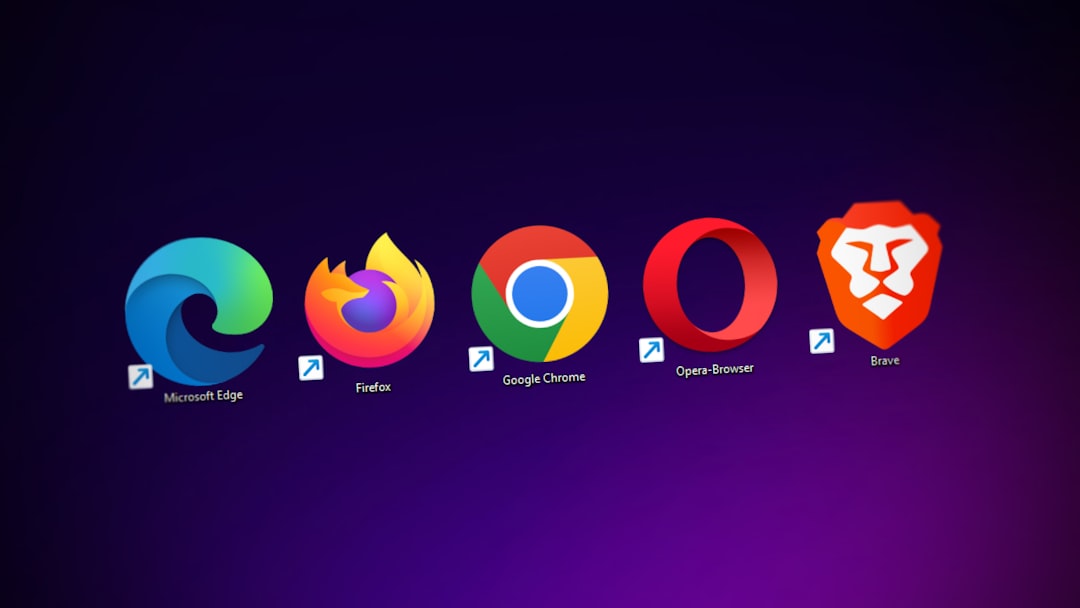
If Chrome’s privacy or resource-hogging nature is bothering you, there are fantastic alternatives to try in 2024. Brave offers built-in ad and tracker blocking, while Firefox continues to be the privacy-friendly titan it has always been. Microsoft Edge is more powerful than ever, thanks to its integration with AI tools. And if you’re a customization junkie, Vivaldi and Opera deliver feature-rich experiences tailored to power users.
Why Look Beyond Chrome?
While Chrome continues to perform well, users have growing concerns about:
- Privacy: Google’s business model relies on user data.
- Performance: Chrome is notorious for eating up RAM.
- Features: Other browsers now lead with built-in tools and better customizability.
So whether you’re a tech enthusiast, everyday user, or privacy advocate, exploring Chrome alternatives can unlock a browsing experience that better aligns with your priorities.
1. Brave – The Privacy-Packed Powerhouse
Best for users who want an ad-free, privacy-first experience.
Brave is a Chromium-based browser that blocks ads and trackers right out of the box—no extensions needed. That means faster loading times, less tracking, and more streamlined browsing. Brave also includes built-in access to Tor browsing and a native cryptocurrency wallet.
Key Features:
- Blocks ads and trackers by default
- Built-in Tor support for anonymous browsing
- Brave Rewards program and crypto wallet integration
- Privacy Reports that show what’s being blocked
While some users might find the crypto rewards a little gimmicky, Brave remains a favorite among those who value security and performance without much tweaking.
2. Mozilla Firefox – Resilient Privacy Champion
A classic that continues to evolve with modern needs.
Firefox isn’t new, but it’s certainly getting better each year. With a sleek interface, improved performance, and strong privacy controls, Firefox shows that open-source can still compete with the giants.
Why Use Firefox in 2024?
- Backed by a non-profit dedicated to internet health
- Enhanced Tracking Protection and Total Cookie Protection
- Custom extensions and themes
- Minimal use of memory compared to Chrome
Another major plus: Firefox’s responsive development community keeps pushing the envelope when it comes to web compatibility and performance improvements.
3. Microsoft Edge – The AI-Enhanced Surprise
Perfect for those who want AI integration and tight OS integration.
Once a punchline, Microsoft Edge has transformed into a feature-rich and fast browser. Built on Chromium, it feels familiar to Chrome users but offers more out of the box — especially in the AI department.
What Makes Edge Stand Out?
- Integration with Bing AI (ChatGPT-powered)
- Built-in vertical tabs and collections features
- Better battery optimization on Windows devices
- PDF editing tools included out of the box
Edge’s emphasis on productivity tools and AI guidance (through the sidebar Copilot) makes it more than just a Chrome lookalike. If you use Windows 11, Edge might already be the most optimized browser for your device.
4. Opera – Style and Built-In Pro Tools
Ideal for those seeking built-in extras without needing extensions.
Opera is often overlooked, but it boasts a unique design and features tailored to digital multitaskers. It comes preloaded with everything from a VPN to social sidebar integrations like WhatsApp and Facebook Messenger.
High Points of Opera:
- Integrated VPN and ad blocker
- Sidebar messengers and workspaces for organization
- Battery saver for mobile and laptops
- Opera GX – a version tailored for gamers
Opera makes switching seamless with a smart import tool and even a feature set designed for streamers and gamers in its GX version. It’s that rare balance between visual flair and functional depth.
5. Vivaldi – The Customizer’s Dream
For power users who want total control of their browser environment.
If flexibility is your jam, Vivaldi is the ultimate alternative to Chrome. Built by former Opera developers, Vivaldi puts every possible tweak in your hands — from tab placement to keyboard shortcuts, color themes to privacy options.
Top Highlights:
- Unparalleled customization of UI/UX
- Tab stacking, tiling, and split-screen modes
- Built-in email, calendar, and RSS reader
- Enhanced privacy settings without relying on extensions

It may be too complex for those who prefer simplicity, but if you like complete command over your browsing experience, Vivaldi could be your new favorite.
6. Safari & Others – Honorable Mentions
While the above browsers are top-tier, we’d be remiss not to mention a few others worth a look:
- Safari: Perfect for Apple users who value battery life and ecosystem integration. However, it’s still mostly exclusive to macOS and iOS.
- Tor Browser: Hands-down the best for anonymous browsing. Best suited for users conscious about surveillance and censorship.
- DuckDuckGo Browser: A relatively new player with a strong emphasis on simple, private browsing without excessive tracking.
These options show that there’s no shortage of innovation in the web browser landscape—and you no longer need to be tethered to Chrome’s ecosystem to enjoy a fast, secure experience.
Final Thoughts: Choose the Browser That Works for You
The best browser for 2024 isn’t a one-size-fits-all deal. If privacy is paramount, Brave or Firefox should be your top picks. Looking for a browser that plays well with Microsoft services and AI tools? Edge is your friend. Vivaldi and Opera cater to the power users and creative minds who want their browsers to do more out of the box.
The good news? All these browsers are free, so give a few a test run. You might be surprised by how much life there is outside of Chrome’s dominating presence.
After all, web browsing is something we all do every day—why not make it better, faster, and more secure with a browser that actually fits your needs?