
In today’s fast-moving business environment, the ability to present ideas clearly and persuasively can make the difference between success and missed opportunity. Whether you are pitching to investors, training employees, or delivering performance reports, presentation makers have become indispensable tools. They combine design, storytelling, and data visualization features to help individuals and teams communicate complexity with clarity and impact.
TLDR: Presentation makers are powerful tools that help professionals craft compelling pitches, engaging training sessions, and insightful reports. Modern platforms offer templates, collaboration features, AI-powered design assistance, and multimedia integration. Choosing the right tool depends on your goals, audience, and level of design experience. When used effectively, these tools transform information into memorable visual stories.
Why Presentation Makers Matter More Than Ever
In a digital-first world, attention is limited. Decision-makers, employees, and stakeholders expect content that is visually engaging and easy to understand. Dense text documents often fail to capture attention, while well-designed slides can communicate key messages in seconds.
Presentation makers bridge the gap between information and influence. They:
- Enhance clarity through structured layouts and visual hierarchies
- Improve retention with images, icons, and charts
- Increase engagement with multimedia and animations
- Speed up creation using templates and automated design tools
- Facilitate collaboration with real-time editing and cloud sharing
From startups seeking funding to global enterprises running compliance training, effective presentations are now an essential business skill.
Presentation Makers for Pitch Decks
A compelling pitch deck is concise, persuasive, and visually powerful. Investors typically spend just a few minutes reviewing a deck, so every slide must earn its place.
Modern presentation makers support pitch creation by offering:
- Professional templates tailored for investor pitches
- Financial data visualization tools
- Brand customization options
- Export capabilities for PDF, video, and live presentation modes

When creating a pitch deck, the structure often includes:
- Problem – What pain point are you addressing?
- Solution – How does your product or service solve it?
- Market Opportunity – How large is the target market?
- Business Model – How do you make money?
- Traction – What proof shows momentum?
- Financials – Revenue projections and funding needs
Effective presentation makers allow founders to focus on storytelling rather than struggling with formatting.
Presentation Makers for Training Programs
Training sessions demand engagement and clarity. Whether onboarding new hires or delivering compliance training, presenters must hold attention and encourage participation.
Training-focused features often include:
- Interactive elements such as quizzes and polls
- Embedded video and audio integration
- Screen recording capabilities for tutorials
- Slide transitions to guide learning flow

Good training presentations emphasize:
- Chunking information into manageable sections
- Visual examples instead of heavy text blocks
- Practical applications with real-world scenarios
- Consistent branding to reinforce professionalism
Cloud-based presentation makers also allow trainers to share materials across teams and departments instantly, making updates easy and scalable.
Presentation Makers for Reports and Data Visualization
Business reports often contain extensive data. Transforming raw numbers into meaningful visuals can dramatically improve understanding and decision-making.
Modern tools excel at:
- Dynamic charts and graphs
- Infographics and dashboards
- Real-time data integration
- Customizable themes for brand consistency
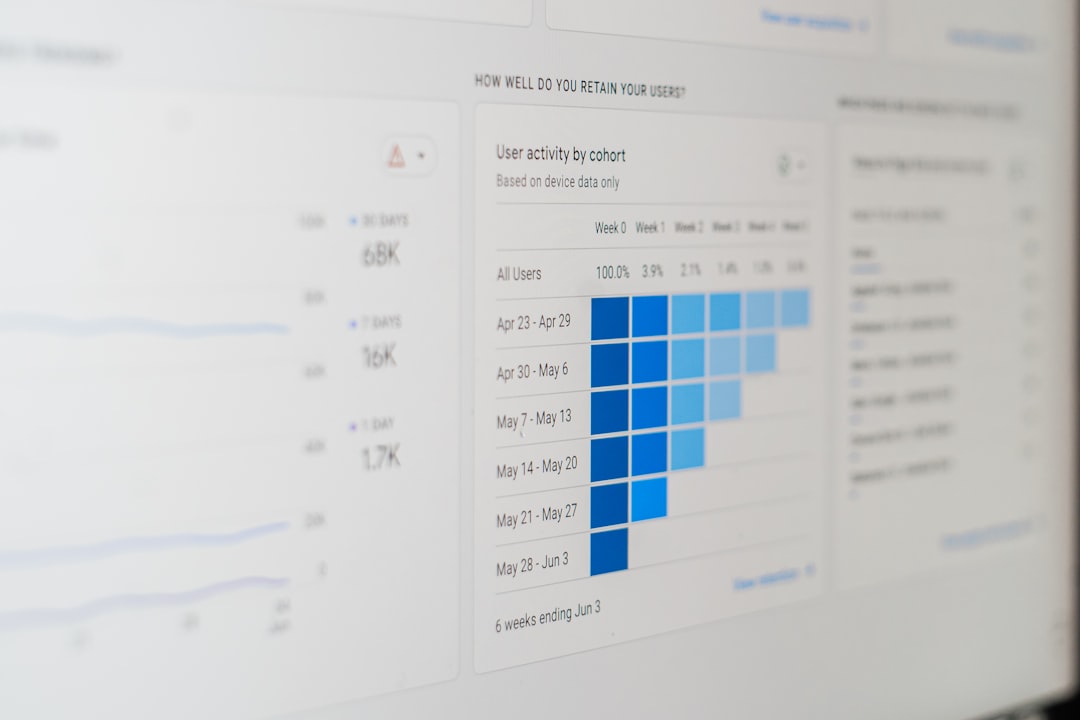
When presenting reports, clarity is paramount. Instead of crowding slides with multiple charts, effective presenters:
- Highlight one key insight per slide
- Use contrasting colors to emphasize trends
- Add short explanatory captions
- Eliminate unnecessary decorative elements
The right presentation maker simplifies complex analytics while preserving accuracy and credibility.
Popular Presentation Makers Compared
There are numerous tools available today, each catering to different needs. Below is a comparison of widely used presentation makers:
| Tool | Best For | Key Strengths | Limitations |
|---|---|---|---|
| Microsoft PowerPoint | Corporate presentations and reporting | Advanced customization, offline access, trusted compatibility | Less intuitive design guidance |
| Google Slides | Team collaboration | Real-time editing, cloud access, easy sharing | Fewer advanced design features |
| Canva | Visually appealing designs | Drag and drop simplicity, modern templates, social sharing | Limited advanced animation controls |
| Prezi | Dynamic storytelling | Zoom based navigation, non linear structure | Steeper learning curve |
| Beautiful.ai | Fast AI assisted slide creation | Automated layouts, professional polish | Less manual control over design |
Selecting the best tool depends on your specific use case. A finance executive preparing quarterly earnings may prefer PowerPoint’s advanced charting features, while a marketing team might lean toward Canva for stylish branding.
The Role of AI in Modern Presentation Makers
Artificial intelligence is rapidly reshaping how presentations are created. AI-powered features now assist users by:
- Recommending layout adjustments
- Generating design variations instantly
- Suggesting relevant icons and visuals
- Summarizing long text into concise bullet points
- Creating draft slides from prompts
This automation reduces the time spent on formatting and enhances visual harmony. For professionals under tight deadlines, AI-driven presentation makers can significantly boost productivity without sacrificing quality.
Tips for Creating Impactful Presentations
Regardless of the tool you choose, the effectiveness of your presentation ultimately depends on strategy and clarity. Consider the following best practices:
- Start with a clear objective – Know what action or decision you want.
- Keep slides concise – Aim for key phrases, not paragraphs.
- Use high quality visuals – Blurry or generic images weaken credibility.
- Maintain consistent branding – Use uniform fonts and color schemes.
- Practice delivery – Design alone cannot compensate for poor presentation skills.
Remember that slides are visual aids, not scripts. The real impact comes from the combination of thoughtful design and confident delivery.
How to Choose the Right Presentation Maker
When evaluating presentation makers, ask yourself:
- Is collaboration important for your team?
- Do you need advanced animations or simple templates?
- Will you present live or share digitally?
- How important is brand customization?
- Is AI assistance a priority?
Budget considerations may also play a role. While many tools offer free versions, advanced features such as analytics tracking, brand kits, or premium templates may require subscriptions.
The Future of Presentation Creation
The evolution of presentation makers is ongoing. We are seeing integration with virtual reality, enhanced analytics that track viewer engagement, and deeper AI-driven personalization. Hybrid work models also increase demand for remote-friendly presentation features such as presenter notes, live chat, and embedded meeting integrations.
Ultimately, presentation makers are no longer just slide-building tools. They are comprehensive communication platforms designed to amplify ideas and influence audiences.
Conclusion
Presentation makers have transformed how organizations pitch ideas, train teams, and report results. By blending design, storytelling, and technology, they empower users to communicate complex information with clarity and confidence. Whether you are an entrepreneur seeking funding, a trainer onboarding new employees, or an executive sharing quarterly metrics, the right presentation tool can elevate your message.
In a competitive landscape where attention is scarce and expectations are high, mastering the art of digital presentation is more than a convenience—it is a strategic advantage. Choose your tools wisely, focus on clarity and engagement, and let well-designed visuals help bring your ideas to life.