
Creating compelling slide decks has traditionally required hours of manual formatting, copy‑pasting, and design adjustments. Today, a new generation of presentation makers that turn documents into slides automatically is transforming the way professionals, educators, and teams communicate. By leveraging artificial intelligence, natural language processing, and smart design systems, these tools convert text documents into polished presentations in minutes. Businesses are increasingly adopting them to streamline workflows and reduce repetitive tasks while maintaining professional quality.
TL;DR: AI-powered presentation makers can instantly transform documents like Word files, PDFs, or Google Docs into structured slide decks. These tools analyze content, extract key points, suggest layouts, and apply professional designs automatically. They save time, improve visual consistency, and simplify collaboration. Popular platforms include Beautiful.ai, Tome, Gamma, Canva, and Microsoft Copilot.
How Automatic Document-to-Slide Tools Work
At their core, these platforms rely on artificial intelligence and machine learning to interpret written content. Instead of simply copying paragraphs into slides, they:
- Identify headings and subheadings
- Extract key insights and bullet points
- Summarize long sections automatically
- Generate suggested visuals and layouts
- Apply branded themes or design templates
When a document is uploaded, the AI scans the text structure and determines how the content should be distributed across slides. For example, a long report section may be transformed into two concise slides with bullet points, charts, or visual highlights.
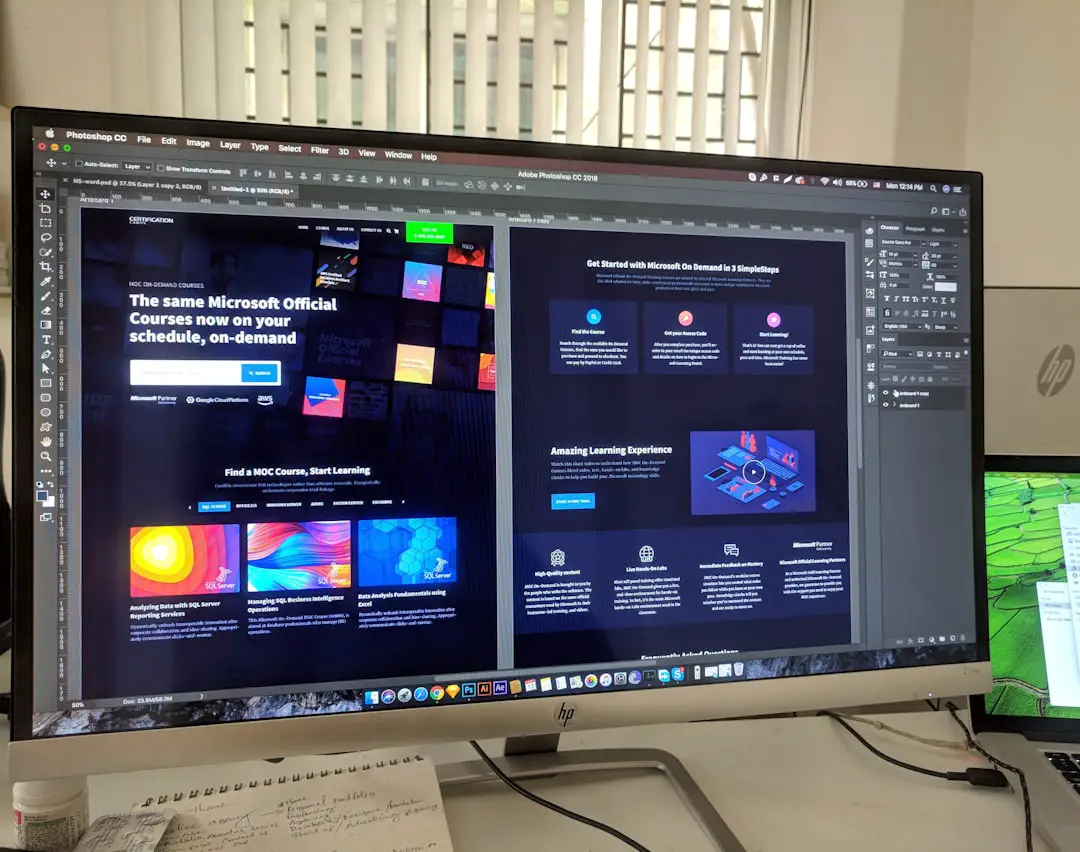
Some advanced systems even suggest images, create charts from numeric data, or insert icons that align with the topic. This automation reduces the need for design expertise while still delivering visually appealing results.
Key Benefits of Using AI Presentation Makers
1. Significant Time Savings
Manually creating slides from a lengthy report can take several hours. Automated tools can reduce this to minutes by handling formatting and structure immediately.
2. Professional Design Quality
Not everyone has a background in graphic design. These platforms apply balanced layouts, readable typography, and cohesive color schemes automatically, ensuring a professional look.
3. Content Optimization
AI tools often summarize long-form content into concise bullet points. This helps avoid overcrowded slides and improves audience engagement.
4. Brand Consistency
Many solutions allow teams to upload brand kits, including fonts, colors, and logos, so every generated presentation stays aligned with corporate identity guidelines.
5. Collaboration and Cloud Accessibility
Cloud-based systems enable teams to edit, comment, and update slides collaboratively, much like shared document platforms.
Popular Presentation Makers That Turn Documents Into Slides Automatically
Several tools stand out for their automation features and ease of use. Each offers a slightly different approach to AI-generated presentations.
1. Beautiful.ai
Beautiful.ai focuses heavily on smart templates and design automation. Users can paste document content into the platform, and the system automatically organizes slides using intelligent layout adjustments.
- Smart slide resizing
- Automated design balance
- Brand kit integration
2. Tome
Tome uses generative AI to transform documents or prompts into narrative-driven presentations. It excels at storytelling and visual enhancement by pairing content with relevant imagery and formatted sections.
- Story-focused structure
- AI-generated visuals
- Quick document summarization
3. Gamma
Gamma allows users to paste text or upload files, instantly turning them into structured slide decks. Its interface emphasizes minimal editing and modern visual layouts.
- Automatic formatting
- Interactive presentation options
- Web-friendly sharing
4. Canva (Docs to Decks)
Canva recently introduced features that transform documents into presentations using predefined styles. Its massive design library gives users flexibility to customize AI-generated slides.
- Large template library
- Easy drag-and-drop editing
- Seamless document import

5. Microsoft Copilot for PowerPoint
Microsoft’s AI assistant integrates directly into PowerPoint. It can generate slides from Word documents, summarize reports, and convert existing files into presentation outlines automatically.
- Deep Microsoft 365 integration
- Enterprise-grade security
- Direct Word-to-PowerPoint conversion
Comparison Chart of Leading Tools
| Tool | Document Import | AI Summarization | Design Automation | Collaboration | Best For |
|---|---|---|---|---|---|
| Beautiful.ai | Copy-paste text | Basic | Advanced smart templates | Yes | Corporate teams |
| Tome | Document upload & prompts | Strong | High visual storytelling | Yes | Creative presentations |
| Gamma | File upload | Strong | Modern layouts | Yes | Startups & digital teams |
| Canva | Docs import | Moderate | Extensive templates | Yes | Design flexibility |
| Microsoft Copilot | Word integration | Strong | PowerPoint native design | Enterprise ready | Corporate environments |
Use Cases Across Industries
Automatic presentation makers are not limited to corporate boardrooms. They serve a wide range of industries:
- Education: Teachers convert lecture notes into structured classroom slides.
- Marketing: Teams transform campaign briefs into pitch decks.
- Consulting: Consultants convert reports into client-ready presentations.
- Startups: Founders create investor decks from business plans.
- HR Departments: Training materials become onboarding presentations.
These use cases demonstrate how document-to-slide technology reduces repetitive tasks and supports rapid content delivery.

Limitations to Consider
Despite their efficiency, AI presentation tools are not flawless. Users should be aware of certain limitations:
- Over-summarization: Important nuances may be condensed too much.
- Design uniformity: Slides can look similar if customization is not applied.
- Data sensitivity concerns: Uploading confidential documents requires careful security consideration.
- Need for review: Human oversight is still essential to ensure accuracy and clarity.
Professionals often treat these tools as starting points rather than final products, refining slides to match tone, messaging, and audience expectations.
Best Practices for Getting Optimal Results
To maximize effectiveness when using document-to-slide converters, users should:
- Structure original documents clearly with headings.
- Keep paragraphs concise before uploading.
- Review and adjust AI-generated summaries.
- Apply brand elements early in the process.
- Test readability in presentation mode.
Clear formatting in the source document significantly improves the quality of generated slides.
The Future of Automated Presentation Creation
As AI continues evolving, presentation makers are expected to become even more sophisticated. Future enhancements may include:
- Real-time voice-to-slide generation
- Automated data visualization from spreadsheets
- Audience-specific customization suggestions
- Interactive and multimedia slide creation
- Deeper integration with enterprise knowledge systems
With increasing demand for rapid communication and digital storytelling, automated presentation tools are likely to play a central role in modern productivity stacks.
FAQ
1. Are AI presentation makers accurate when summarizing documents?
Most modern tools provide reliable summarization, but they may occasionally oversimplify complex content. It is recommended that users review and refine generated slides to ensure accuracy.
2. Can these tools handle long documents?
Yes, many platforms can process lengthy reports, though some may limit file size depending on subscription plans. Longer documents may be divided into sections for better results.
3. Do document-to-slide tools support branding?
Many tools allow brand kit uploads, including logos, fonts, and color schemes. This ensures that automatically generated slides remain consistent with company guidelines.
4. Are these tools secure for confidential business documents?
Enterprise-focused platforms like Microsoft Copilot provide strong security frameworks. However, users should always review privacy policies before uploading sensitive information.
5. Can users edit the slides after generation?
Absolutely. AI-generated slides are fully editable, allowing customization of text, images, layouts, and animations according to presentation needs.
6. Are free versions available?
Most platforms offer free trials or limited free plans. Advanced features such as full document upload or premium templates are typically included in paid tiers.
Presentation makers that turn documents into slides automatically represent a powerful blend of AI efficiency and visual communication. While not a complete replacement for human creativity, they provide a substantial productivity boost, enabling professionals to focus more on strategy and storytelling rather than formatting. As the technology matures, it is poised to become a standard tool for anyone who regularly works with presentations.