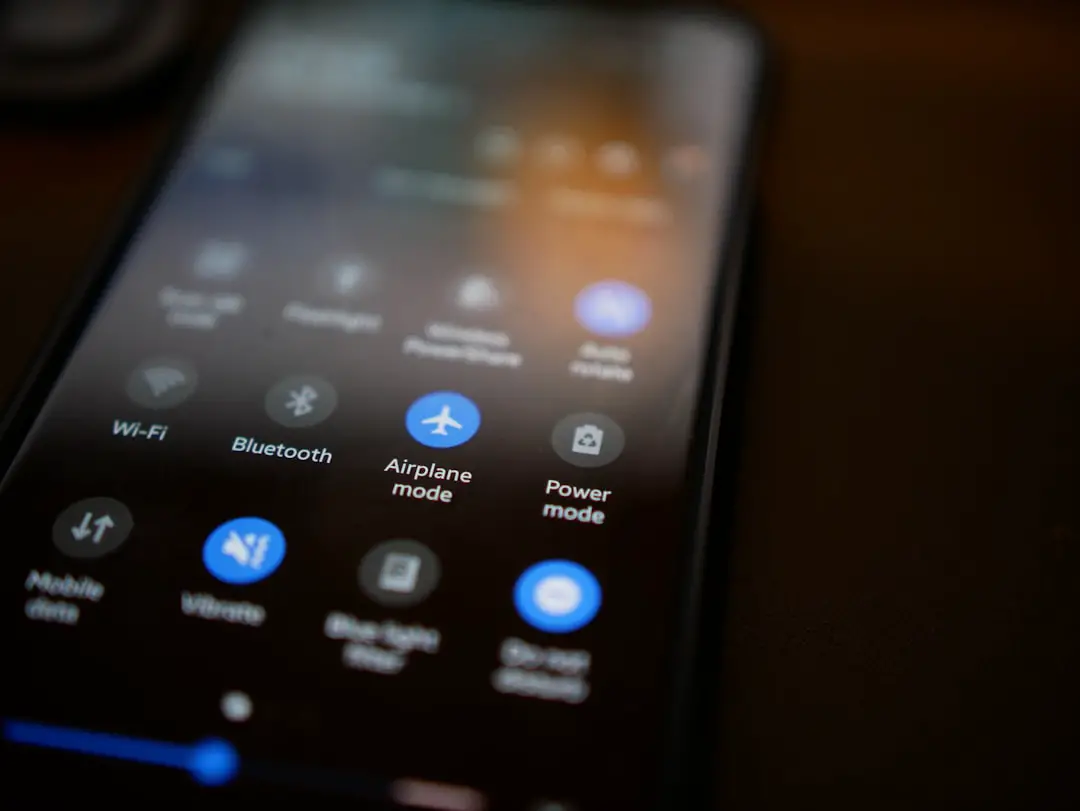
Planning a smart home setup can feel overwhelming at first, especially with the vast number of devices, platforms, and automation options available today. From smart lighting and thermostats to advanced security systems and voice assistants, the possibilities are nearly endless. However, with a clear plan and a practical approach, anyone can design a system that enhances comfort, improves efficiency, and simplifies daily living. The key lies in understanding priorities, ensuring compatibility, and building a flexible foundation that can grow over time.
TLDR: A successful smart home setup starts with defining clear goals and choosing a reliable ecosystem. Focus on essential areas like lighting, security, and climate control before expanding. Ensure device compatibility, prioritize network stability, and think about future scalability. With a step-by-step approach, building a smart home becomes manageable and cost-effective.
Define Clear Goals and Priorities
The first step in planning a smart home is identifying what the homeowner wants to achieve. Smart homes can enhance convenience, security, energy savings, or entertainment—but rarely all at once without a thoughtful roadmap.
It helps to break down priorities into categories:
- Security: Smart cameras, doorbell cameras, locks, motion detectors.
- Energy Efficiency: Smart thermostats, plugs, and lighting systems.
- Convenience: Voice assistants, automated blinds, smart switches.
- Entertainment: Smart TVs, speakers, whole-home audio systems.
By ranking these categories, homeowners can allocate their budget and focus on installing high-impact solutions first. Jumping into random purchases often results in incompatible devices and unnecessary spending.
Choose the Right Ecosystem
A cohesive smart home requires a central ecosystem that connects and controls devices. Popular ecosystems typically revolve around voice assistants or home automation platforms. The critical factor is compatibility.
When selecting an ecosystem, consider:
- Device compatibility lists
- Ease of use for all household members
- Availability of automation routines
- Long-term manufacturer support
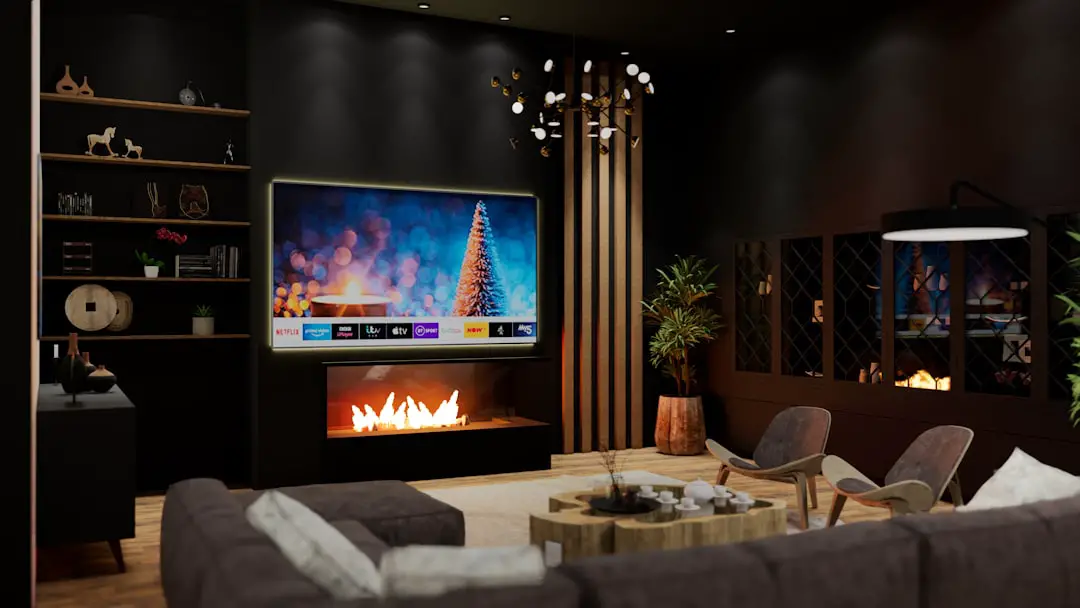
It is wise to research whether chosen devices work seamlessly together without requiring multiple apps. A centralized app or hub simplifies management and ensures smoother automation.
Build a Strong Network Foundation
No smart home can function reliably without a stable internet connection. Smart devices depend on consistent connectivity, and network bottlenecks can lead to delays or disconnections.
Planning should include:
- Upgrading the router to one that supports higher speeds and multiple devices.
- Considering mesh WiFi systems for larger homes.
- Separating smart devices onto a dedicated network for security.
Investing in a robust network at the beginning prevents frustration later. As more devices are added, bandwidth demand increases, making network preparation essential.
Start with Lighting Automation
Smart lighting is often the most practical entry point into home automation. It is easy to install, relatively affordable, and provides immediate convenience.
Options include:
- Smart light bulbs
- Smart switches
- Dimmable lighting systems
- Motion-activated lights
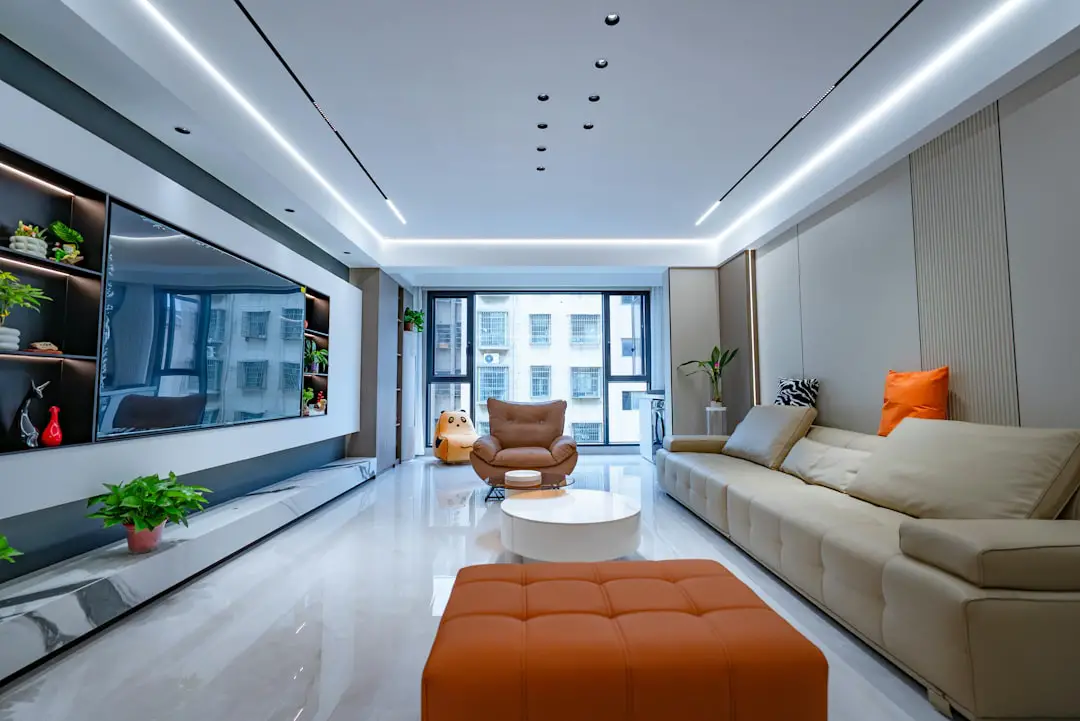
Lighting automation can create schedules, adjust brightness throughout the day, and even simulate occupancy when residents are away. Starting with lighting allows homeowners to gain confidence in automation before expanding to more complex systems.
Integrate Climate Control
Smart thermostats are another high-impact upgrade. They learn usage patterns and adjust heating or cooling accordingly, leading to both comfort and energy savings.
Key features to look for include:
- Remote temperature control via smartphone
- Energy usage tracking
- Geofencing capabilities
- Integration with other smart devices
For example, a smart system can reduce heating when no one is home and restore preferred settings before residents return. Over time, these efficiencies help offset the initial investment.
Enhance Security Thoughtfully
Smart security solutions offer peace of mind, but they should be selected carefully. Instead of installing every available device, consider potential vulnerabilities.
Common components include:
- Video doorbells
- Indoor and outdoor cameras
- Smart locks
- Window and door sensors
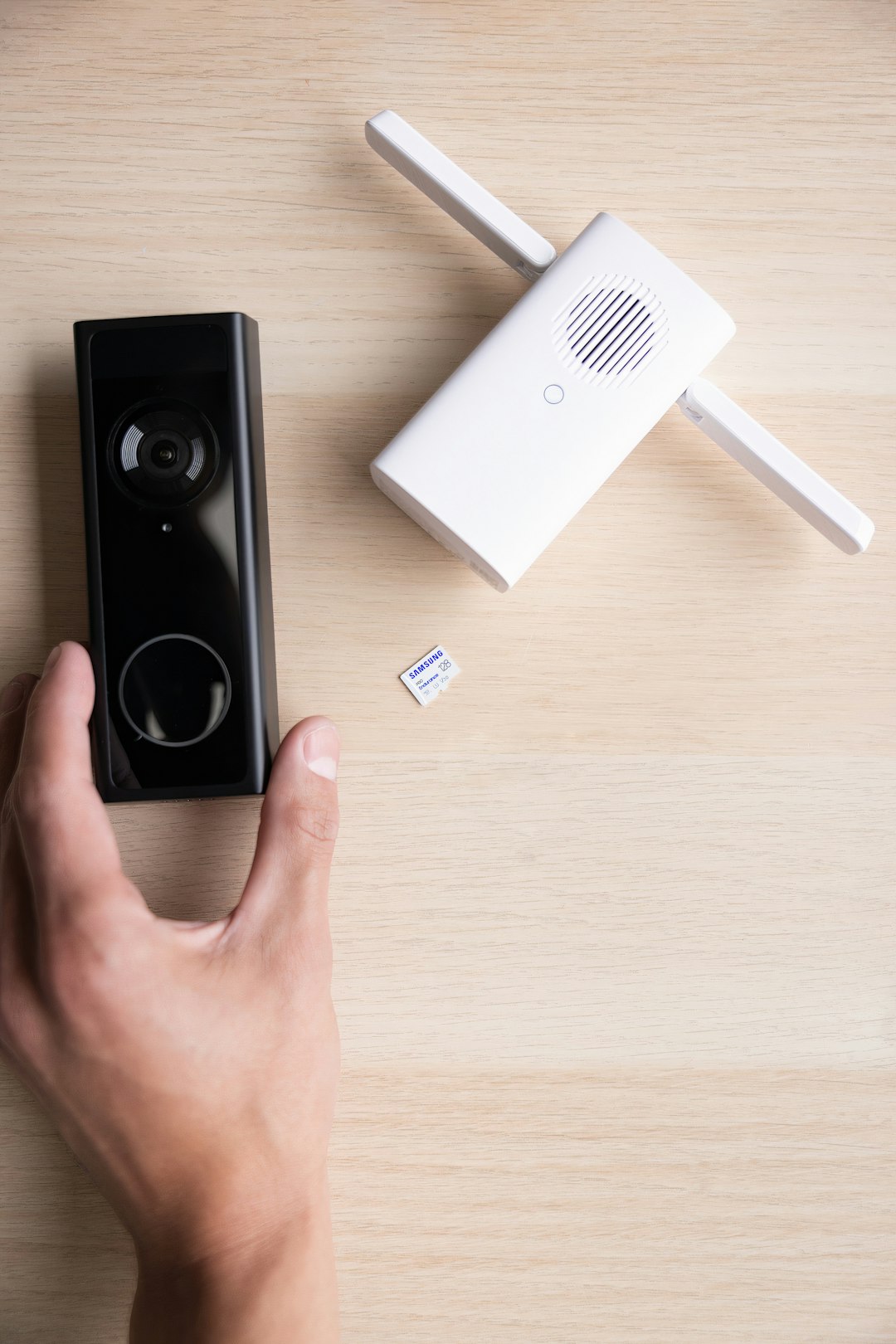
When planning security features, attention should be given to data privacy and encryption standards. Choosing reputable brands and enabling two-factor authentication can significantly enhance protection.
Plan for Automation, Not Just Devices
A common mistake is purchasing smart devices without setting up meaningful automation. A truly smart home operates through routines and triggers that reduce manual input.
Effective automations might include:
- Morning routines that adjust lighting and temperature simultaneously.
- Leaving-home routines that turn off lights and lock doors.
- Nighttime modes that dim lights and activate security sensors.
By focusing on automation scenarios during planning, homeowners ensure each device contributes to a cohesive experience rather than functioning as an isolated gadget.
Consider Wired vs Wireless Solutions
Wireless systems are easy to install and ideal for retrofitting existing homes. However, wired systems may offer greater reliability in new constructions or major renovations.
Wireless advantages:
- Simpler installation
- Lower upfront costs
- Flexible relocation of devices
Wired advantages:
- Greater stability
- Less signal interference
- Potentially higher long-term reliability
The decision often depends on property type and budget. A blended approach can also work effectively.
Budget Strategically
Smart home planning should include a realistic budget. Instead of attempting a full upgrade immediately, many homeowners adopt a phased strategy.
A smart budgeting approach involves:
- Installing foundational infrastructure first (router, hub).
- Adding high-priority devices such as lighting and thermostat.
- Expanding gradually to security and entertainment.
This step-by-step model avoids overspending and allows time to evaluate device performance before expanding the ecosystem.
Ensure Scalability and Futureproofing
Technology evolves quickly, making scalability a critical consideration. Selecting devices that support open standards increases flexibility.
When planning for growth, consider:
- Compatibility with emerging protocols
- Regular firmware updates
- Modular systems that allow incremental additions
Homes should be viewed as long-term projects rather than one-time installations. A scalable system ensures that new features can be integrated without replacing existing equipment.
Prioritize User Experience
A smart home should simplify daily life, not complicate it. Interfaces should be intuitive for all members of the household.
Important usability factors include:
- Clear and simple mobile apps
- Voice control accessibility
- Physical override options (such as manual switches)
Testing devices before full deployment helps identify usability challenges early. A successful smart home is one that works naturally within everyday routines.
Maintain and Secure the System
Maintenance often gets overlooked during planning. Smart homes require regular software updates, password management, and device health monitoring.
Best practices for ongoing maintenance include:
- Updating firmware regularly
- Using strong, unique passwords
- Enabling multi-factor authentication
- Reviewing device permissions periodically
Security measures protect not only personal data but also the integrity of home systems. A secure smart home offers both convenience and peace of mind.
Conclusion
Planning a smart home setup requires thoughtful decision-making and a structured approach. By defining goals, choosing the right ecosystem, investing in a solid network foundation, and prioritizing scalable solutions, homeowners can build a system tailored to their needs. Starting small and expanding over time ensures that each addition serves a purpose. With careful planning and maintenance, a smart home becomes an integrated environment that enhances comfort, safety, and efficiency for years to come.
Frequently Asked Questions (FAQ)
-
1. How much does it cost to set up a smart home?
Costs vary widely depending on the scope. Basic setups with lighting and a thermostat can be relatively affordable, while full security and automation systems require a larger investment. A phased approach helps control spending. -
2. Is professional installation necessary?
Many smart devices are designed for easy DIY installation. However, complex systems, especially wired solutions, may benefit from professional support. -
3. Can different brands work together?
Yes, but compatibility depends on the ecosystem and supported standards. Checking compatibility lists before purchasing devices is essential. -
4. What happens if the internet goes down?
Some devices retain limited local functionality, but cloud-based features may stop working. Choosing systems with local control options increases reliability. -
5. How secure are smart home systems?
Security depends on proper setup and maintenance. Using strong passwords, enabling two-factor authentication, and keeping firmware updated significantly improves safety.