Modern B2B teams depend on accurate company and contact intelligence, but the real advantage comes when that data flows directly into sales, marketing, recruiting, or analytics systems. That is where an API becomes more than a technical add-on: it becomes the bridge between a data provider and the tools your team already uses every day. AroundDeal API documentation, when read correctly, can help developers understand how to search for business contacts, enrich company records, validate data, and automate prospecting workflows with less manual effort.
TLDR: The AroundDeal API is typically used to connect B2B contact and company intelligence with internal applications, CRMs, marketing tools, and data pipelines. Developers should pay close attention to authentication, request parameters, pagination, rate limits, error handling, and data privacy requirements. A successful integration starts with one focused use case, such as company enrichment or contact lookup, then expands into automated workflows. This guide explains the main concepts and provides practical examples to help you plan and build an integration.
What Is the AroundDeal API?
The AroundDeal API is designed to make business intelligence data programmatically accessible. Instead of logging into a platform, searching manually, exporting spreadsheets, and uploading them elsewhere, developers can use API requests to bring relevant data into their own software systems. This may include information about companies, decision-makers, departments, job roles, industries, locations, and other business-related attributes.
For sales operations teams, the API can support prospect discovery and lead enrichment. For marketing teams, it can improve segmentation and campaign targeting. For data teams, it can help standardize company profiles and fill missing fields inside a warehouse or CRM. For product teams, it may power internal tools that surface account intelligence directly inside dashboards.
The most important thing to remember is that an API integration should not simply “pull data.” It should support a clear workflow. Before writing code, ask: What decision or process will this data improve? That question will shape your endpoint selection, filtering logic, sync frequency, and storage model.

How to Read AroundDeal API Documentation
API documentation can feel dense at first, especially when it includes endpoint tables, authentication instructions, response schemas, and status codes. The best approach is to read it in layers. Start with the overview, then authentication, then one endpoint that matches your use case. Avoid trying to master the entire API before making your first successful request.
Most developer documentation is organized around these core sections:
- Authentication: How your application proves that it is authorized to access the API.
- Base URL: The root address used for all API requests.
- Endpoints: Specific API paths for actions such as searching contacts or enriching companies.
- Parameters: Inputs you send, such as company domain, job title, location, industry, or page size.
- Response format: The JSON structure returned by the API.
- Error codes: Messages and HTTP status codes that explain failed requests.
- Rate limits: Rules that control how many requests you can make in a defined period.
When you review the documentation, highlight every required parameter and every field in the response that your application actually needs. This keeps the integration lean and avoids storing unnecessary data.
Authentication and API Keys
Most B2B data APIs use an API key, bearer token, or another token-based authentication method. The documentation will explain whether the credential should be passed in a request header, query string, or request body. In most production integrations, passing credentials in headers is preferred because it keeps URLs cleaner and reduces the risk of accidental exposure in logs.
A typical request pattern may look like this conceptually:
GET /contacts/search
Authorization: Bearer YOUR_API_KEY
Content-Type: application/json
Never hard-code API keys into frontend applications, mobile apps, or public repositories. Store them in environment variables, secret managers, or backend configuration systems. If multiple services use the API, create a small internal wrapper service so authentication, logging, throttling, and error handling are managed in one place.
Security should be treated as part of the integration design, not as a final checklist item. Rotate keys periodically, restrict access where possible, and monitor unusual request activity.
Common API Use Cases
AroundDeal-style API integrations usually fall into a few practical categories. Understanding these categories makes it easier to translate business goals into technical requirements.
1. Company Enrichment
Company enrichment fills gaps in existing account data. For example, your CRM may contain a company name and website but lack industry, location, employee count, or relevant contact roles. By sending a domain or company identifier to the API, your application can retrieve structured company information and update internal records.
This is useful when leads arrive from forms, events, partner campaigns, or imported lists. Instead of asking users to fill out long forms, you can collect minimal information and enrich the record in the background.
2. Contact Discovery
Contact discovery helps teams identify people who match a specific role, seniority, department, or location. A request might search for marketing directors at software companies in a particular region, or procurement leaders at manufacturing companies.
This use case requires careful filtering. Broad searches can return too many irrelevant results, while overly narrow filters can miss valuable prospects. Developers should support iterative search logic, allowing sales or marketing teams to adjust criteria without requiring code changes.
3. CRM Data Cleanup
Over time, CRM systems become messy. People change jobs, companies rebrand, domains change, and duplicate records appear. An API can help validate and refresh existing records by comparing stored data against updated external intelligence.
For CRM cleanup, it is important to track source, timestamp, and confidence. Rather than overwriting every field blindly, your integration can flag differences for review or update only fields that meet specific rules.
4. Automated Prospecting Workflows
Advanced teams may combine search, enrichment, scoring, and routing. For instance, an integration could find companies in a target industry, identify relevant decision-makers, evaluate fit using internal scoring rules, and then assign accounts to sales representatives.
Example Integration Flow
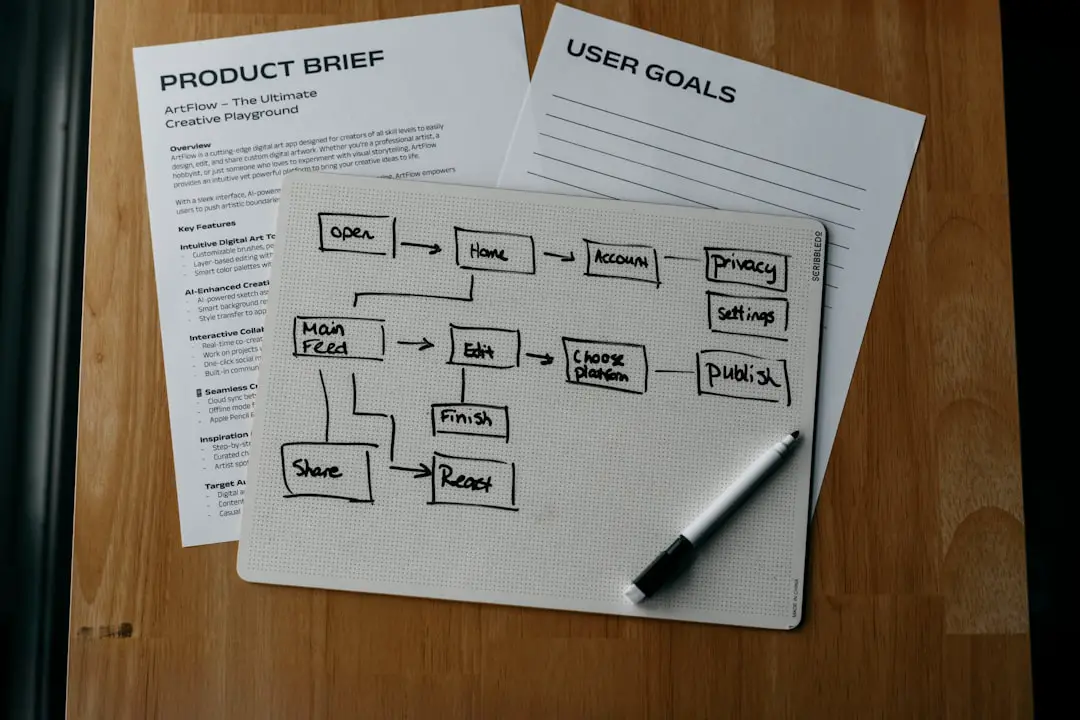
Let’s imagine a software company wants to enrich inbound demo requests. A visitor submits a form with name, work email, company name, and website. The backend receives the form data and uses the AroundDeal API to improve the lead profile.
- Capture the lead: Store the basic form submission in your application database.
- Extract the domain: Use the email domain or submitted company website as a lookup key.
- Call the enrichment endpoint: Request company details such as industry, size, region, and description.
- Search for related contacts: Optionally identify additional stakeholders from the same company.
- Score the lead: Compare enriched data with your ideal customer profile.
- Sync to CRM: Push the enriched lead and score to Salesforce, HubSpot, or another system.
- Notify the team: Trigger a Slack or email alert for high-priority accounts.
This flow turns a simple form fill into a richer sales signal. It also reduces manual research, helping representatives start conversations with more context.
Sample Request Structure
The exact endpoint names and field names may vary, so always confirm them in the current AroundDeal API documentation. However, many integrations follow a familiar structure. A contact search request might include filters such as title, company domain, location, and page size.
POST /contacts/search
Authorization: Bearer YOUR_API_KEY
Content-Type: application/json

{
  "company_domain": "example.com",
  "job_titles": ["Head of Marketing", "Marketing Director"],
  "location": "United States",
  "page": 1,
  "limit": 25
}
A response might return an array of matching contacts, along with pagination metadata:
{
  "data": [
    {
      "full_name": "Jane Smith",
      "job_title": "Marketing Director",
      "company_name": "Example Inc",
      "company_domain": "example.com",
      "location": "New York",
      "profile_url": "https://example.com/profile"
    }
  ],
  "pagination": {
    "page": 1,
    "limit": 25,
    "total_results": 143
  }
}
When mapping API responses into your application, avoid assuming every field is present. Some records may have missing values. Your parser should handle nulls, empty arrays, unexpected formats, and partial results gracefully.
Pagination, Limits, and Performance
Pagination is one of the most important details in any data API. If a search can return hundreds or thousands of records, the API will typically divide results into pages. Your integration must loop through pages until it has enough data or reaches the final page.
Developers should avoid fetching more data than needed. If your CRM only requires the top 50 matches, do not retrieve 5,000 records. Use filters, limits, and sorting options to keep the integration efficient.
Rate limits also matter. If documentation says you can make a certain number of requests per minute or per day, design within that boundary. Use queueing, retries with backoff, and caching where appropriate. For batch jobs, schedule requests during off-peak hours and monitor usage to avoid interruptions.
Error Handling Best Practices
Good API integrations are built for imperfect conditions. Network requests fail, credentials expire, rate limits are reached, and input data can be invalid. Your application should respond predictably instead of crashing or silently losing data.
Common HTTP status codes include:
- 200 OK: The request succeeded.
- 400 Bad Request: The request had invalid or missing parameters.
- 401 Unauthorized: The API key or token is missing, invalid, or expired.
- 403 Forbidden: The account does not have permission for the requested resource.
- 404 Not Found: The requested endpoint or record was not found.
- 429 Too Many Requests: The integration exceeded the rate limit.
- 500 Server Error: The API provider encountered an internal issue.
Log enough detail to debug problems, but do not log sensitive credentials or unnecessary personal data. For temporary errors, retry with exponential backoff. For permanent errors, store the failed job and provide an admin review path.
Data Privacy and Compliance Considerations
Because B2B APIs may involve personal or professional contact information, privacy deserves serious attention. Developers should work with legal, security, and operations teams to confirm what data can be collected, stored, processed, and shared.
Follow the principle of data minimization: only request and store fields that your business actually needs. Maintain records of data sources and update times. Respect opt-outs, suppression lists, and regional privacy rules. If the API documentation includes compliance notes, permitted usage restrictions, or retention requirements, treat them as core engineering requirements.

Building a Clean Integration Architecture
A reliable integration should be modular. Instead of scattering direct API calls throughout your application, create a dedicated service layer. This layer can handle authentication, request formatting, response parsing, caching, retries, logging, and version changes.
A common architecture includes:
- API client: A reusable module that sends requests and normalizes responses.
- Queue system: A background job processor for enrichment and batch operations.
- Database mapping layer: Logic that maps external fields to internal CRM or warehouse fields.
- Monitoring dashboard: Metrics for request volume, success rate, latency, and error types.
- Admin controls: Tools for retrying failed jobs and reviewing enrichment results.
This structure makes the integration easier to test and maintain. If the API changes or your business logic evolves, you update one controlled layer rather than many scattered code paths.
Testing Your AroundDeal API Integration
Start testing with a small, predictable dataset. Use known company domains and sample records so you can verify response quality. Write unit tests for request builders and response parsers, then create integration tests for real API calls if your access plan allows it.
Pay special attention to edge cases. What happens when a company domain has no match? What if multiple companies share similar names? What if the API returns contacts without email fields or with incomplete job titles? These conditions are normal in real-world data systems.
Before going live, run a limited pilot. Sync a small number of records into a sandbox CRM, review the results with end users, and refine your mapping rules. A technically successful integration is not always operationally successful; the data must be useful to the people who rely on it.
Practical Tips for Developers
- Start narrow: Build one workflow first, such as company enrichment, before adding contact discovery or batch processing.
- Use environment variables: Keep API keys and configuration separate from source code.
- Normalize data: Standardize country names, job titles, industries, and company domains before syncing.
- Cache intelligently: Avoid repeated lookups for the same company or contact within a short period.
- Track provenance: Store where each field came from and when it was last updated.
- Protect users: Build suppression and opt-out handling into the workflow from the beginning.
Final Thoughts
The AroundDeal API can be a powerful tool for developers who want to turn B2B intelligence into automated, useful workflows. The key is to approach the documentation with a clear integration goal, understand the mechanics of authentication and requests, and design for errors, limits, privacy, and long-term maintainability.
Whether you are enriching inbound leads, cleaning CRM records, discovering new contacts, or powering internal sales tools, the best integrations are thoughtful rather than rushed. Start with a focused use case, validate the data with real users, and build a stable service layer that can grow with your business. When implemented well, an API like AroundDeal becomes more than a data source; it becomes part of the engine that helps teams find, understand, and engage the right business opportunities.