Finance software can feel serious. Spreadsheets. Reports. Risk. Compliance. Big decisions. But a great demo does not have to feel stiff. It can feel clear, useful, and even fun. The goal is simple. Show buyers how your software makes their work easier, faster, and smarter.
TLDR: A strong finance software demo focuses on value, not features. Start with the buyer’s problem, show a clear workflow, and connect every screen to a business result. Keep it short, simple, and interactive. End with a clear next step so the buyer knows exactly what to do next.
Start With the Buyer, Not the Software
Many demos fail before the first click. Why? The presenter starts with the product menu.
That is like giving someone a map before asking where they want to go.
Before the demo, learn about the buyer. Ask simple questions. What takes too long today? What errors happen often? What reports are hard to build? What does leadership want to see?
Finance teams care about outcomes. They want fewer manual tasks. They want better cash visibility. They want cleaner audits. They want faster close cycles. They want fewer surprises.
So your demo should begin there.
Try saying:
- “You mentioned month end close takes eight days. Let’s look at how this can be reduced.”
- “You said your team spends hours matching invoices. I’ll show that workflow first.”
- “You need better cash forecasting. Let’s start with the dashboard your CFO would use.”
This makes the demo feel personal. It tells the buyer, “We heard you.” That is powerful.
Tell a Story
A finance software demo should not feel like a product tour. It should feel like a story.
Every good story has a hero. In this case, the hero is the finance team. Not your software. Your software is the helpful guide. Think of it as the friendly sidekick with great reporting skills.
Build the demo around a real business situation.
For example:
- A controller needs to close the books faster.
- An accounts payable manager wants to stop duplicate payments.
- A CFO needs a cash forecast before a board meeting.
- A finance analyst wants to build a report without asking IT.
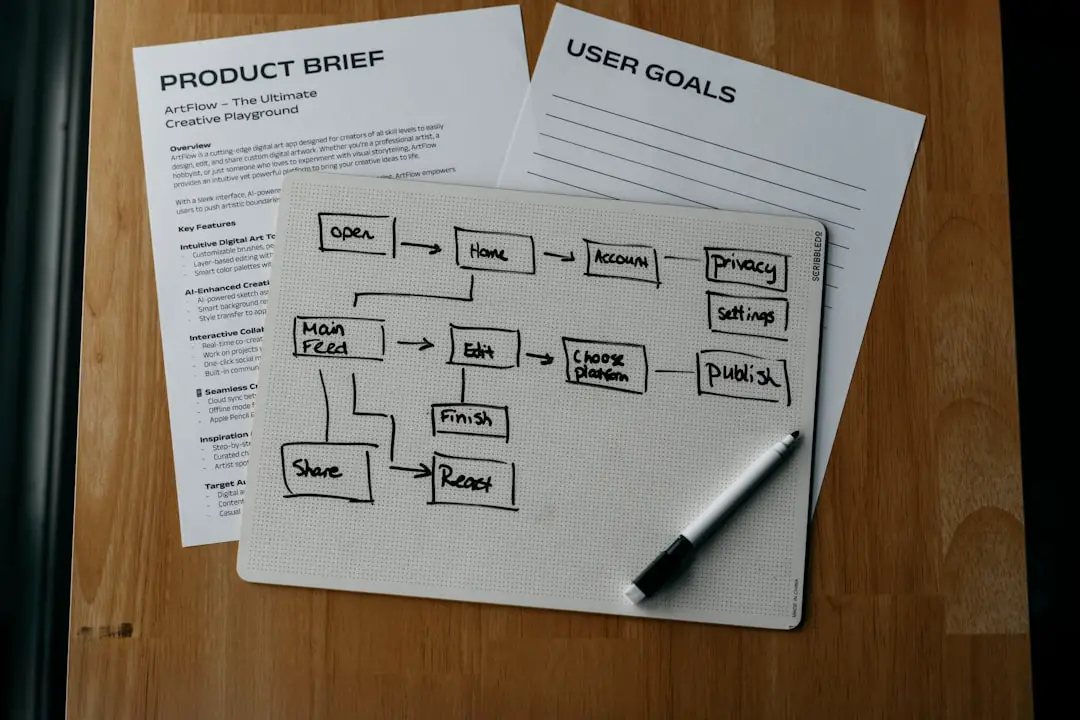
Then show the journey. Start with the problem. Show the old pain. Then show the better way.
Keep the story simple. Do not show every button. Do not explain every setting. Show the path from pain to value.
Open With a Win
The first few minutes matter. A lot.
If your demo starts slowly, people drift. They check email. They think about lunch. They wonder if the meeting could have been shorter.
Start with something impressive and useful. Show a quick dashboard. Show an automated approval. Show a report that used to take three hours and now takes three clicks.
This is called the “aha moment.” It is the moment when the buyer thinks, “Oh, this could really help us.”
For finance software, strong opening wins include:
- Real time cash position.
- Automated invoice matching.
- Fast budget versus actual reporting.
- One click audit trail.
- Approval status by department.
- Forecast changes shown in seconds.
Do not hide the good stuff until the end. Put value up front. Let the buyer feel the benefit early.
Keep It Short and Focused
A demo is not a training session. It is not a college lecture. It is not a grand tour of every feature ever built.
It is a value showcase.
The best demos are focused. They cover the buyer’s top problems. They skip anything that does not help the decision.
A good structure is:
- Set the stage. Confirm the buyer’s goals.
- Show the problem. Briefly explain the current pain.
- Show the solution. Walk through a simple workflow.
- Connect to value. Explain the business result.
- Ask for feedback. Check if it matches their needs.
- Confirm next steps. Keep momentum moving.
For most finance software demos, 30 to 45 minutes is enough. If the product is complex, split the demo into parts. Have one demo for executives. Have another for power users. Have another for IT or security.
Different people care about different things. Respect that. Your CFO may love the forecast view. Your accounting manager may care about journal entries. Your IT team may care about integrations and permissions.
Speak Like a Human
Finance software can attract fancy words. Lots of them.
Optimization. Transformation. Synergy. Dynamic interoperability. Scalable paradigms. Yikes.
Use plain language instead.
Say:
- “This saves time.”
- “This reduces errors.”
- “This makes approvals faster.”
- “This gives your CFO a live view of cash.”
- “This helps your team find problems before they get expensive.”
Simple words build trust. They also help mixed audiences. Not everyone in the room will be a system admin. Not everyone will know accounting details. Make the demo easy for all viewers to follow.
Use short sentences. Pause often. Ask questions. Do not race.
A calm demo feels more confident than a fast demo.
Connect Every Feature to Money
Finance buyers care about value. So do not just show features. Translate them into business results.
If you show automated invoice matching, explain what it means.
“This reduces manual review time and helps prevent duplicate payments.”
If you show approval routing, explain the impact.
“This helps invoices move faster, so you can avoid late fees and improve vendor relationships.”
If you show a cash dashboard, explain the outcome.
“This helps leaders make faster decisions with current data.”
The buyer should never have to guess why a feature matters. Tell them.
Use numbers when possible. For example:
- “Your team processes 4,000 invoices per month.”
- “If automation saves two minutes per invoice, that is over 130 hours saved.”
- “That time can go back into analysis, controls, and planning.”
Numbers make value feel real.
Use Realistic Data
Demo data matters. A lot.
If your sample company is full of silly names and empty charts, the demo feels fake. Finance buyers need to trust the details. They want to see real scenarios.
Use data that looks like their world. Show vendors, departments, budgets, invoices, approvals, payments, and reports. Keep sensitive data out, of course. But make the demo environment feel alive.
Good demo data includes:
- Actual style invoice examples.
- Realistic bank balances.
- Departments and cost centers.
- Budget lines and forecasts.
- Common exceptions and errors.
- Approval chains with different roles.
Even better, tailor the demo by industry. A nonprofit has different finance needs than a retailer. A software company has different billing needs than a manufacturer.
When buyers see their world in your demo, the software feels easier to adopt.

Make It Interactive
A boring demo is a monologue. A great demo is a conversation.
Invite the buyer in. Ask questions during the walkthrough. Let them guide parts of the flow.
Use questions like:
- “Is this close to how your approval process works today?”
- “Who would need to see this report?”
- “What happens when an invoice has an exception?”
- “Would your team want this view by entity, region, or department?”
- “Does this solve the issue you described earlier?”
These questions do two things. They keep people engaged. They also reveal buying signals.
If the buyer says, “Can we customize that?” they are imagining using it. If they ask, “How long does setup take?” they are thinking about implementation. If they ask, “Can our auditors access this?” they are connecting the product to real use.
Listen closely. The best demo presenters do not just talk well. They listen well.
Handle Objections With Calm Confidence
Objections are not bad. They are signs of interest.
A buyer who says nothing may not care. A buyer with questions is working through the decision.
Common finance software objections include:
- “This looks hard to implement.”
- “Our data is messy.”
- “Our team may resist change.”
- “We already use spreadsheets.”
- “How secure is this?”
- “Will this integrate with our ERP?”
Answer clearly. Do not get defensive. Do not bury the buyer in technical detail.
For example:
Objection: “Our team lives in spreadsheets.”
Response: “That is common. The goal is not to take away flexibility. The goal is to reduce manual work and improve control. You can still export and analyze data, but the source stays clean and connected.”
That response is simple. It respects the buyer. It explains value.
Show Trust and Security
Finance teams protect sensitive data. So trust is a big deal.
Do not wait until the end to mention controls. Build trust into the demo.
Show permissions. Show approval history. Show audit logs. Show role based access. Show how changes are tracked. If relevant, mention encryption, compliance standards, and backup processes.
But keep it clear. Security should not sound like a fog machine of acronyms.
Say:
- “Only approved users can see this data.”
- “Every change is tracked.”
- “Auditors can review the history without chasing emails.”
- “Managers can approve only what belongs to their area.”
Trust helps conversions. Buyers need to feel safe before they say yes.
End With a Strong Call to Action
A great demo can still fail if it ends with a vague goodbye.
Do not say, “Let us know what you think.” That is weak. It puts all the work on the buyer.
Instead, guide the next step.
Try:
- “Based on what we covered, the next step is a technical fit session.”
- “Let’s schedule a finance workflow review with your controller.”
- “We can prepare a business case using your invoice volume and close timeline.”
- “Would it make sense to bring in your IT lead next week?”
Make the next step specific. Put it on the calendar if possible. Momentum matters.

Follow Up Fast
The demo does not end when the meeting ends. The follow up is part of the conversion process.
Send a clear recap. Do it quickly. Same day is best.
Your follow up should include:
- The main problems discussed.
- The workflows shown.
- The value points covered.
- Answers to open questions.
- Helpful resources.
- The agreed next step.
Keep it short. Make it easy to share with other decision makers.
A good recap helps your champion sell internally. That matters. Many buying decisions happen after the demo, in meetings you do not attend.
Common Demo Mistakes to Avoid
Even good products can lose deals with bad demos. Watch out for these traps.
- Showing too much. More features do not always mean more value.
- Ignoring the buyer’s goals. A generic demo feels lazy.
- Using messy demo data. It makes the product look unready.
- Talking too fast. People need time to understand.
- Avoiding hard questions. Buyers trust honest answers.
- Forgetting the next step. Clear action drives conversions.
Think of your demo like a good movie trailer. It should show the best parts. It should create interest. It should make the viewer want the full experience. But it should not show every scene.
Measure and Improve
The best demo teams keep learning.
Track what works. Which stories win deals? Which features create the most interest? Where do buyers get confused? Which objections appear often?
Review recordings if you have permission. Ask sales teams for feedback. Ask new customers what part of the demo convinced them.
Useful demo metrics include:
- Demo to next step conversion rate.
- Demo to proposal rate.
- Demo to closed deal rate.
- Average demo length.
- Most common questions.
- Most common objections.
Small improvements can create big results. A better opening can lift attention. A clearer value story can improve trust. A stronger call to action can speed up the sale.
Final Thoughts
A finance software demo is not about proving your product has many features. It is about proving your product can solve real problems.
Make the buyer the hero. Tell a simple story. Show value early. Use realistic data. Ask smart questions. Connect every screen to a business result. Then end with a clear next step.
When you do this well, your demo becomes more than a walkthrough. It becomes a moment of clarity. The buyer sees a better way to work. They see less manual effort. They see cleaner numbers. They see faster decisions.
And that is when conversions happen.