Staying focused in a world full of pings, pop-ups, and endless scrolling can feel impossible. One minute you are replying to an email. The next minute you are watching cat videos. Time slips away fast. That is where focus and productivity apps come in. They help you take control of your time instead of letting your time control you.
TLDR: Focus and productivity apps help you manage your time better and get more done. They block distractions, organize tasks, and remind you what matters most. Simple tools like timers, task lists, and habit trackers can boost your efficiency. The key is choosing a few apps that fit your style and using them consistently.
Why Time Management Matters
Time is limited. You get 24 hours each day. No more. No less. How you use those hours shapes your work, your goals, and even your stress levels.
Good time management helps you:
- Finish tasks on time
- Reduce stress
- Create better work-life balance
- Reach goals faster
Without a system, it is easy to feel busy all day and still get nothing important done. That is where productivity apps shine. They give structure to your day.
Types of Focus and Productivity Apps
Not all apps do the same thing. Some block distractions. Others organize your to-do list. Some track how you spend your time. Let us break them down.
1. Task Management Apps
Task apps help you organize what needs to be done. Think of them as digital to-do lists. But smarter.
They let you:
- Create tasks
- Set deadlines
- Add reminders
- Group tasks into projects
Instead of keeping everything in your head, you store it in one trusted place. This frees up mental space. And that helps you focus better.
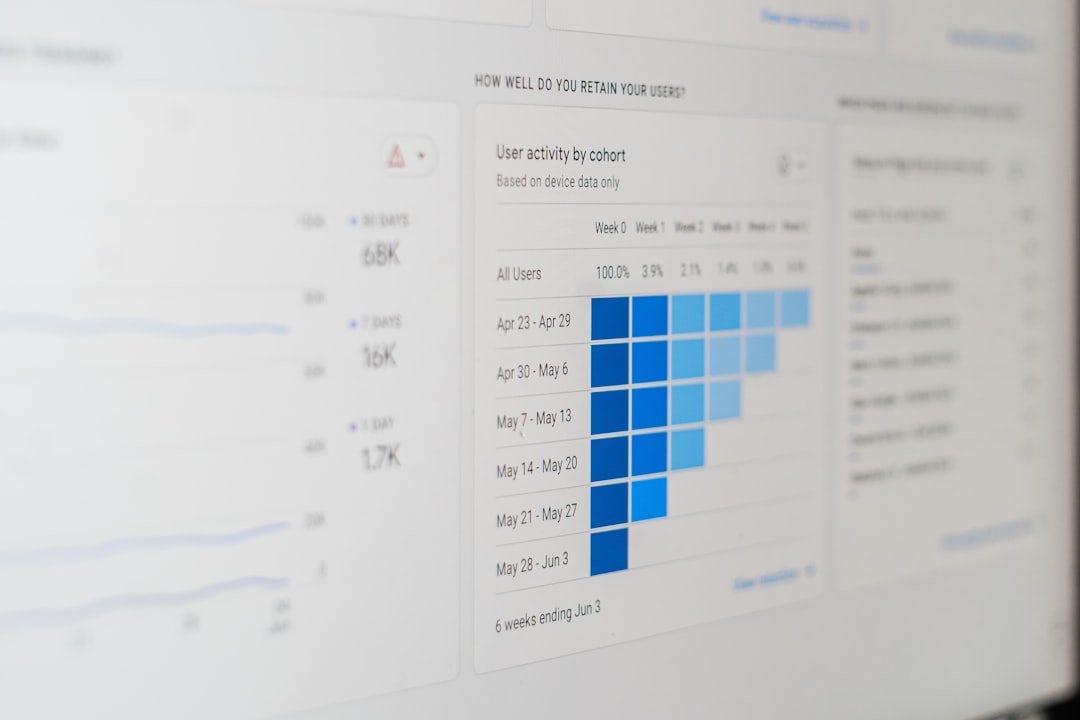
Pro tip: Keep your list short. Focus on 3 to 5 important tasks per day. A giant list can be overwhelming.
2. Time Tracking Apps
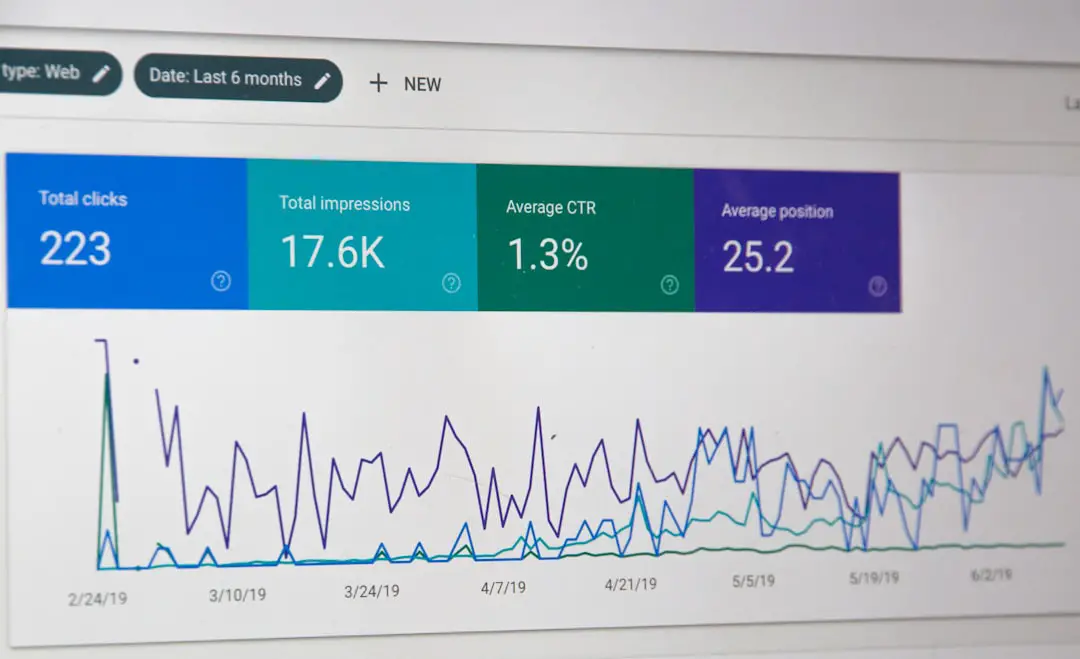
Ever wonder where your day went? Time tracking apps answer that question.
They monitor how long you spend on different tasks or websites. The results can be surprising. You might think you only spend 10 minutes on social media. It could be an hour.
Time tracking helps you:
- Spot time-wasting habits
- Understand your peak productivity hours
- Improve planning
When you see the data, you can make smarter choices.
3. Focus Timer Apps
These apps use techniques like the Pomodoro method. You work for a short burst. Usually 25 minutes. Then you take a short break. After a few rounds, you take a longer break.
This method works well because:
- Short sprints feel manageable
- Breaks prevent burnout
- You train your brain to focus deeply
It turns work into a game. You race against the clock. And you try to beat distraction.

4. Distraction Blocking Apps
Sometimes willpower is not enough. That is okay. Blocking apps remove temptation.
They can:
- Block social media sites
- Limit app usage
- Silence notifications
You choose what to block. And for how long. During that time, you cannot access those distractions even if you want to.
It is like putting your phone in another room. But digitally.
5. Habit Tracking Apps
Productivity is not just about tasks. It is about habits.
Habit tracking apps help you build routines. Like:
- Reading 20 minutes a day
- Planning your morning
- Reviewing goals each night
You mark each day you complete the habit. Seeing a streak grow feels satisfying. And you will not want to break it.
How These Apps Improve Focus
Focus is about attention. And attention is limited.
Productivity apps improve focus by:
- Reducing decision fatigue – You know what to work on next.
- Removing distractions – Fewer interruptions.
- Creating structure – Clear time blocks for deep work.
- Tracking progress – Visible results keep you motivated.
When your brain is not juggling reminders and random thoughts, it can concentrate on the task in front of you.
How To Choose the Right Apps
There are thousands of apps out there. Do not download them all. That creates clutter.
Instead, ask yourself:
- Do I struggle more with planning or with distraction?
- Do I need simple or advanced features?
- Will I actually use this every day?
Start small. One task manager. One focus timer. That is enough for most people.
Remember: The best app is the one you use consistently.
Simple Daily System Using Apps
Here is an easy system you can try.
Step 1: Plan Your Day (5–10 Minutes)
Open your task app. Choose your top 3 priorities. Not ten. Just three.
Step 2: Time Block Your Work
Use a focus timer. Work in 25 or 50 minute sessions. Take short breaks.
Step 3: Block Distractions
Turn on a blocking app while you work. Silence notifications.
Step 4: Review Your Day
Check off completed tasks. Move unfinished ones to another day. Track your habits.
This simple routine can dramatically improve your output. And it does not take much time to set up.
Common Mistakes To Avoid
Even good tools can be used the wrong way.
1. Overloading Your To-Do List
A list with 25 tasks feels stressful. You will avoid it. Keep it realistic.
2. Switching Apps Too Often
Many people chase the “perfect” app. They switch every week. That kills momentum. Pick one. Stick with it for at least a month.
3. Ignoring Breaks
Breaks are not laziness. They recharge your brain. Use them wisely. Stretch. Walk. Drink water.
4. Tracking Everything
You do not need to measure every second. Focus on what truly matters. Too much data can be distracting.
Productivity Apps for Different Lifestyles
Different people need different setups.
Students
- Task manager for assignments
- Focus timer for study sessions
- Website blocker during exams
Remote Workers
- Time tracker for client work
- Project management tools
- Calendar for meeting blocks
Entrepreneurs
- Goal tracking apps
- Idea organization tools
- Habit tracker for routines
Your role shapes your system. Customize it.
The Psychology Behind Productivity Apps
Why do these apps actually work?
They tap into basic human psychology.
- Progress bars make you want to finish tasks.
- Streaks motivate you to stay consistent.
- Deadlines create urgency.
- Notifications act as reminders.
They turn abstract goals into visible actions. And visible progress feels rewarding.
Balance Technology With Real Life
Here is the funny thing. The same phone that distracts you also holds the tools to make you productive.
But do not rely only on apps.
Combine them with:
- A clean workspace
- A clear morning routine
- Healthy sleep habits
- Regular exercise
Apps support your focus. They do not replace discipline.
Final Thoughts
Focus and productivity apps are like personal assistants in your pocket. They remind you of what matters. They protect your time. They keep you on track.
But the magic is not in the app itself. It is in how you use it.
Start simple. Pick one or two tools. Use them every day. Adjust as needed.
Soon, you will notice something powerful. You get more done. You feel less stressed. And you finally end the day knowing exactly where your time went.
That is the real win. Not just being busy. But being productive on purpose.