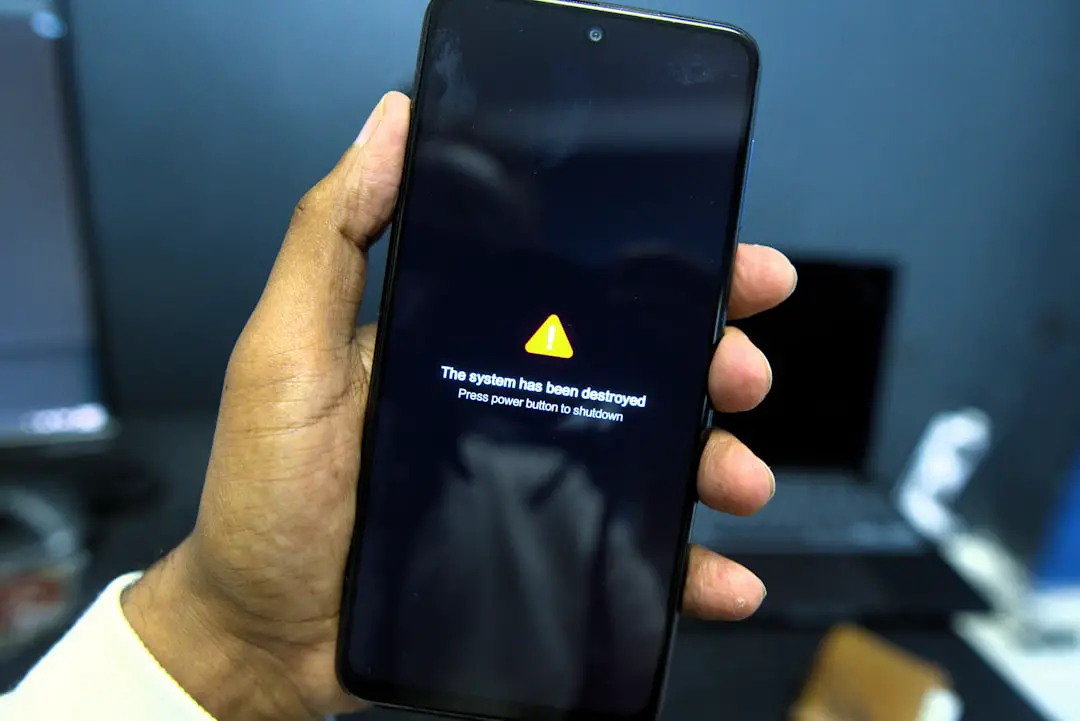
Discovering that your Grindr account has been banned can be frustrating, especially when you’re unable to log in to submit or check an appeal. If you’re seeing repeated login errors while trying to challenge a suspension, the situation can feel confusing and discouraging. However, there are structured steps you can take to understand what happened, protect your information, and increase your chances of a successful appeal.
TL;DR: If your Grindr ban appeal login is failing, first confirm whether your account is permanently banned or temporarily suspended. Check for app issues, update your software, and attempt account recovery via official channels. If login errors persist, contact Grindr Support directly with clear details, and avoid creating new accounts that may worsen the situation.
Understanding Why Your Login Is Failing
Before assuming the worst, it’s important to identify why your login is not working. A login failure during a ban appeal does not always mean your appeal has been denied. There are several possibilities:
- Permanent account ban: Your account credentials may have been completely disabled.
- Temporary suspension: Access is restricted for a set period.
- Technical issue: App glitches, outdated software, or connectivity problems.
- Email or password mismatch: Even minor typos can block access.
- Device or IP-based restriction: Some bans apply beyond just the account itself.
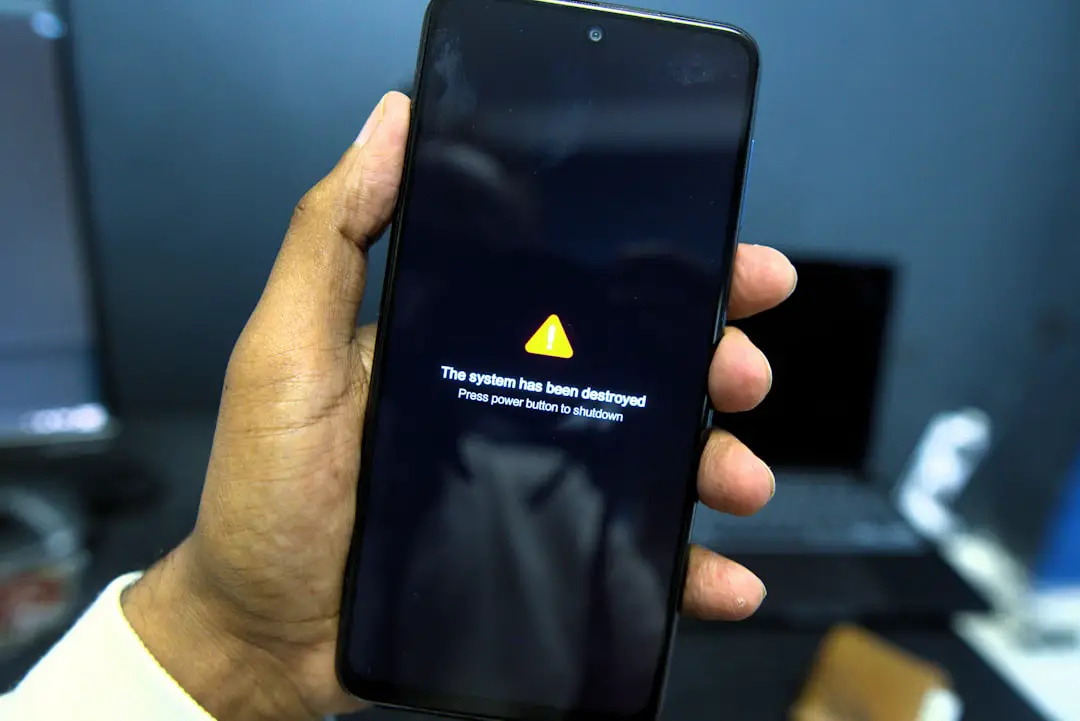
Carefully review the error message you are receiving. Messages such as “Account Disabled,” “Invalid Credentials,” or “Access Denied” each point to different underlying issues.
Step 1: Verify the Type of Ban
Grindr enforces Community Guidelines that prohibit harassment, spam, impersonation, underage use, and certain explicit conduct. If your account was flagged, you likely received an email notification detailing the issue.
Check the following:
- Your email inbox (including spam or junk folders).
- The exact wording of any suspension notice.
- Whether the notice indicates temporary or permanent removal.
If you cannot access your account but did not receive an email, your account may have been disabled automatically due to reports or suspicious activity.
Step 2: Rule Out Technical Problems
Sometimes login failures are simply technical glitches. Before proceeding with a formal appeal, try these troubleshooting steps:
- Update the Grindr app to the latest version.
- Restart your device.
- Clear the app cache (Android) or reinstall the app (iOS).
- Check your internet connection.
- Try logging in from a different network.
If login access is restored after these steps, the issue may have been technical rather than disciplinary.
Step 3: Use the Official Appeal Process
If you are certain your account is banned, the next step is to use Grindr’s official support system. Importantly, do not attempt to bypass the ban by creating new accounts immediately. This can lead to broader restrictions, including device-level bans.
To file or reinitiate an appeal:
- Go to Grindr’s official Help or Support page via a browser.
- Submit a request under “Banned Account” or “Account Issues.”
- Provide accurate details including your email, username (if known), and device type.
- Clearly explain why you believe the ban was issued in error.
Be professional and factual. Emotional or aggressive messages rarely lead to productive results. Your goal is to demonstrate cooperation and understanding.

What to Include in Your Appeal
Your appeal should be structured and clear. Support teams review large volumes of requests, so concise communication helps.
Consider including:
- A brief acknowledgment of the Community Guidelines.
- A statement clarifying whether the violation was unintentional.
- Context if you believe the report was malicious or mistaken.
- A commitment to comply with the platform’s rules moving forward.
Example structure:
“I understand the importance of maintaining a safe community. If my account violated any guidelines, it was not intentional. I respectfully request a review of the suspension and am committed to complying with all policies.”
What If the Appeal Login Failed?
If the problem specifically involves being unable to log in to check your appeal status, the most likely reasons are:
- The account has been permanently deactivated.
- Your email address was removed from the system.
- The appeal window has expired.
- Your credentials were changed or invalidated.
In these cases, submitting a new support request through the official website, not the app, is your best option. Use the same email you originally registered with whenever possible.
Avoid These Common Mistakes
When facing a login ban issue, some actions can make matters worse.
- Do not create multiple accounts immediately. This may trigger additional bans.
- Do not harass support staff. Abusive communication can permanently close a case.
- Do not use third-party “unban” services. Many are scams and may compromise your personal data.
- Do not share private login details publicly. Protect your information at all times.
Remaining patient and professional gives you the highest likelihood of being heard.
Device and IP Bans Explained
In certain cases, Grindr may apply restrictions beyond the account itself. If every new account you create is immediately suspended, this could indicate a device or IP-based block.
This type of ban often occurs when:
- There are repeated violations.
- Multiple suspended accounts are linked to one device.
- Automated spam behavior was detected.
Attempting to bypass this with VPNs or device manipulation may violate terms further and close off future appeal opportunities.
How Long Do Appeals Take?
Response times vary depending on demand and complexity, but typically:
- Initial acknowledgment may occur within a few days.
- Full review may take one to two weeks.
- Complex cases can take longer.
If you have not received a response after a reasonable period (for example, 10–14 days), you may send a polite follow-up referencing your original request number.
When Reinstatement Is Not Possible
Unfortunately, not all bans are reversible. Permanent bans often apply in cases involving:
- Underage use.
- Severe harassment or threats.
- Fraud or impersonation.
- Repeated violations after warnings.
If your appeal is denied, the decision is typically final. Continuing to attempt account creation may only extend restrictions.
Moving Forward Responsibly
If your account is restored, treat it as a fresh start. Carefully review Grindr’s Community Guidelines and make sure you:
- Avoid sharing prohibited content.
- Communicate respectfully with other users.
- Report harassment instead of responding angrily.
- Protect your personal and financial information.
Being proactive about understanding the rules reduces the likelihood of future disruptions.
Protecting Your Digital Presence
A platform ban can serve as a reminder of the importance of maintaining professional and respectful online conduct. Even casual interactions can lead to reports if misunderstood or taken out of context.
Keep these long-term habits in mind:
- Review terms of service before engaging heavily on platforms.
- Use clear and respectful communication.
- Avoid spam-like messaging patterns.
- Enable security features such as two-factor authentication when available.
Final Thoughts
A Grindr ban appeal login failure can feel like the end of the road, but in many cases, it’s either a technical issue or a procedural setback. By approaching the situation calmly, verifying the type of restriction, and using official support channels appropriately, you maximize your chances of regaining access. Avoid shortcuts or risky workarounds that may worsen the situation.
Most importantly, respond thoughtfully and professionally. Companies take safety concerns seriously, and demonstrating that you do as well can make a meaningful difference in how your appeal is handled.