
The Nook Tablet is a small, friendly device made for reading, streaming, and simple everyday fun. It came from Barnes & Noble, the famous bookstore brand. While it may not be as flashy as an iPad, it has its own charm. It was built especially for book lovers who want more than just a basic e-reader.
TLDR: The Nook Tablet is an affordable tablet designed mainly for reading and entertainment. It offers a colorful screen, access to books, apps, movies, and music. It is simple to use and great for casual users, students, and families. If you want a budget-friendly tablet focused on reading and light media use, the Nook Tablet might be perfect.
Let’s break it down in a fun and easy way.
What Is the Nook Tablet?
The Nook Tablet is a compact multimedia tablet. It runs on a modified version of Android. That means it can run apps, games, and streaming services. But its main goal? Reading.
Barnes & Noble designed it to combine:
- An e-reader for books and magazines
- A tablet for apps and videos
- A portable entertainment hub
Think of it as a reading device with extra perks. It is not meant to beat premium tablets. It is meant to be simple, affordable, and enjoyable.
Key Features of the Nook Tablet
Here is where things get interesting. The Nook Tablet packs in more than you might expect.
1. Beautiful Display
The Nook Tablet usually features a 7-inch display with a bright IPS screen. Colors pop. Text looks crisp. It is easy on the eyes for long reading sessions.
Why this matters:
- Text is clear and sharp
- Images look vibrant
- Good viewing angles
It feels much more like a small tablet than a basic e-ink reader.
2. Access to Thousands of Books
This is the star feature.
Through the Barnes & Noble store, you can access:
- Millions of eBooks
- Magazines
- Newspapers
- Comics
You can highlight text. Add notes. Change font sizes. Even adjust brightness for night reading.
For book lovers, this is a dream in a small device.
3. Apps and Games
The Nook Tablet supports many Android apps. Depending on the model, you may get access to the Google Play Store or Barnes & Noble’s app store.
This means you can install:
- Netflix
- YouTube
- Spotify
- Social media apps
- Casual games
It turns reading time into entertainment time with one tap.
4. Lightweight and Portable
The Nook Tablet is small and light. It fits easily in a purse or backpack. It is comfortable to hold with one hand.
This makes it:
- Great for travel
- Perfect for commuting
- Easy for kids to hold
5. Expandable Storage
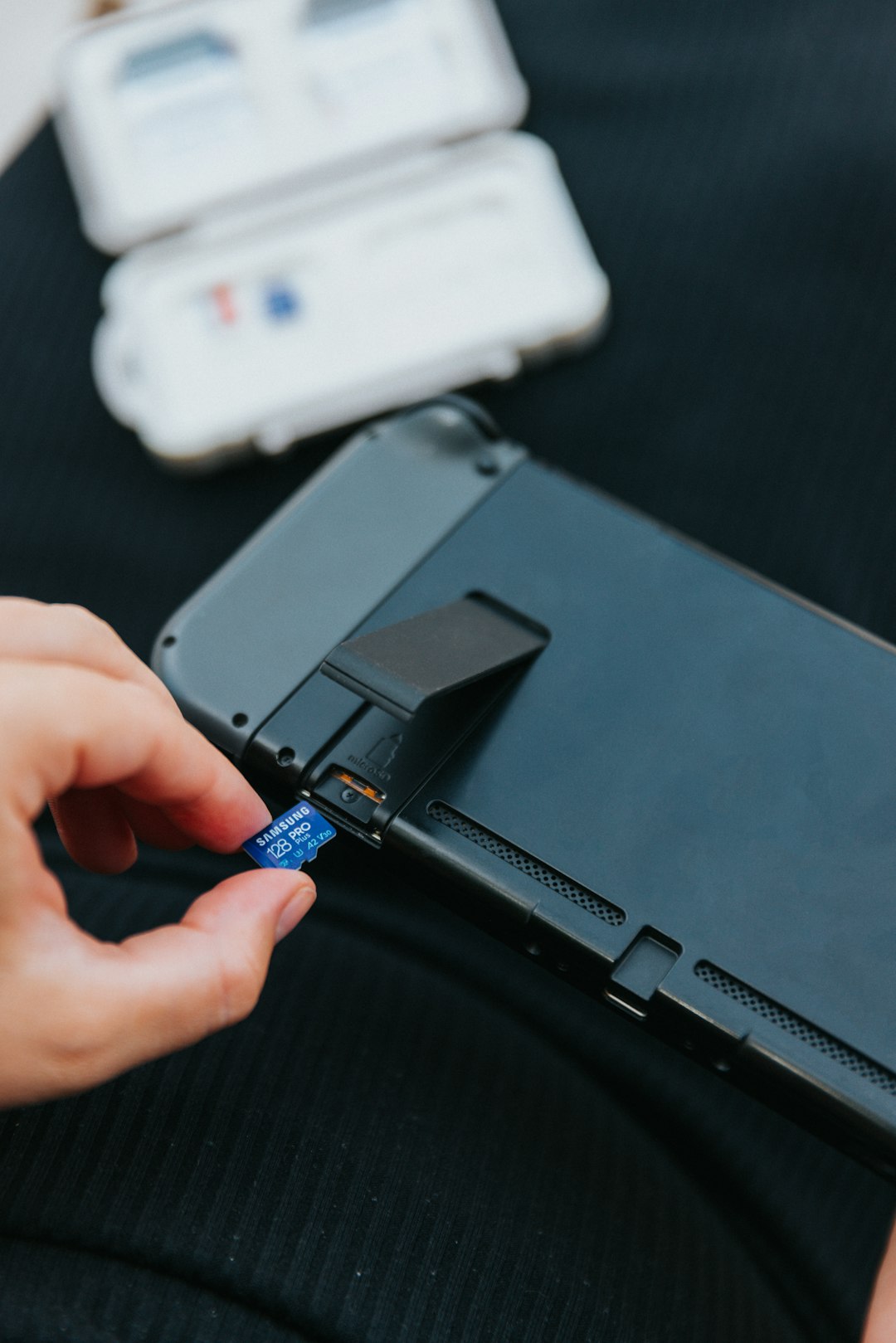
Many Nook Tablet models support microSD cards. That means you can add extra storage.
More storage means:
- More books
- More movies
- More apps
It gives you flexibility without spending too much.
Nook Tablet Specs at a Glance
Here is a simple breakdown of common Nook Tablet specs. Keep in mind that exact numbers may vary by model.
| Feature | Typical Nook Tablet Specs |
|---|---|
| Display | 7-inch IPS LCD, HD resolution |
| Operating System | Android-based |
| Storage | 8GB to 32GB internal |
| Expandable Storage | microSD card support |
| Battery Life | Up to 8–10 hours (mixed use) |
| Connectivity | WiFi, Bluetooth |
| Cameras | Front and sometimes rear camera |
These specs are modest. But they are more than enough for reading and streaming.
How Does It Compare to Other Tablets?
Let’s keep things simple. Here is a quick comparison between the Nook Tablet, a basic Amazon Fire tablet, and an iPad.
| Feature | Nook Tablet | Amazon Fire | iPad |
|---|---|---|---|
| Price | Budget-friendly | Budget-friendly | Premium |
| Main Focus | Reading + Media | Media + Shopping | All-purpose |
| App Selection | Moderate | Moderate | Extensive |
| Performance | Basic to Mid | Basic to Mid | High |
| Best For | Book lovers | Amazon users | Power users |
The Nook Tablet is not trying to compete with the iPad. It plays in the affordable, simple space. And it does that job well.
Who Is the Nook Tablet For?
This is the big question.
1. Avid Readers
If you read every day, the Nook Tablet is a strong choice.
You get:
- Easy access to books
- A bright screen for magazines and comics
- Adjustable fonts and layouts
It feels like carrying a bookstore in your hand.
2. Students
Students can use it for:
- eTextbooks
- Note-taking apps
- Research
- Streaming study videos
It is cheaper than most premium tablets. That makes it easier on a student budget.
3. Kids and Families
The Nook Tablet is simple to use. That makes it family-friendly.
Parents like it because:
- It is affordable
- It supports parental controls
- It is durable enough for light daily use
Kids like it because they can play games and watch cartoons.
4. Casual Users
Not everyone needs a powerhouse device.
If you mostly want to:
- Read books
- Check email
- Browse the web
- Watch Netflix
Then the Nook Tablet is more than enough.

Who Is It Not For?
Let’s be honest.
The Nook Tablet is probably not ideal for:
- Hardcore gamers
- Professional video editors
- Graphic designers
- People who want cutting-edge speed
It is not built for heavy multitasking or demanding software. It is built for comfort and simplicity.
Pros and Cons
Pros
- Affordable price
- Great for reading
- Lightweight and portable
- Expandable storage
- Simple interface
Cons
- Limited high-end performance
- App selection may be restricted by model
- Not ideal for advanced productivity tasks
It is all about expectations. If you expect a budget reading tablet with media features, you will be happy.
Is the Nook Tablet Still Worth It?
That depends on your needs.
If you want:
- An affordable tablet
- A strong focus on reading
- A simple device for everyday entertainment
Then yes, it can still be worth it.
It shines in its niche. It brings together books and digital media in a clean and friendly way.
Final Thoughts
The Nook Tablet is like a cozy reading chair in digital form. It is not flashy. It is not ultra-powerful. But it is dependable and enjoyable.
It blends the world of books with the flexibility of a tablet. That makes it special. Especially for readers who want a bit more than plain e-ink.
In short, the Nook Tablet is:
- Simple
- Affordable
- Focused on reading
- Great for casual entertainment
And sometimes, simple is exactly what you need.